
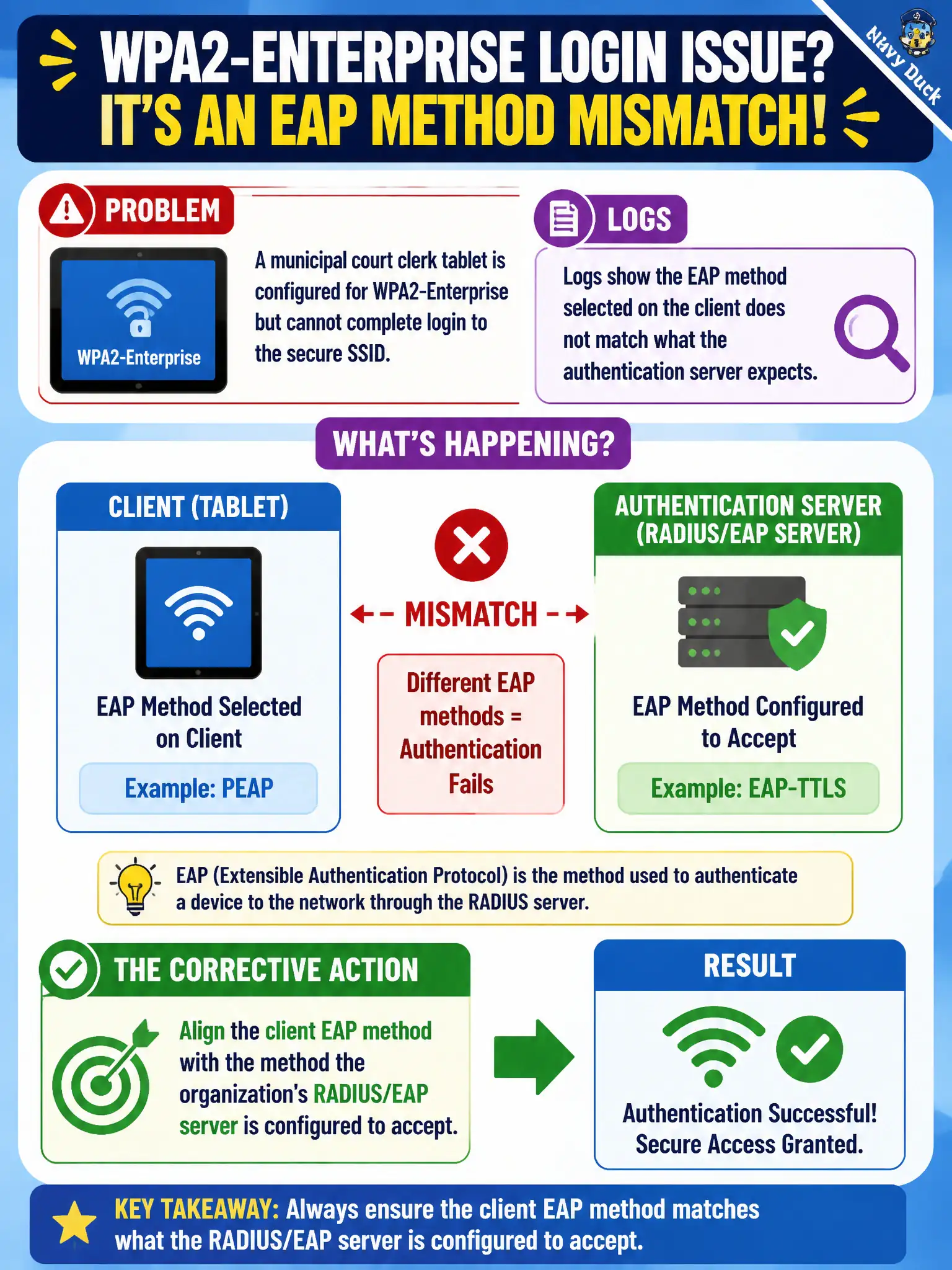
A municipal court clerk tablet is configured for WPA2-Enterprise but cannot complete login to the secure SSID. Logs show the EAP method selected on the client does not match what the authentication server expects. What should the technician correct?
Select an answer to reveal the explanation.
Short Explanation
Enterprise Wi-Fi is picky: the EAP method on the tablet has to be the same family the server expects. A PEAP client talking to an EAP-TLS-only backend will never finish auth. Match the profile to the org’s EAP design—don’t fall back to open or PSK shortcuts.
Full Explanation
A municipal court clerk tablet configured for WPA2-Enterprise that cannot complete login because the client EAP method does not match what the authentication server expects should have the client EAP method aligned with the method the organization’s RADIUS/EAP server is configured to accept. Enterprise success requires method agreement (for example PEAP vs EAP-TLS) end to end. CWTS security troubleshooting treats EAP method mismatch as a first-class config fault.
Switching the SSID to open authentication so EAP method selection no longer applies fails secure courthouse design. Setting the client to WPA2-Personal and pasting the clerk’s Active Directory password as the PSK fails by concept: AD passwords are not Personal PSKs, and Personal is not Enterprise. Disabling certificate checking forever and ignoring EAP method mismatches as cosmetic warnings fails because method mismatch is a functional break, not a cosmetic warning.
Exam caveat: Enterprise auth requires matching EAP methods on client and AAA—not open-SSID shortcuts.
Operational check: read the municipal EAP standard (e.g., PEAP-MSCHAAPv2 or EAP-TLS); set the tablet profile to that method; retry; confirm RADIUS accepts; document the profile template for court devices.