
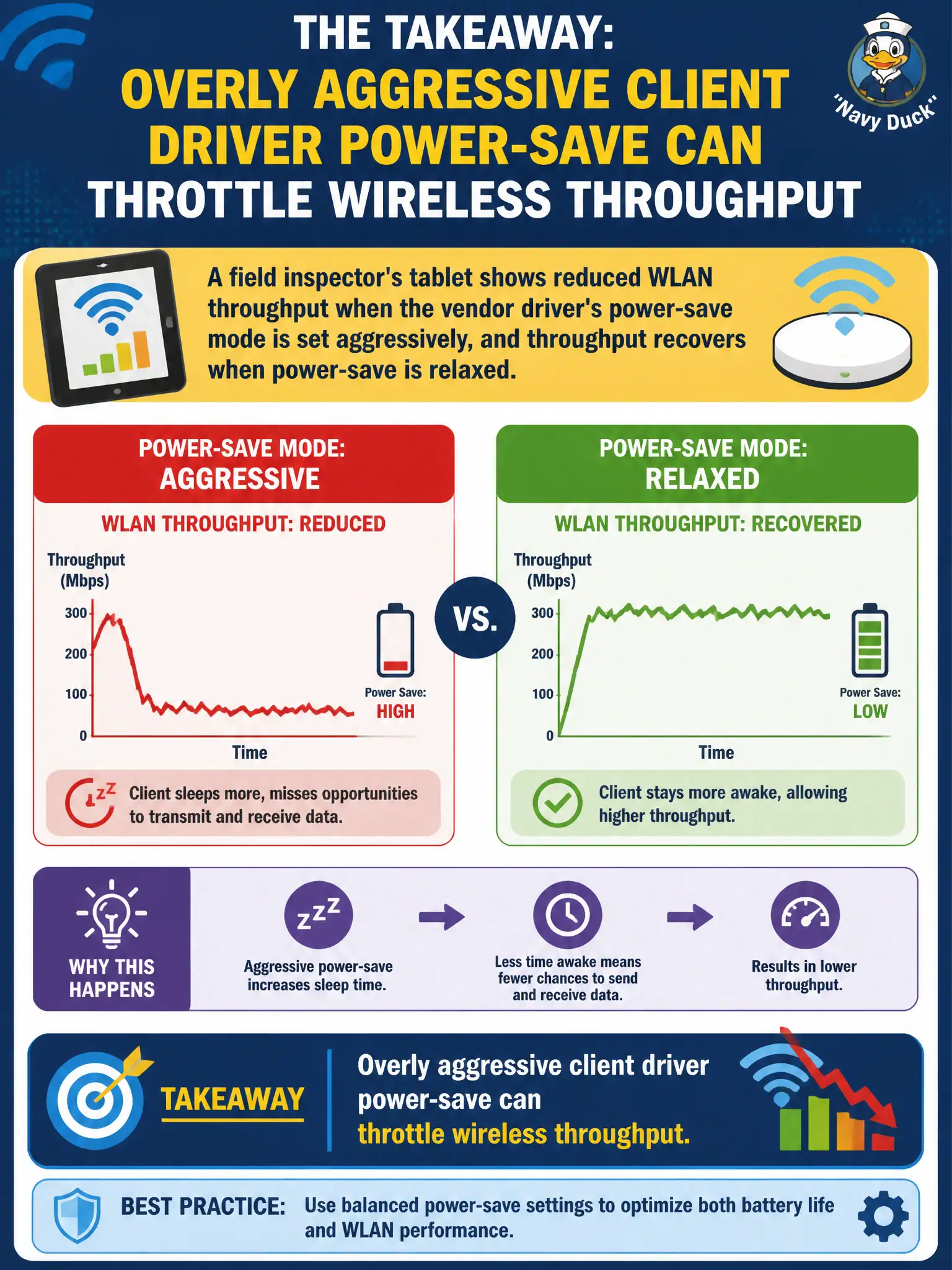
A field inspector's tablet shows reduced WLAN throughput when the vendor driver's power-save mode is set aggressively, and throughput recovers when power-save is relaxed. What is the takeaway?
Select an answer to reveal the explanation.
Short Explanation
Ultra-aggressive power-save is like the radio napping between every sentence—great for battery, rough for speed. Ease the power-save setting and the pipe opens back up. Battery versus performance is a real tradeoff on field tablets.
Full Explanation
A field inspector’s tablet with reduced WLAN throughput under an aggressively set vendor driver power-save mode, recovering when power-save is relaxed, teaches that overly aggressive client driver power-save can throttle wireless throughput. Power-save reduces radio availability and can hurt interactive civic apps. Driver settings are in-scope performance variables at CWTS depth.
Aggressive power-save always increasing MCS by standard definition fails because aggressive sleep typically harms, not helps, sustained throughput. Power-save settings only affecting Ethernet MTU fails by concept: power-save is a wireless radio behavior. Throughput recovery proving the AP channel plan was illegal outdoors fails: relaxing client power-save does not adjudicate outdoor channel legality.
Exam caveat: client power-save can be a performance root cause even when RF coverage looks fine.
Operational check: adjust the tablet’s WLAN power-save to a balanced/performance profile per vendor guidance; confirm throughput recovery; standardize field images; avoid unnecessary AP channel changes for this symptom. For battery-sensitive field tablets, choose vendor power-save profiles that balance runtime against permitting-app throughput rather than leaving aggressive defaults that throttle WLAN.