
After a city planning desk was moved behind metal shelving, the same laptop profile that works at the reception counter fails to stay connected. Security settings were unchanged. What is the best first conclusion?
Select an answer to reveal the explanation.
Short Explanation
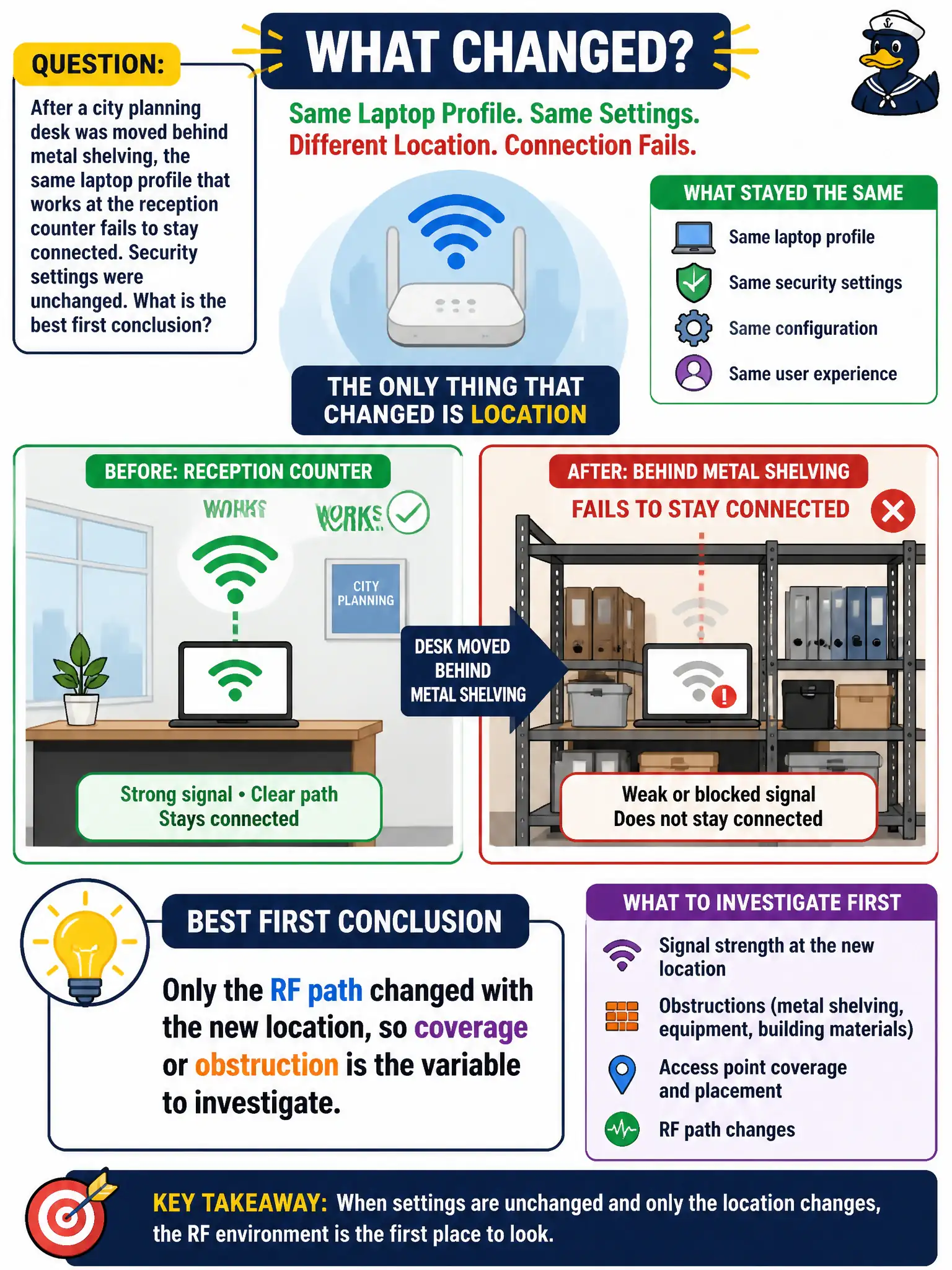
Same laptop, same profile, new metal maze—only the RF path changed. If it works at reception, the credentials are fine and the shelves are the villain. Check coverage at the new desk before rewriting configs.
Full Explanation
After a city planning desk moves behind metal shelving and the same laptop profile that works at reception fails to stay connected—with security settings unchanged—the best first conclusion is that only the RF path changed, so coverage or obstruction is the variable to investigate. Controlled comparison (same profile, new location) isolates RF. Technicians should not invent security flag flips from furniture moves.
The WPA3 transition mode flag flipping solely because furniture moved fails because furniture does not reconfigure AKM flags. The DHCP scope must be rebuilt whenever furniture is rearranged fails by concept: DHCP scopes are not furniture-triggered, and the symptom is RF/connectivity at the new desk. Client isolation on the guest SSID breaking the staff profile automatically fails because guest isolation does not rewrite staff profiles when desks move.
Exam caveat: change one variable—location/obstruction—keep config constant ⇒ investigate RF first.
Operational check: measure RSSI/SNR at reception versus behind the shelving with the same laptop; relocate desk or escalate coverage; leave WPA3 and DHCP settings alone unless evidence implicates them. Photograph the metal shelving obstruction and attach RSSI samples to the coverage ticket so facilities moves are not repeatedly misrouted as security or DHCP incidents.