
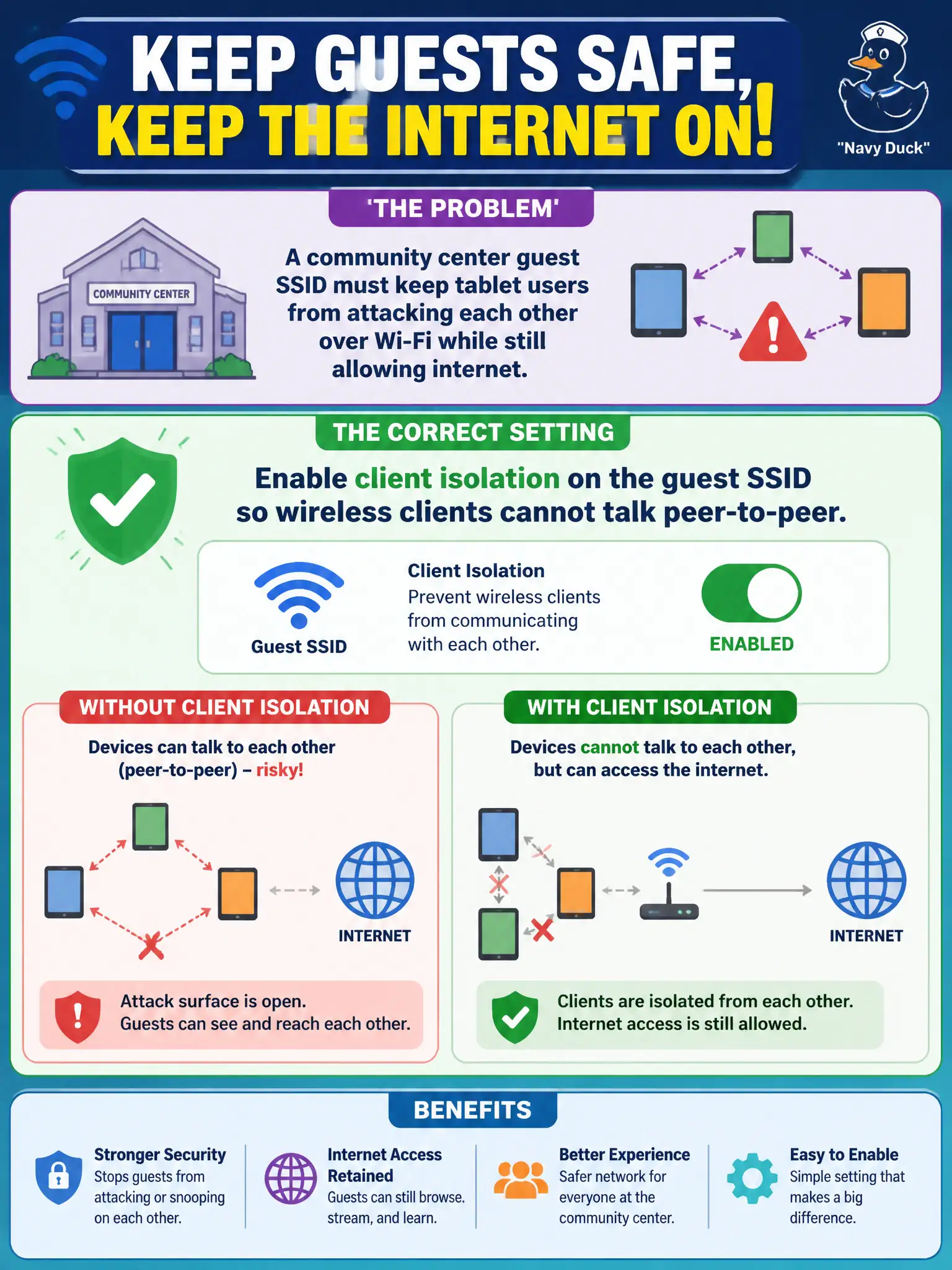
A community center guest SSID must keep tablet users from attacking each other over Wi-Fi while still allowing internet. Which setting pairs correctly with that guest SSID?
Select an answer to reveal the explanation.
Short Explanation
Guest SSID plus client isolation: internet yes, device-to-device mischief no. Bridging guests into staff servers or handing out staff Enterprise profiles misses the whole guest point.
Full Explanation
A community-center guest SSID that must keep tablet users from attacking each other over Wi-Fi while still allowing internet pairs correctly with client isolation on that guest SSID. Isolation prevents wireless peer-to-peer communication so patrons cannot scan or exploit neighbors on the same BSS, while upstream internet policy remains available. That is a standard public-guest control for civic venues.
Bridging guests into the staff server VLAN with full SMB access fails because it grants guests lateral reach into municipal servers. Sharing the facilities crew WPA3-Enterprise profile with every youth volunteer fails by concept: staff Enterprise credentials are not guest onboarding tools. Disabling guest firewall rules so peer discovery just works on site fails the isolation requirement and increases device-to-device risk.
Exam caveat: guest internet access and guest peer isolation are compatible goals. Enabling discovery “for convenience” is often the distractor that breaks isolation.
Operational check: enable client isolation on the community-center guest SSID; from two test tablets, verify no peer ping/file share while both can reach an allowed internet site; confirm staff VLANs remain unreachable.