
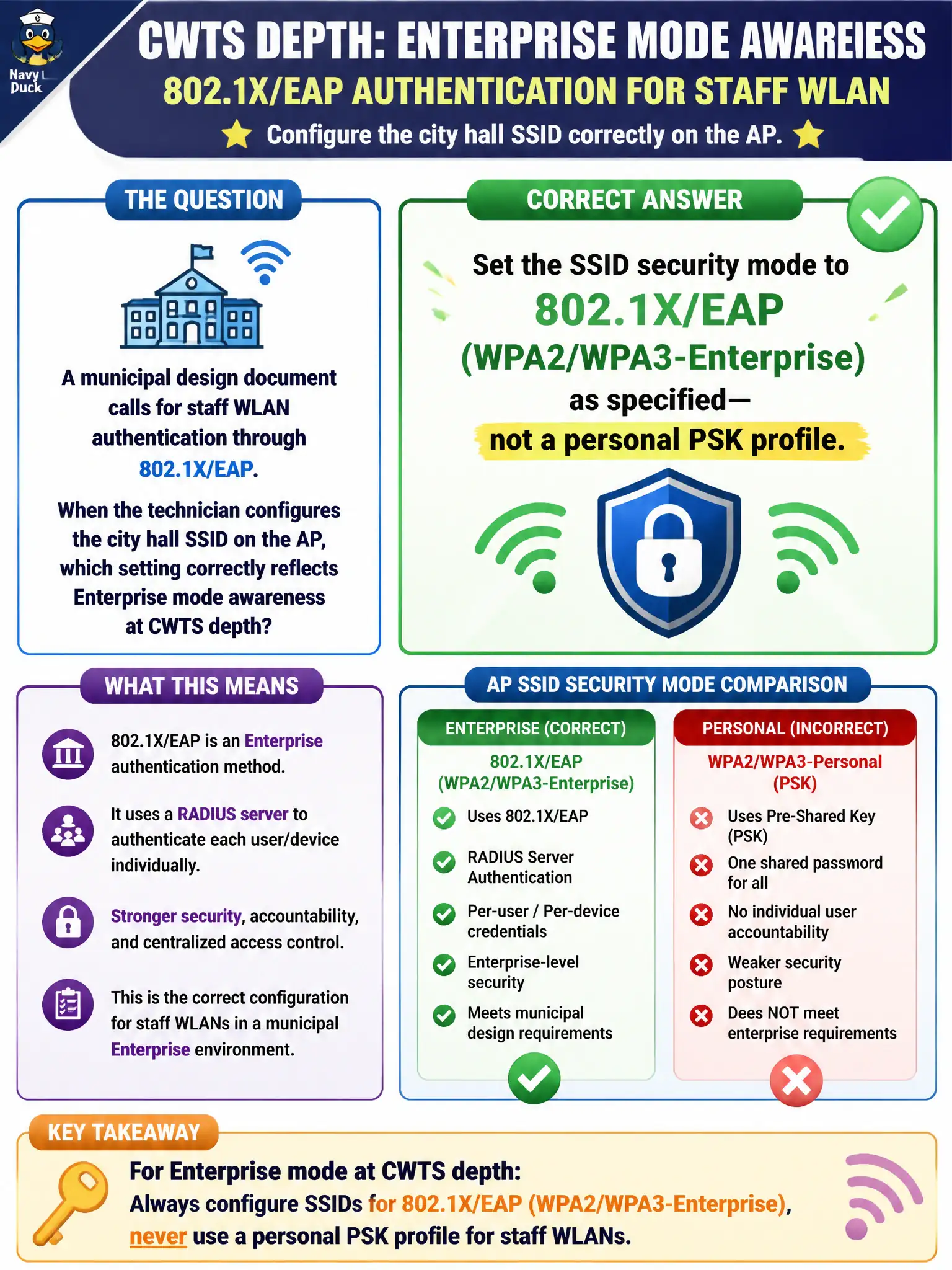
A municipal design document calls for staff WLAN authentication through 802.1X/EAP. When the technician configures the city hall SSID on the AP, which setting correctly reflects Enterprise mode awareness at CWTS depth?
Select an answer to reveal the explanation.
Short Explanation
Enterprise means the SSID is actually set for 802.1X/EAP—not a sticky hallway PSK wearing a fancy name. The AP/SSID has to speak Enterprise mode; a lonely RADIUS box with an open SSID does nothing useful.
Full Explanation
When a municipal design document calls for staff WLAN authentication through 802.1X/EAP, the technician must set the city-hall SSID security mode to 802.1X/EAP (WPA2/WPA3-Enterprise) as specified—not a personal PSK profile. Enterprise mode awareness at CWTS depth means the SSID itself is configured for 802.1X so clients and the AP negotiate EAP toward the organization’s RADIUS path, matching the written design rather than substituting a hallway passphrase.
Entering one shared staff passphrase under WPA2-Personal and skipping any EAP setting fails because Personal mode is a different AKM: a shared PSK is not 802.1X/EAP Enterprise authentication. Enabling WEP Shared Key Authentication and calling it Enterprise because a password is involved fails by concept: WEP Shared Key is legacy and broken, and the word “password” does not equal Enterprise 802.1X. Leaving security open while a RADIUS server sits unused on the same VLAN fails because RADIUS does nothing useful if the SSID never invokes 802.1X; an unused AAA box cannot authenticate an open BSS.
Exam caveat: CWTS expects technicians to apply the design’s Enterprise setting on the SSID. Presence of RADIUS infrastructure is not proof the WLAN is in Enterprise mode.
Operational check: open the AP/controller SSID profile for city hall; confirm security is WPA2/WPA3-Enterprise with 802.1X/EAP; ensure no Personal PSK is configured for that staff SSID; associate a test client with the correct EAP method and verify RADIUS accounting shows a successful EAP exchange.