
After a firmware update on a city yard AP removes TKIP, what validation should the technician perform?
Select an answer to reveal the explanation.
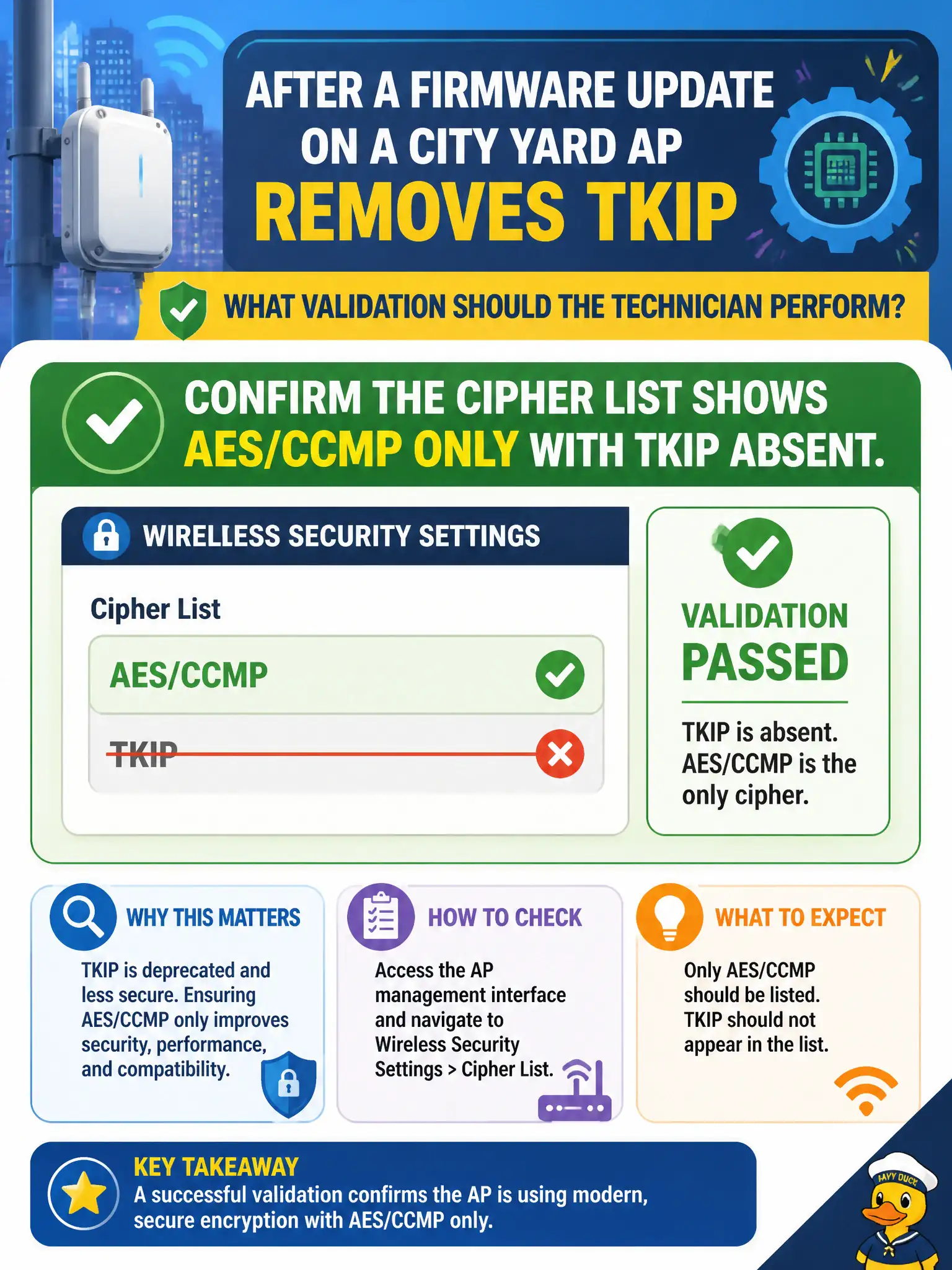
Short Explanation
Trust, then verify. Open the security/cipher list and make sure TKIP is gone and only AES/CCMP remains—hiding the SSID or adding MAC filters is not the validation step.
Full Explanation
After firmware on a city yard AP removes TKIP, validation should confirm the cipher list shows AES/CCMP only with TKIP absent. Firmware removal can be undone by templates or mixed-mode checkboxes, so technicians verify the live security profile rather than trusting the release note alone. Civic yards need that confirmation before declaring the hardening complete.
Confirming the SSID is hidden so residual TKIP frames cannot be observed substitutes obscurity for cipher verification. Confirming MAC filtering is enabled to replace removed TKIP swaps in a weak control. Confirming Shared Key Authentication is on for older scanners reintroduces legacy auth instead of validating AES/CCMP.
Exam caveat: post-change validation targets the cipher list—AES/CCMP present, TKIP absent—not hiding, MAC filtering, or Shared Key.
Operational check: open the yard AP security page after firmware, verify AES/CCMP only, associate a test tablet, export or screenshot the cipher list, and close the change with that evidence. Municipal technicians document the verified setting in the as-built packet so the next shift inherits a known-good civic configuration rather than tribal knowledge. Municipal technicians document the verified setting in the as-built packet so the next shift inherits a known-good civic configuration rather than tribal knowledge.