
Vendor defaults on a new branch-library AP still allow WPA-PSK with TKIP. How should the technician harden the config?
Select an answer to reveal the explanation.
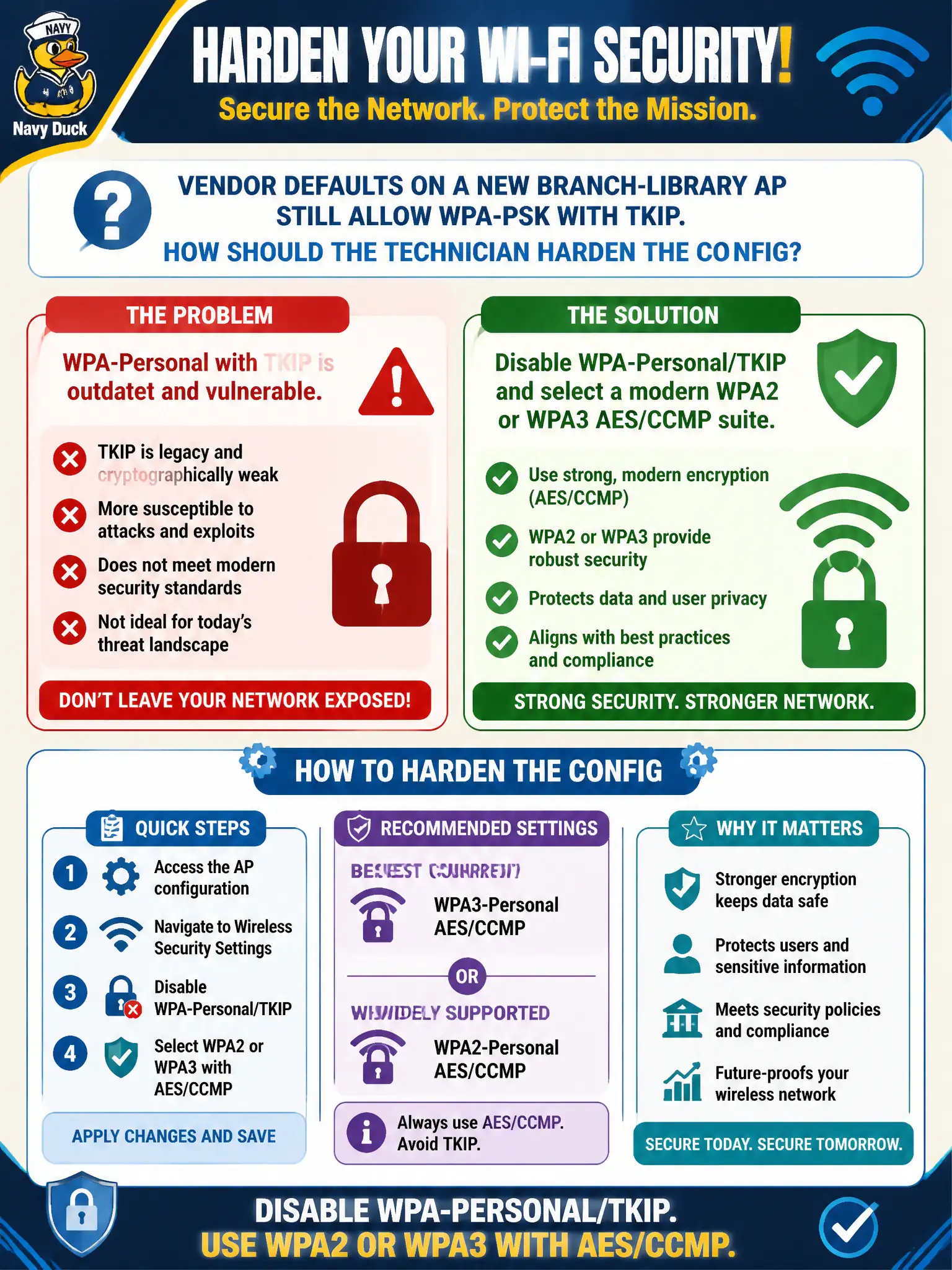
Short Explanation
Factory defaults are not a security policy. Turn off the WPA-PSK/TKIP leftover and lock the library AP to a modern WPA2 or WPA3 AES/CCMP suite before patrons show up.
Full Explanation
Vendor defaults on a new branch-library AP that still allow WPA-PSK with TKIP must be hardened before production. The technician should disable WPA-Personal/TKIP and select a modern WPA2 or WPA3 AES/CCMP suite. Shipping defaults are convenience, not a municipal security baseline for library staff or public SSIDs.
Leaving the vendor default so future firmware can decide security automatically postpones accountability. Keeping TKIP but rotating the PSK daily from a printed desk spreadsheet adds operational burden without fixing the cipher. Enabling WPA-PSK TKIP only on 2.4 GHz while claiming 5 GHz is hardened still leaves a weak radio path on the same AP.
Exam caveat: harden away from WPA-PSK/TKIP defaults immediately—do not wait on firmware or band-split excuses.
Operational check: disable TKIP/WPA1 options, set WPA2 or WPA3 with AES/CCMP per library design, validate staff and public profiles, and screenshot the security page showing TKIP absent. Municipal technicians document the verified setting in the as-built packet so the next shift inherits a known-good civic configuration rather than tribal knowledge. Municipal technicians document the verified setting in the as-built packet so the next shift inherits a known-good civic configuration rather than tribal knowledge.