
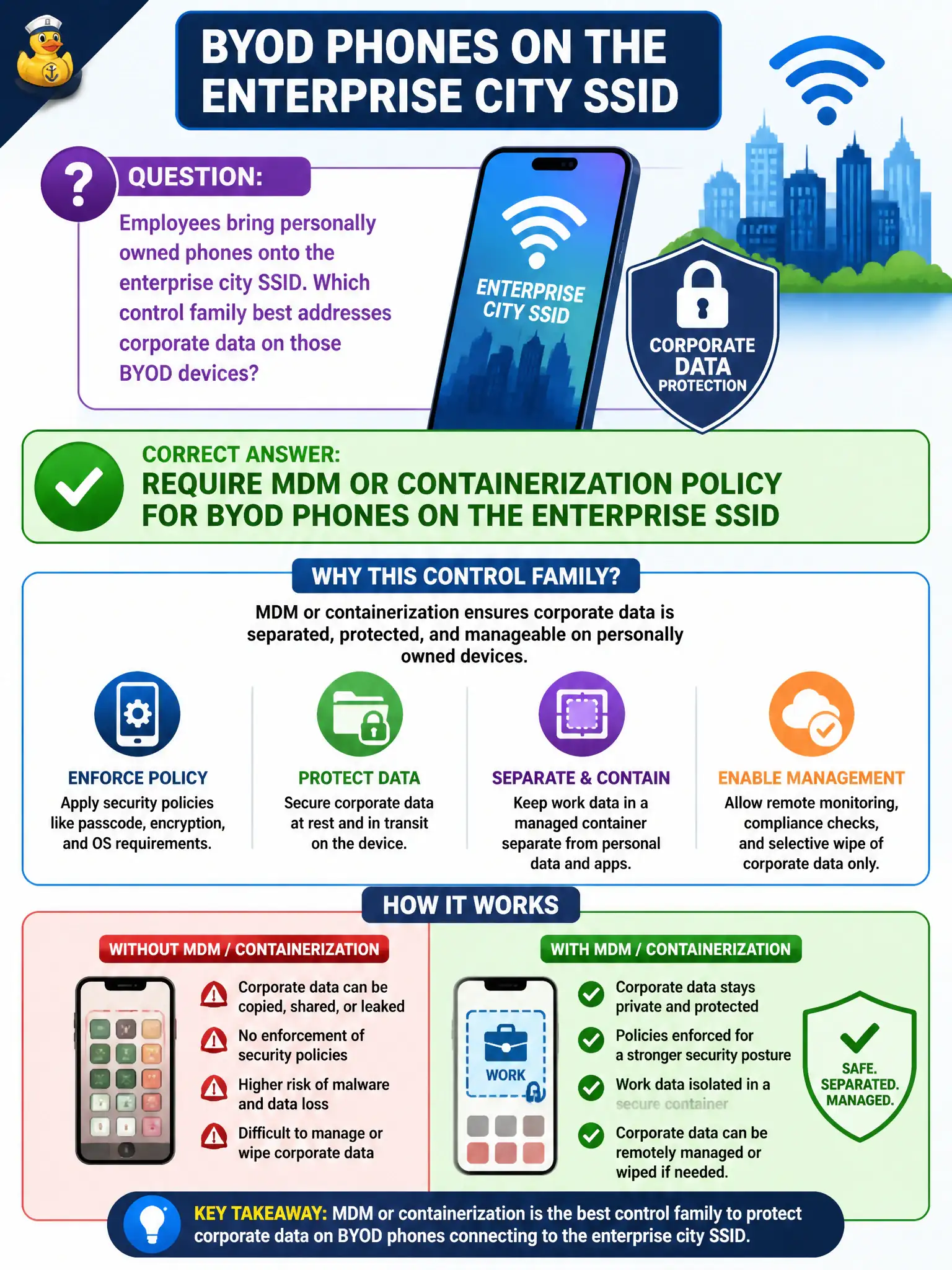
Employees bring personally owned phones onto the enterprise city SSID. Which control family best addresses corporate data on those BYOD devices?
Select an answer to reveal the explanation.
Short Explanation
Personal phones on the enterprise SSID need MDM or containers so city data is not just “somewhere in photos.” Elevator PSKs and WEP nostalgia are not BYOD policy.
Full Explanation
Employees who bring personally owned phones onto the enterprise city SSID create BYOD risk for corporate data, best addressed by requiring MDM or containerization policy for those devices. MDM and container controls separate or manage city email, apps, and documents on personal hardware so lost phones, curious family members, and sideloaded apps do not freely expose municipal information. Enterprise association alone is not a data-protection program for BYOD. Relying only on a shared guest PSK printed in the elevators is appropriate for neither enterprise access nor BYOD data control. Banning all certificates and using WEP for personal devices only is cryptographically unacceptable. Treating BYOD identically to locked-down kiosk thin clients without mobile policy ignores the reality of personal device ownership and app ecosystems. Exam caveat: decide whether BYOD belongs on the enterprise SSID at all—many cities place personal phones on a separate segmented SSID even when MDM is mandatory for any corporate app access. Operational check: enroll a personal test phone in the approved MDM or container profile, join the designated SSID, confirm corporate apps are managed or contained, and verify that unenrolled personal devices cannot access the same corporate data paths.