
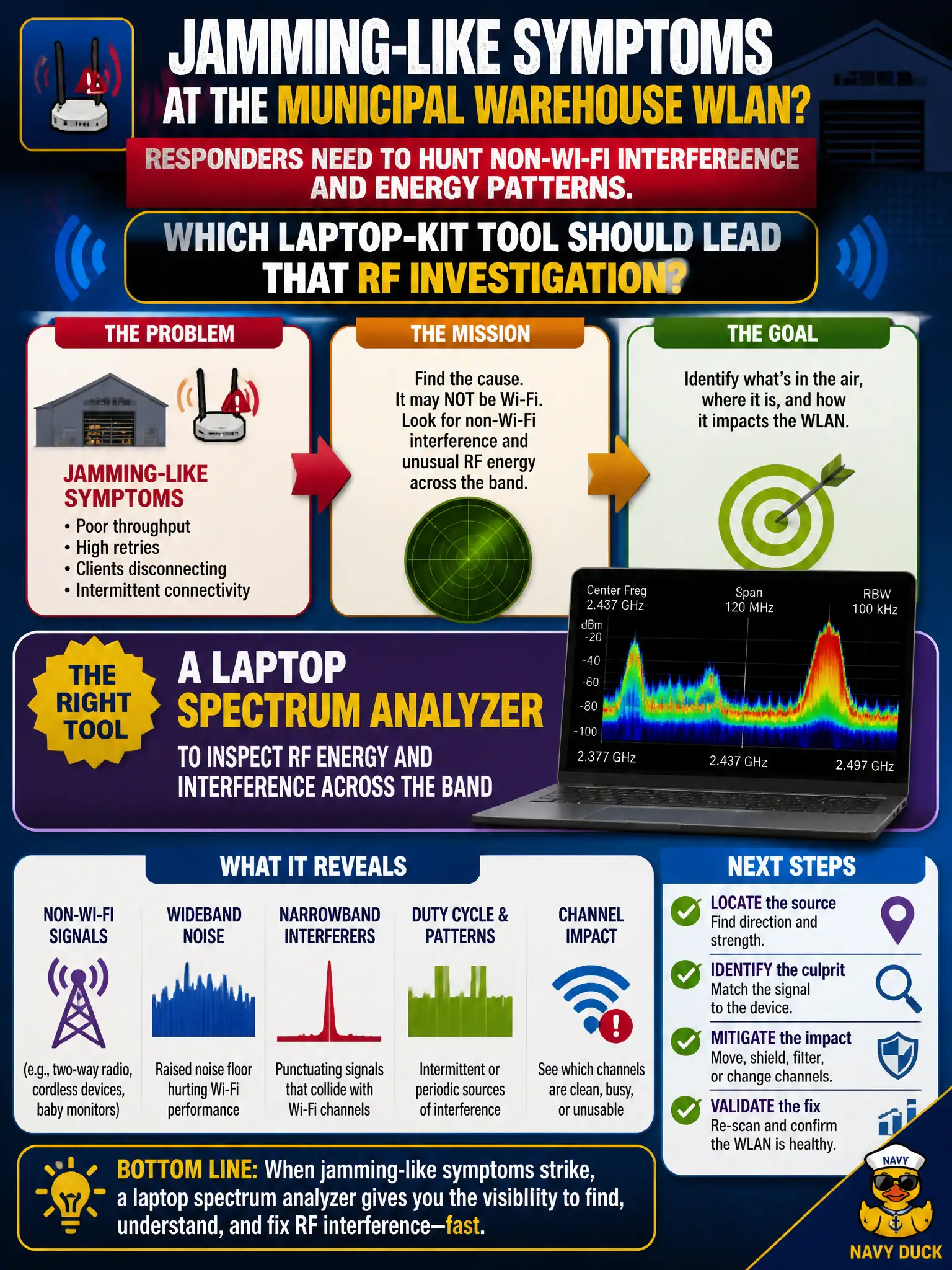
After jamming-like symptoms hit the municipal warehouse WLAN, responders need to hunt non-Wi-Fi interference and energy patterns. Which laptop-kit tool should lead that RF investigation?
Select an answer to reveal the explanation.
Short Explanation
Jamming and nasty interferers show up as energy, not as neat 802.11 data frames. A spectrum analyzer on the laptop kit paints that picture across the band. Portal themes and printer SNMP will not find the noise source.
Full Explanation
Jamming-like symptoms on a municipal warehouse WLAN often involve non-Wi-Fi energy or interference that never decodes as tidy 802.11 data frames. A laptop spectrum analyzer should lead that RF investigation by showing energy across the band, duty cycles, and patterns that identify industrial interferers or intentional disruption near docks and racking. Protocol-only troubleshooting can look like “poor performance” or “random disconnects” while missing the underlying RF cause that a spectrum view makes obvious. A captive-portal theme editor cannot locate RF energy sources. An SNMP read-only string for printer supplies is unrelated to spectrum incidents. A WPA3 passphrase length calculator addresses Personal AKM hygiene, not warehouse interference or jamming response. Exam caveat: spectrum findings should be correlated with floor plans and known industrial sources—motors, scanners, lighting, and neighboring tenants—before attributing every wideband spike to malice. Operational check: walk the warehouse with the spectrum kit during the incident window, mark peak energy locations on a floor plan, mitigate by shielding, relocating, changing channels, or escalating physical security, then re-measure to confirm the interfering signature dropped.