
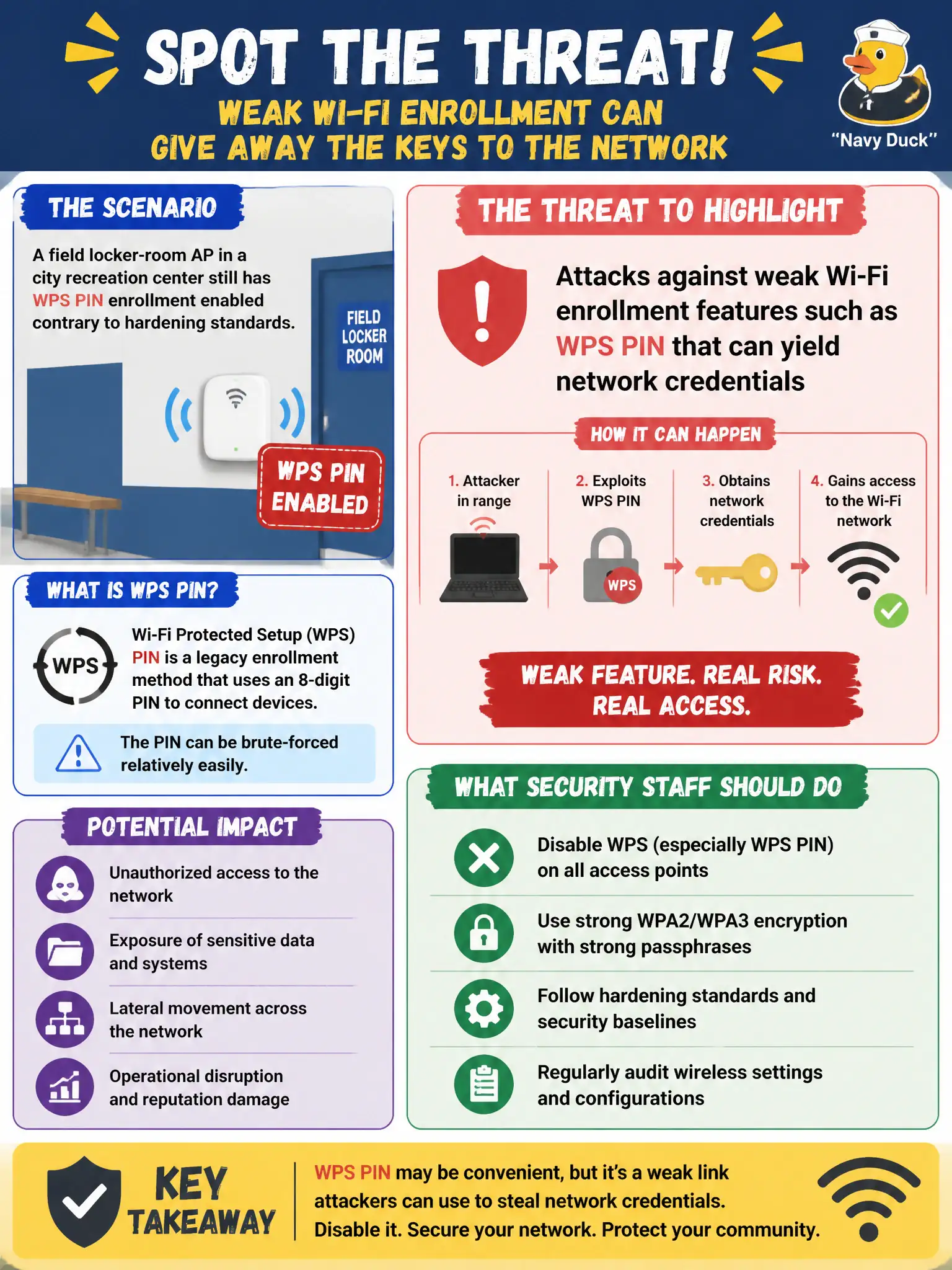
A field locker-room AP in a city recreation center still has WPS PIN enrollment enabled contrary to hardening standards. Which threat should security staff highlight?
Select an answer to reveal the explanation.
Short Explanation
WPS PIN is the “easy join” button that attackers love to mash—weak enrollment is a side door into the Wi-Fi secret. Call out that risk and turn the feature off on civic APs. BGP forging elsewhere does not explain this wireless weakness.
Full Explanation
A field locker-room AP in a city recreation center that still has WPS PIN enrollment enabled contrary to hardening standards presents attacks against weak Wi-Fi enrollment features such as WPS PIN that can yield network credentials. WPS PIN weaknesses are a classic path to recover PSKs or otherwise gain network access when left enabled on production APs, especially in semi-public recreation spaces where devices may be physically reachable. Attacks that only forge BGP communities on the ISP handoff are WAN routing issues outside this finding. Harmless LLDP inventory collection from wired switches is discovery on the wired plant and does not explain an enabled WPS PIN. Claiming mandatory Protected Management Frames always block all deauths overstates PMF behavior and does not address the WPS enrollment threat called out by hardening standards. Recreation and field APs are frequently left on defaults after rushed installs, making WPS a recurring civic hardening finding that auditors expect to be disabled. Exam caveat: disable WPS on enterprise and municipal APs unless a rare, documented exception exists with compensating controls and active monitoring. Operational check: audit all recreation-center APs for WPS status, disable WPS PIN and push-button enrollment in controller templates, rotate any PSK that might have been exposed while WPS was on, and add WPS-enabled checks to recurring configuration compliance scans.