
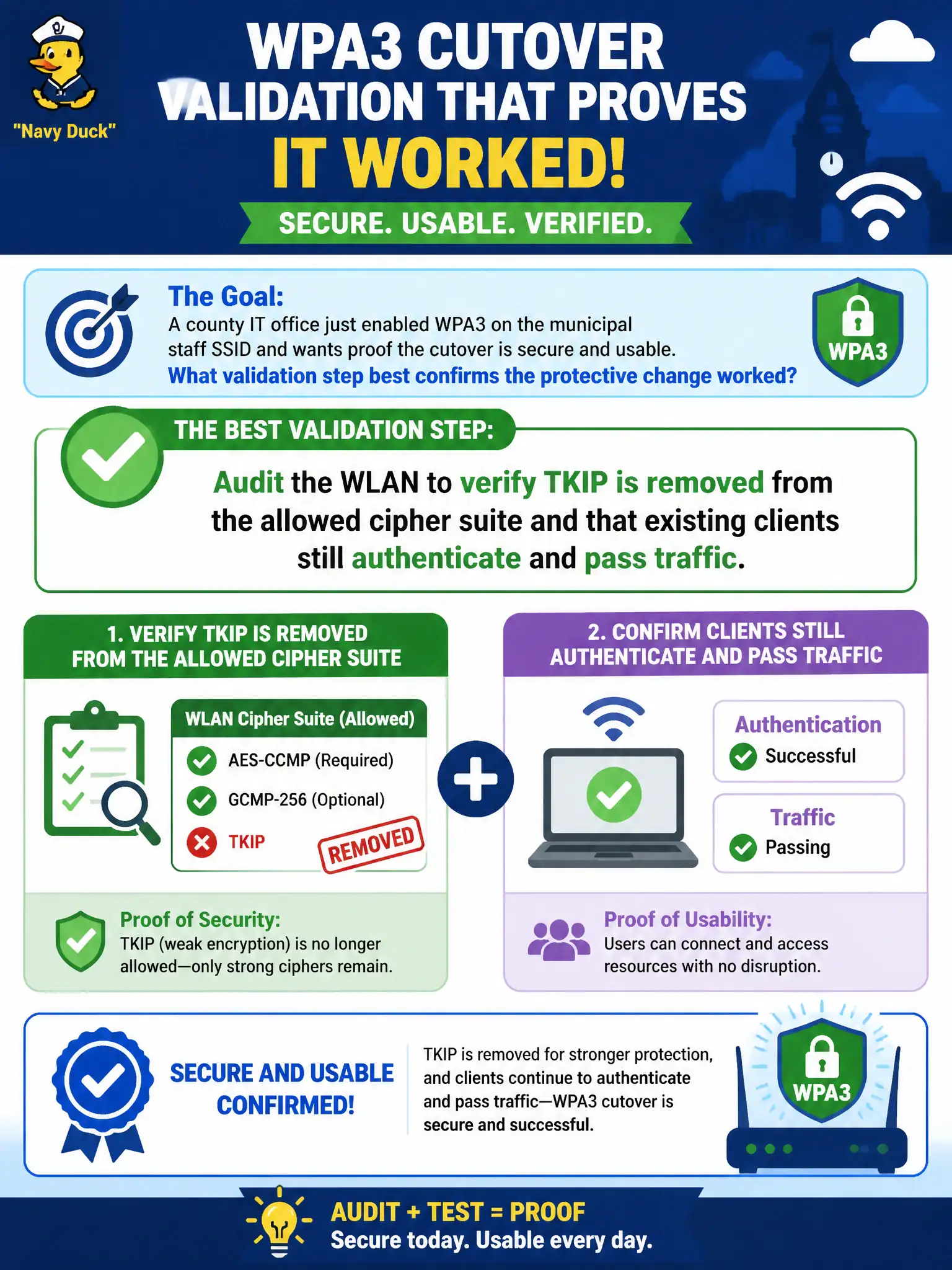
A county IT office just enabled WPA3 on the municipal staff SSID and wants proof the cutover is secure and usable. What validation step best confirms the protective change worked?
Select an answer to reveal the explanation.
Short Explanation
Turning on WPA3 is like swapping the locks—then you walk the halls and try every door. Confirm TKIP is gone and real clients still get in and work. A green checkbox alone is not proof.
Full Explanation
Validating the successful transition to WPA3 on a municipal staff SSID requires a thorough audit of the WLAN's security configuration and client functionality. The best approach is to confirm that outdated and insecure protocols like TKIP have been removed from the allowed cipher suites, as TKIP is incompatible with WPA3's enhanced security mechanisms and is vulnerable to attacks. Additionally, verifying that existing clients can still authenticate and pass traffic ensures that the security upgrade has not disrupted usability. Simply assuming success based on a controller GUI's green status is insufficient because GUI indicators may not reflect the actual cryptographic parameters in use or client compatibility issues. Re-enabling TKIP alongside WPA3 undermines the security benefits of WPA3 by allowing weaker encryption, defeating the purpose of the upgrade. Conducting a marketing survey about SSID name preference is irrelevant to security validation and does not provide any technical assurance. It is important to note that some legacy devices may not support WPA3, so a phased approach or transitional mode (like WPA3-SAE with WPA2 compatibility) might be necessary. To operationally verify, an IT auditor should use WLAN analysis tools to inspect the active cipher suites and perform client connectivity tests, ensuring that the network enforces WPA3 protections without service interruptions.