
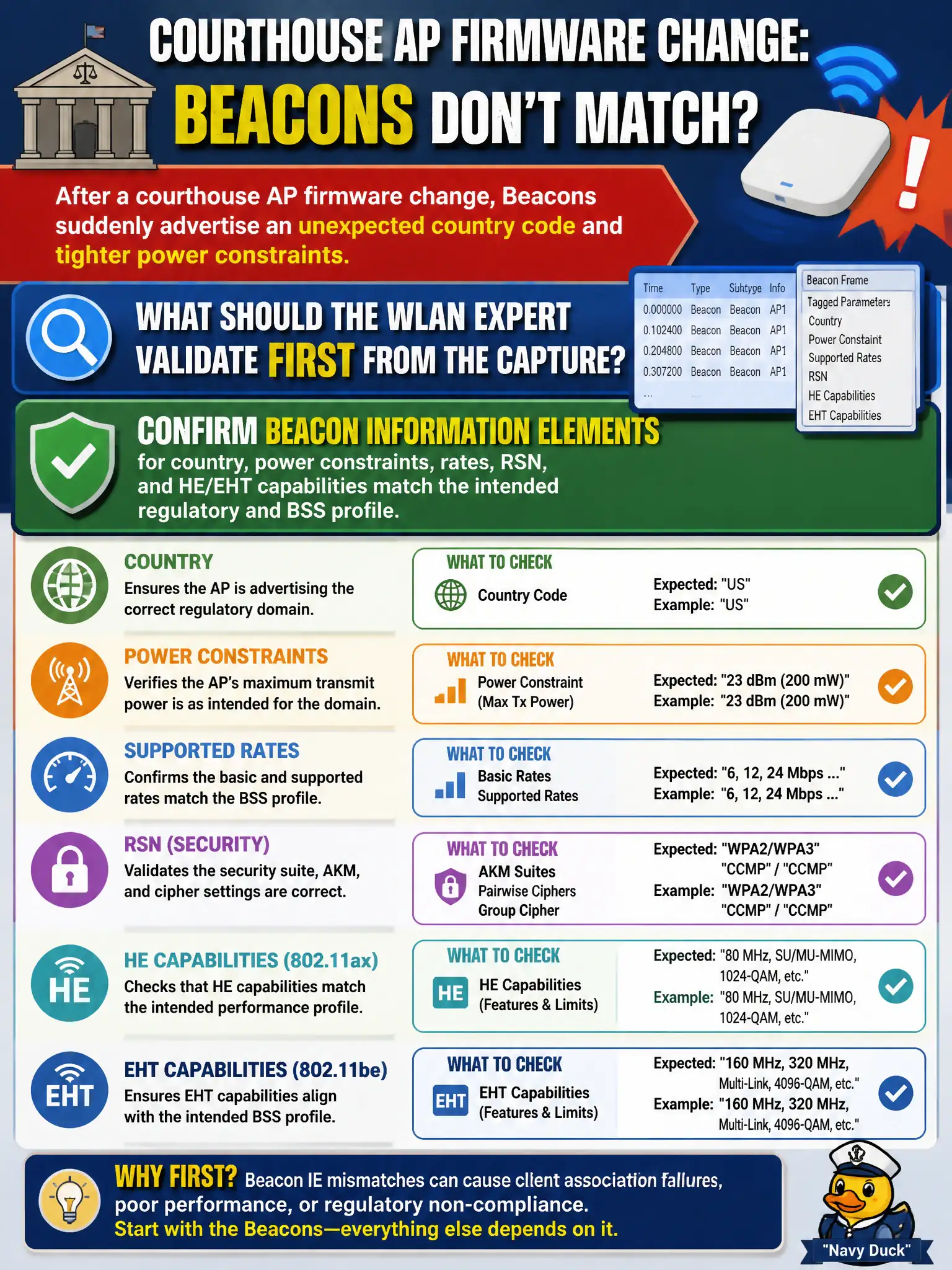
After a courthouse AP firmware change, Beacons suddenly advertise an unexpected country code and tighter power constraints. What should the WLAN expert validate first from the capture?
Select an answer to reveal the explanation.
Short Explanation
Beacons are the courthouse bulletin board—country, power limits, rates, and security all hang there in the Information Elements. After firmware day, read the board before blaming clients or guessing the GUI is gospel.
Full Explanation
After a courthouse AP firmware change, Beacons that suddenly advertise an unexpected country code and tighter power constraints require first validating Beacon Information Elements for country, power constraints, rates, RSN, and HE/EHT capabilities against the intended regulatory and BSS profile. Firmware can reset or mis-apply regulatory domains; the air advertisement is the ground truth clients obey. Expert post-change validation starts with Beacon IE review, not only the GUI hostname.
Ignoring Beacon IEs and trusting only the controller GUI hostname after firmware changes misses what stations actually receive. Calling country code in Beacons cosmetic and claiming only DHCP options control transmit power is incorrect for RF regulatory signaling. Switching the SSID to open authentication because of any unexpected IE is a disproportionate security regression.
Exam caveat: firmware changes are regulatory-profile events—capture Beacons before/after on civic APs. Operational check: capture Beacons from the courthouse AP post-upgrade, diff country/power/RSN/HE IEs against the golden profile, and correct domain/power templates before users notice coverage or compliance issues. Diff Beacon IE exports in the change ticket for every courthouse firmware train so regulatory regressions are caught the same day as the upgrade.