
A noisy courthouse capture contains thousands of frames. The analyst needs to focus on association failures without destroying evidence. Which analyzer practice is correct?
Select an answer to reveal the explanation.
Short Explanation
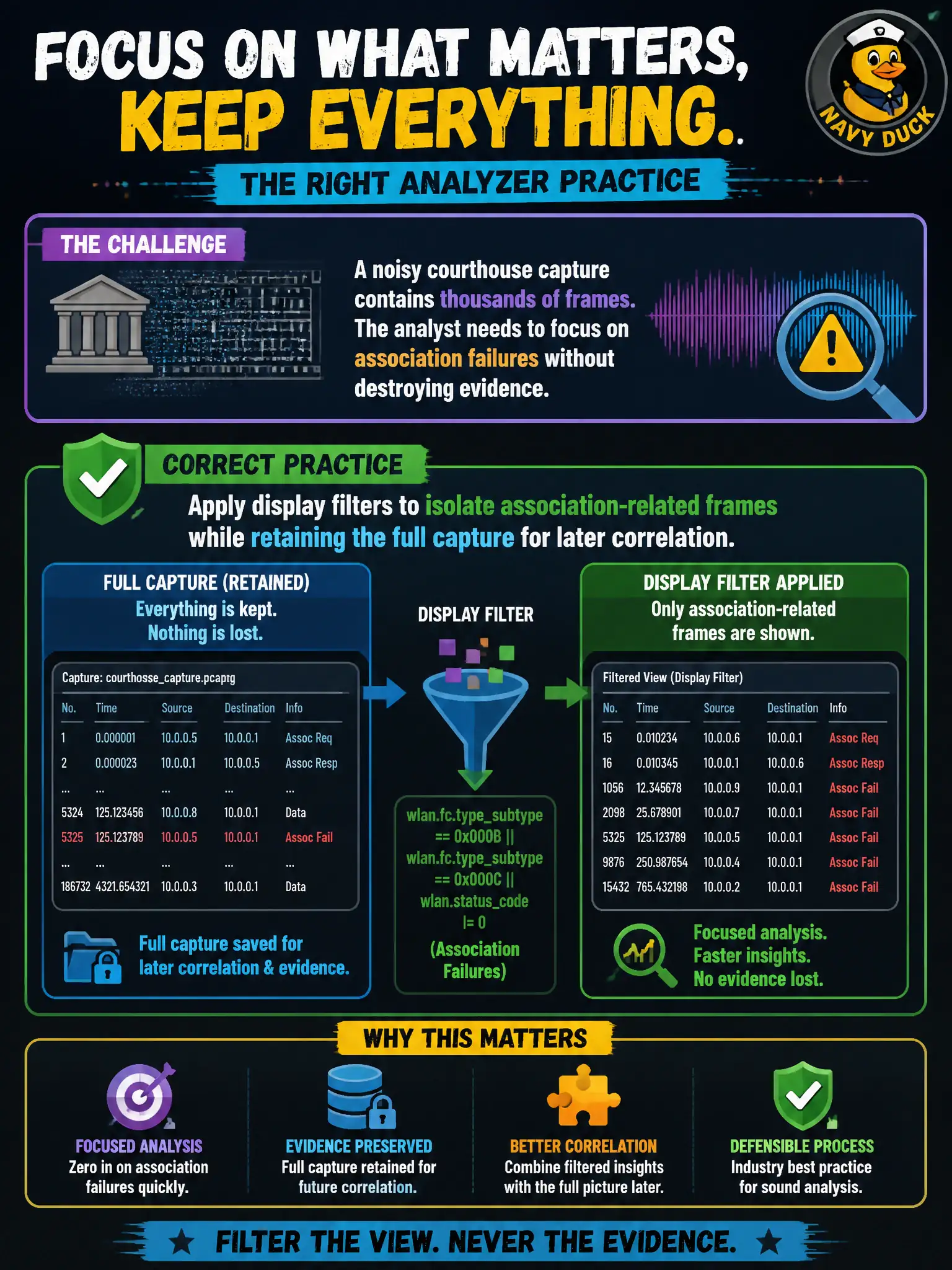
Display filters are reading glasses, not a shredder — keep the whole capture and just focus the view on association failures. Deleting evidence mid-case is how you lose the plot when you need EAP context later.
Full Explanation
In a noisy courthouse capture with thousands of frames, the correct analyzer practice is to apply display filters to isolate association-related frames while retaining the full capture for later correlation. Display filters hide without destroying; destructive deletes remove evidence needed when association ties to EAP or roaming context. Expert workflow: filter for focus, keep the master pcap intact.
Deleting all non-association frames from the capture file permanently before review destroys correlating beacons, data, and EAP context. Exporting only beacons and discarding data and EAP as irrelevant to association problems throws away failure causes that occur after probe/assoc. Clearing the capture buffer every 30 seconds so filters stay fast risks losing the exact failure window.
Exam caveat: non-destructive filtering is standard protocol-analysis hygiene on busy civic channels. Operational check: save the full courthouse pcap, apply a display filter for association/authentication frames to triage, then widen the filter to include EAP/roam frames once the failure timestamp is known. Export a filtered subset for the report if needed, but retain the master courthouse pcap hash in the ticket for chain-of-custody style reproducibility.