
After a hardening change disables weak ciphers on a city load balancer, legacy kiosk clients fail the TLS handshake. What security troubleshooting issue does this represent?
Select an answer to reveal the explanation.
Short Explanation
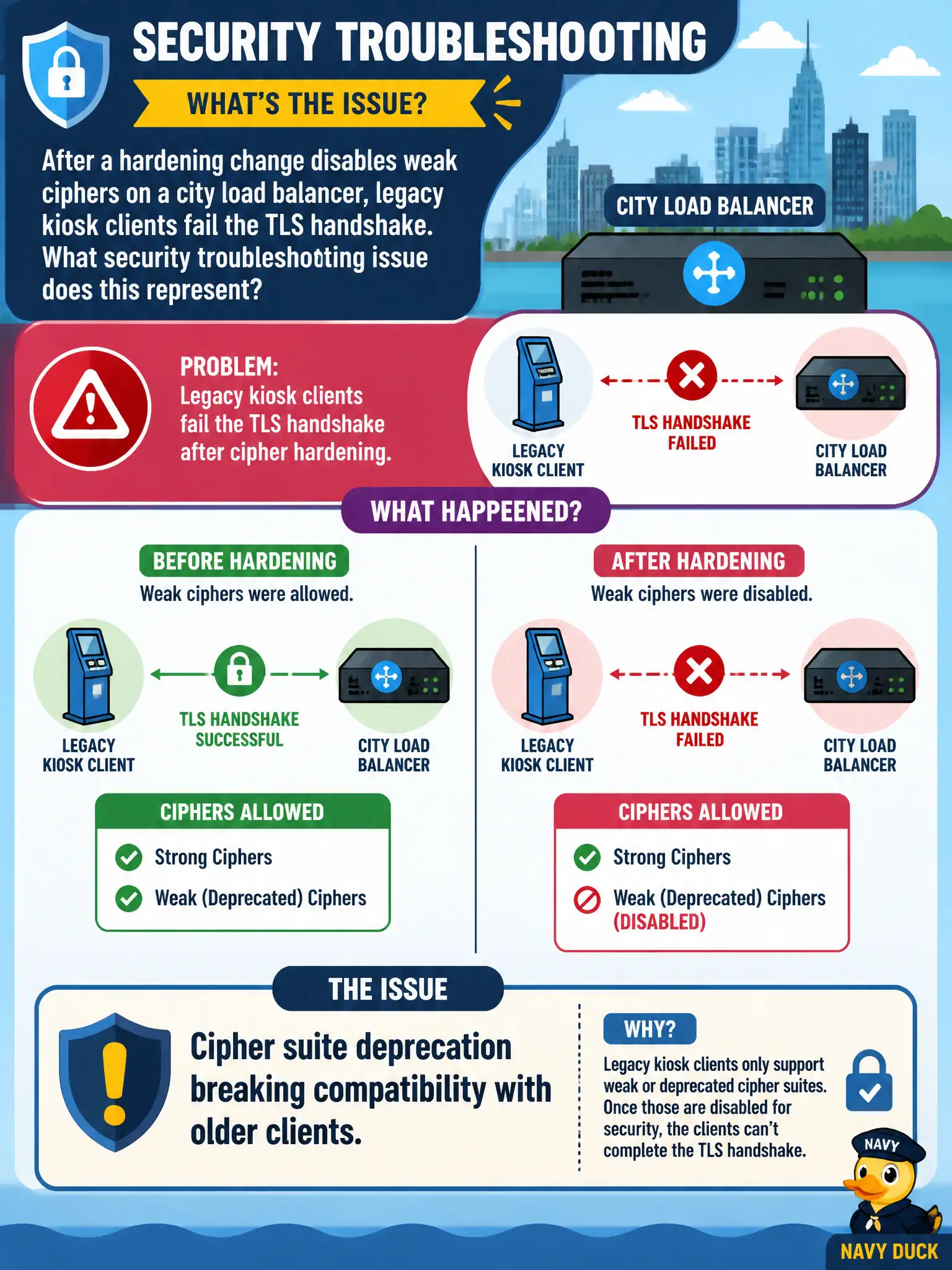
Turning off weak ciphers is the right security move, but old kiosks that only know those ciphers will fail the handshake. Plan client upgrades—or a tightly scoped exception—alongside the hardening.
Full Explanation
After a hardening change disables weak ciphers on a city load balancer and legacy kiosk clients fail the TLS handshake, the security troubleshooting issue is cipher suite deprecation breaking compatibility with older clients. Security hardening can break municipal legacy endpoints that lack modern cipher support. SQL injection in the kiosk browser cache is not indicated by handshake failure after cipher changes. Exhausted subnet address space behind the load balancer would prevent connections differently. Missing routes to the transit gateway from a private subnet do not specifically explain cipher negotiation failures on the LB. Exam caveat: inventory legacy civic clients before cipher retirement; prefer upgrading clients, with time-bound exceptions only under documented risk acceptance. Operational check: capture handshake failures showing offered ciphers, upgrade kiosk TLS stacks or place a compatible intermediary, retest, keep weak ciphers disabled on the primary LB, and update the city's TLS baseline. In municipal cloud operations, record the chosen control and the rejected alternatives in the change or incident ticket so future on-call staff understand which failure modes were avoided for city services. Re-validate after the next maintenance window that the same decision still holds under current provider limits, identity bindings, and application versions used by the civic platform team.