
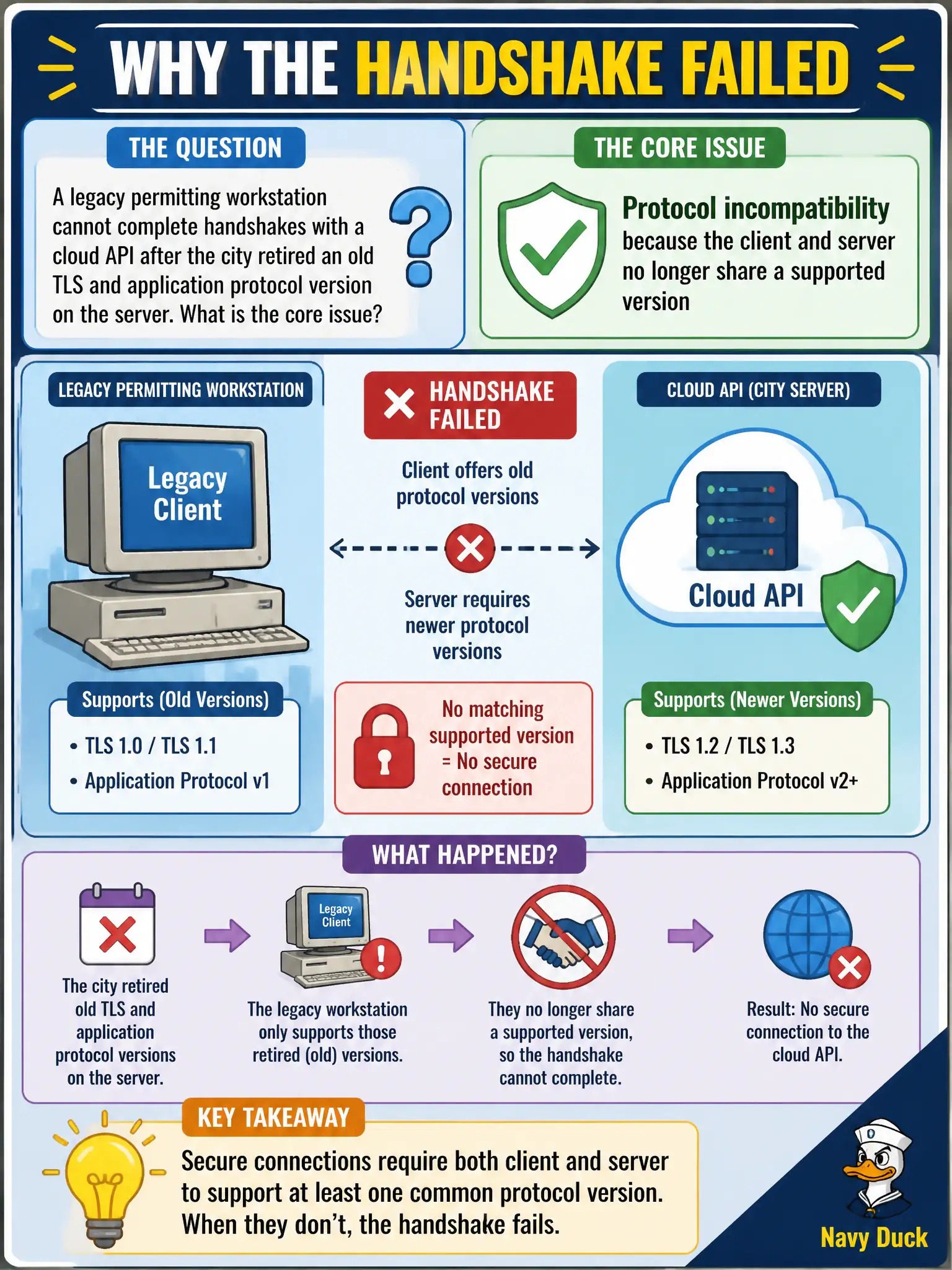
A legacy permitting workstation cannot complete handshakes with a cloud API after the city retired an old TLS and application protocol version on the server. What is the core issue?
Select an answer to reveal the explanation.
Short Explanation
When one side still speaks an old dialect and the other retired it, the conversation never starts. Upgrade or replace the legacy client so both sides share a living protocol version.
Full Explanation
A legacy permitting workstation that cannot complete handshakes with a cloud API after the city retired an old TLS and application protocol version on the server faces protocol incompatibility because the client and server no longer share a supported version. Hardening retired weak protocols break clients that cannot upgrade—an intentional civic security tradeoff that still needs remediation planning. Insufficient disk space on the API server's boot volume would present differently than handshake failures. An exhausted DHCP address pool in an unrelated subnet does not block TLS negotiation for an already addressed workstation. A cold archive storage tier chosen for session logs does not govern live handshake protocols. Exam caveat: inventory legacy municipal clients before protocol retirement; offer time-bound exceptions only with risk acceptance, then roll forward. Operational check: capture the handshake failure reason, identify the client's maximum supported TLS/app protocol, upgrade the workstation stack or intermediary, retest against the hardened API, and update the city's protocol baseline documentation. In municipal cloud operations, record the chosen control and the rejected alternatives in the change or incident ticket so future on-call staff understand which failure modes were avoided for city services. Re-validate after the next maintenance window that the same decision still holds under current provider limits, identity bindings, and application versions used by the civic platform team.