
Citizen traffic to a municipal app drops after a new cloud security appliance is inserted in path. Packet captures show arrivals at the appliance but not egress toward the app. What is the most likely cause?
Select an answer to reveal the explanation.
Short Explanation
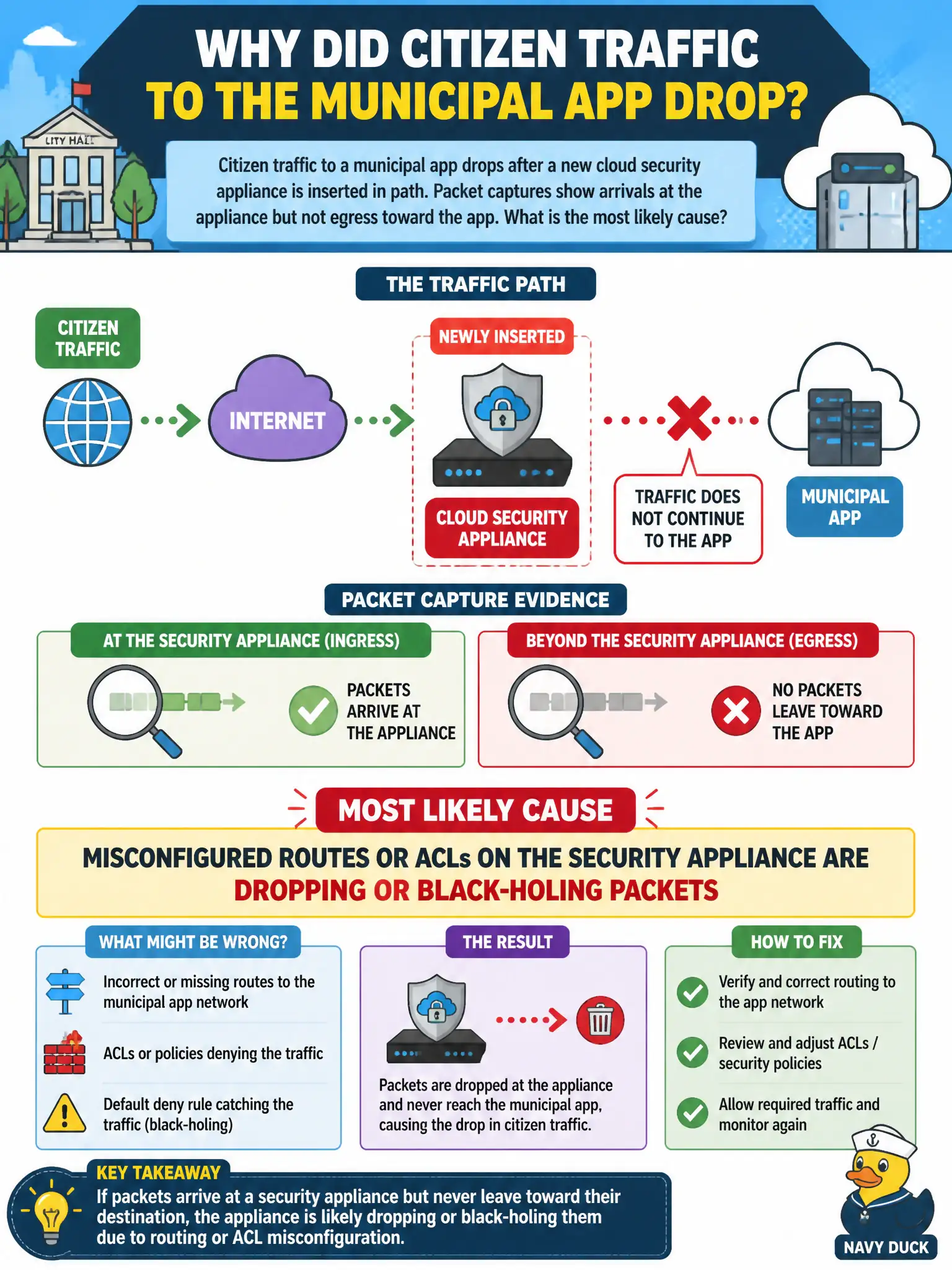
Packets walk into the appliance and never walk out—classic wrong map or wrong allow list on the box itself. Check its routes and ACLs before ripping into the app code.
Full Explanation
Citizen traffic to a municipal app dropping after a new cloud security appliance is inserted in path, with packet captures showing arrivals at the appliance but not egress toward the app, most likely means misconfigured routes or ACLs on the security appliance are dropping or black-holing packets. Asymmetric or filtered on-box paths are classic insert-in-path failures. Object storage CORS policy blocking browser uploads would not explain appliance ingress without egress toward the app. A CI pipeline using an outdated container base image is unrelated to mid-path packet loss. Database read-replica lag affects data freshness, not appliance forwarding. Exam caveat: always capture before/after the new hop during civic network changes; appliances fail closed more often than apps suddenly "go dark" alone. Operational check: review appliance routing, NAT, and ACL policies, compare packet counts in versus out, fix the policy or bypass for a controlled test, restore citizen flows, and add appliance change checks to the network CAB checklist. In municipal cloud operations, record the chosen control and the rejected alternatives in the change or incident ticket so future on-call staff understand which failure modes were avoided for city services. Re-validate after the next maintenance window that the same decision still holds under current provider limits, identity bindings, and application versions used by the civic platform team.