
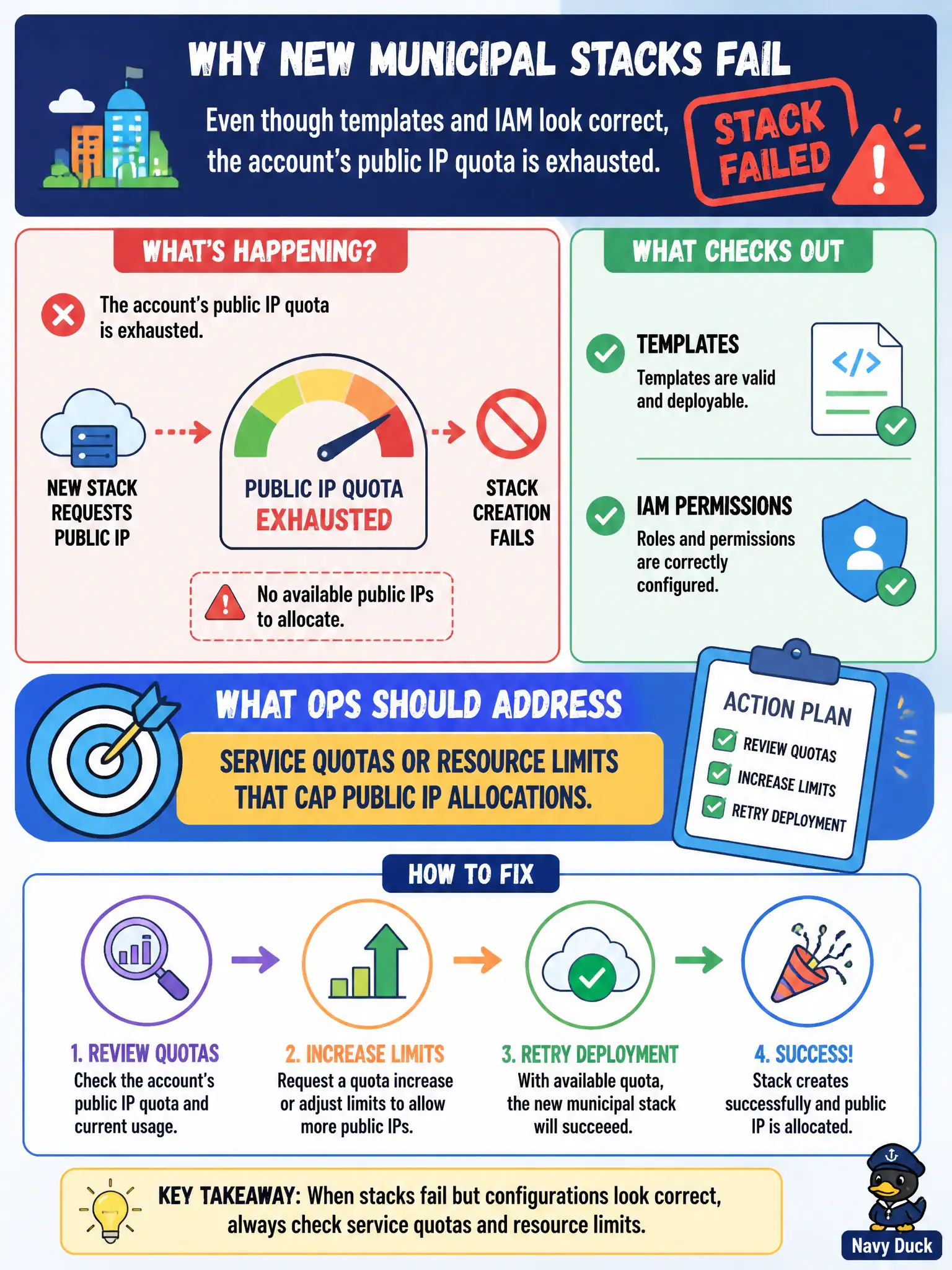
New municipal stacks fail because the account’s public IP quota is exhausted even though templates and IAM look correct. What should ops address?
Select an answer to reveal the explanation.
Short Explanation
Templates fine, IAM fine, still failing? Check the account quota—public IPs might be maxed out. Raise the limit or free unused addresses. Quotas are invisible walls until a stack trips over them.
Full Explanation
New municipal stacks failing because the account's public IP quota is exhausted—even though templates and IAM look correct—means ops should address service quotas or resource limits that cap public IP allocations. Quotas are account/region governors that block otherwise valid civic templates. Font licensing for the city logo on printed brochures does not exhaust cloud public IP quota. Disabling all monitoring so quota messages stop appearing hides signals without freeing capacity. Replacing HTTPS with cleartext HTTP does not bypass quota checks and weakens security. Exam caveat: distinguish soft quotas (increase via request) from hard capacity shortages; read the exact quota name in the error for municipal ticket accuracy. Operational check: identify the public IP quota metric, release unused IPs or request an increase, re-run stack create, add preflight quota checks to pipelines, and track quota headroom on the civic capacity dashboard. In municipal cloud operations, record the chosen control and the rejected alternatives in the change or incident ticket so future on-call staff understand which failure modes were avoided for city services. Re-validate after the next maintenance window that the same decision still holds under current provider limits, identity bindings, and application versions used by the civic platform team.