
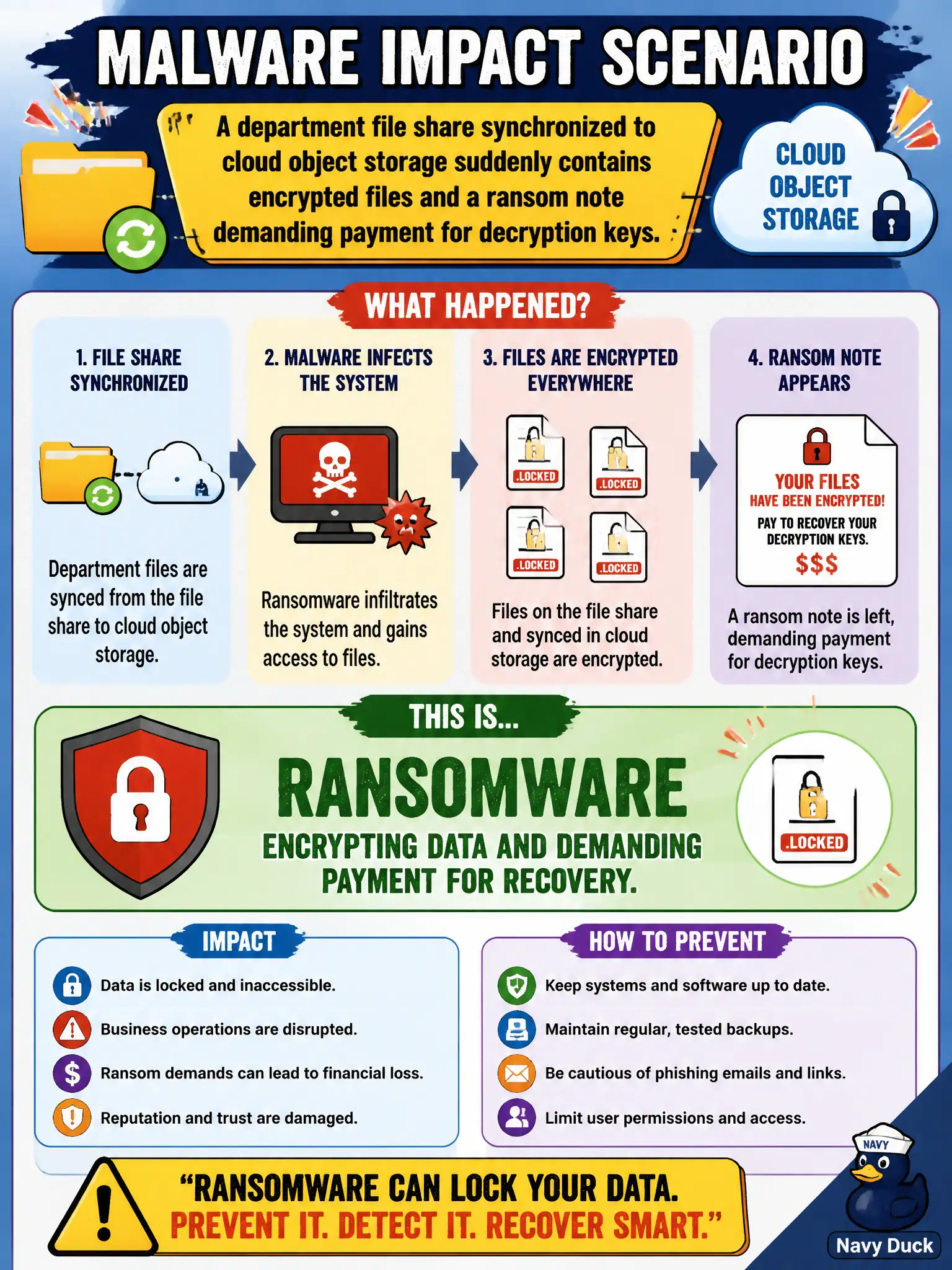
A department file share synchronized to cloud object storage suddenly contains encrypted files and a ransom note demanding payment for decryption keys. Which malware impact scenario is this?
Select an answer to reveal the explanation.
Short Explanation
Encrypted files plus a pay-us note? That’s ransomware waving a flag. Cloud-synced shares get hit the same way desktop folders do when an endpoint is compromised. Backups and isolation beat panic payments every time.
Full Explanation
A department file share synchronized to cloud object storage that suddenly contains encrypted files and a ransom note demanding payment is ransomware encrypting data and demanding payment for recovery. When endpoints or mounts are compromised, encryption can propagate through sync clients into cloud objects, so municipal backup and isolation strategies must cover cloud-synced shares as well as traditional file servers. Harmless deduplication of identical documents by the storage service does not rewrite user files into ciphertext with payment instructions. A routine snapshot lifecycle policy renaming objects for archival does not drop ransom notes into shares. CDN cache purge instructions written as text files are unrelated edge operations, not malware impact on a department share. Exam caveat: payment does not guarantee decryption keys or prevent re-extortion; immutable or offline backups with tested restores are the civic recovery control the exam emphasizes. Operational check: isolate affected endpoints and sync clients, preserve samples for forensics, assess backup freshness and immutability, restore clean copies to segregated storage, rotate credentials, and update the ransomware runbook for cloud-synced municipal file shares.