
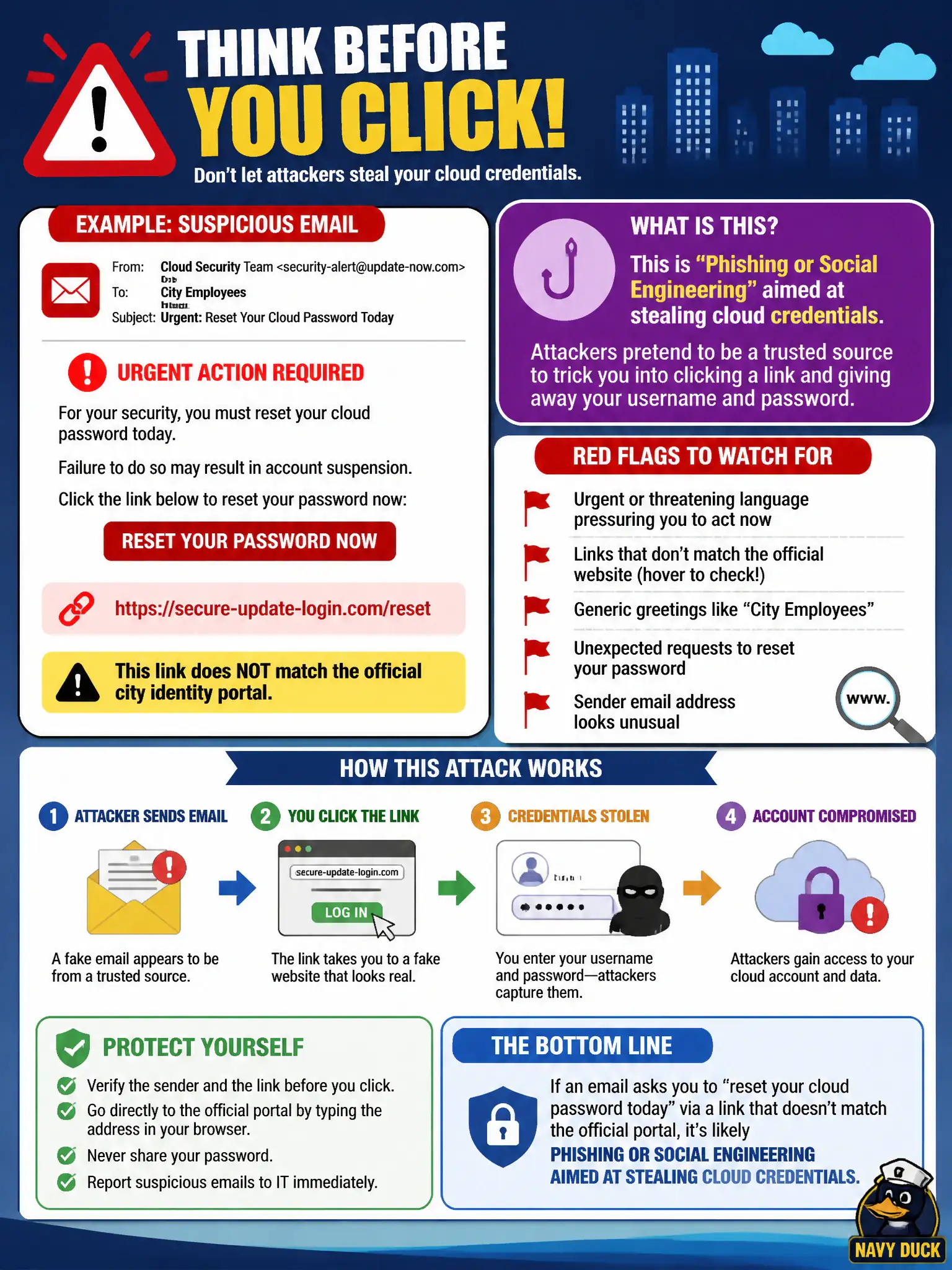
City employees receive urgent email messages claiming they must ‘reset your cloud password today’ via a link that does not match the official identity portal. What type of suspicious activity is this?
Select an answer to reveal the explanation.
Short Explanation
Fake ‘reset your password’ mail is the oldest trick with a cloud paint job. If the link isn’t the city’s real identity portal, treat it like a phishing lure fishing for cloud keys. Hover, verify, and report—don’t type the password into a stranger’s form.
Full Explanation
City employees receiving urgent messages to "reset your cloud password today" through a link that does not match the official identity portal are facing phishing or social engineering aimed at stealing cloud credentials. Urgency, authority cues, and lookalike URLs remain primary paths to console and federated credential theft against municipal staff. Normal certificate renewal notices from a certificate authority do not demand password resets via unofficial portals. Automatic rightsizing recommendations from a cost console are FinOps messages, not credential-harvest lures. Legitimate break-glass account rotation is performed by the security team through approved channels and change control, not unsolicited mass email to employees. Exam caveat: MFA reduces phishing impact but does not eliminate adversary-in-the-middle or session-cookie theft; users must still verify domains and report suspects promptly. Operational check: compare the link host to the city's official IdP hostname, do not enter credentials, report the message to security, block the sender or URL if confirmed malicious, force password/session reset only through the real portal, and reinforce civic awareness with bookmarked official URLs only.