
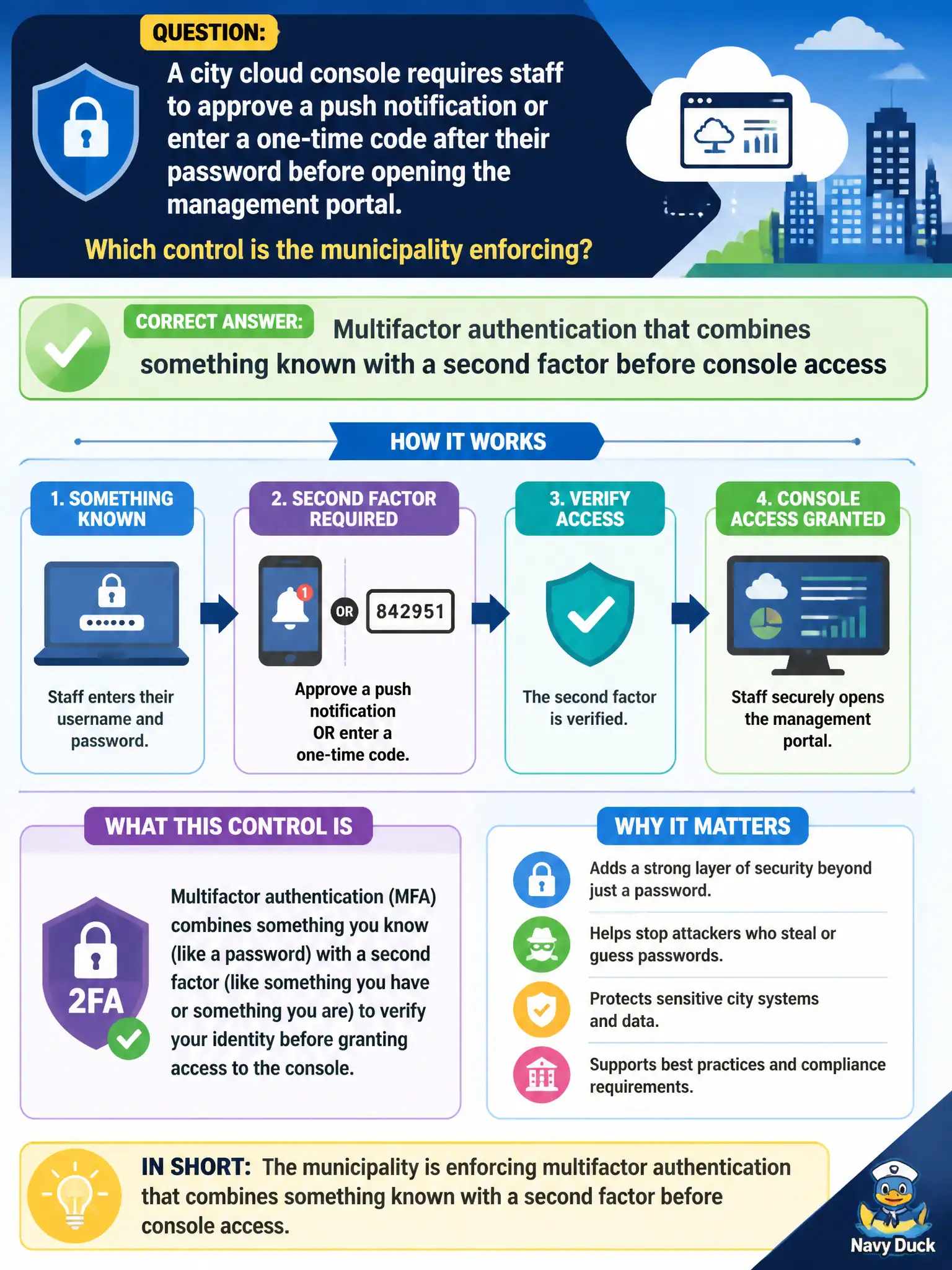
A city cloud console requires staff to approve a push notification or enter a one-time code after their password before opening the management portal. Which control is the municipality enforcing?
Select an answer to reveal the explanation.
Short Explanation
Think of the password as the front-door key and the phone approval as a deadbolt—both have to click before anyone walks into the console. That second check after the password is multifactor authentication, not a free pass for the whole help desk. Municipal cloud logins get a lot safer when something you know is paired with something you have or are.
Full Explanation
Multifactor authentication combines something the user knows (typically a password) with a second factor such as a push approval or one-time code before access is granted. When a city cloud console requires that second step after the password, the municipality is enforcing MFA to reduce account-takeover risk on the management plane that controls citizen services. Stolen passwords alone should not open municipal cloud portals.
Single sign-on federation that replaces every password with a shared departmental passphrase confuses SSO with MFA and recommends a weak shared secret. Discretionary file ACLs that grant every help-desk account full subscription owner rights are an authorization problem, not MFA. Network ACLs that allow SSH from the public Internet to every management subnet weaken network security rather than adding authentication factors.
Exam caveat: MFA is an authentication strength control; SSO/federation is an identity source/UX control—they often work together but are not synonyms. Second factors include OTP apps, hardware keys, and push notify.
Operational check: enable MFA on console and privileged roles, enroll staff devices, test login with password-only (should fail) and with second factor (should succeed), and monitor MFA failure/fatigue alerts. Include MFA proof in the city’s access certification reviews.