
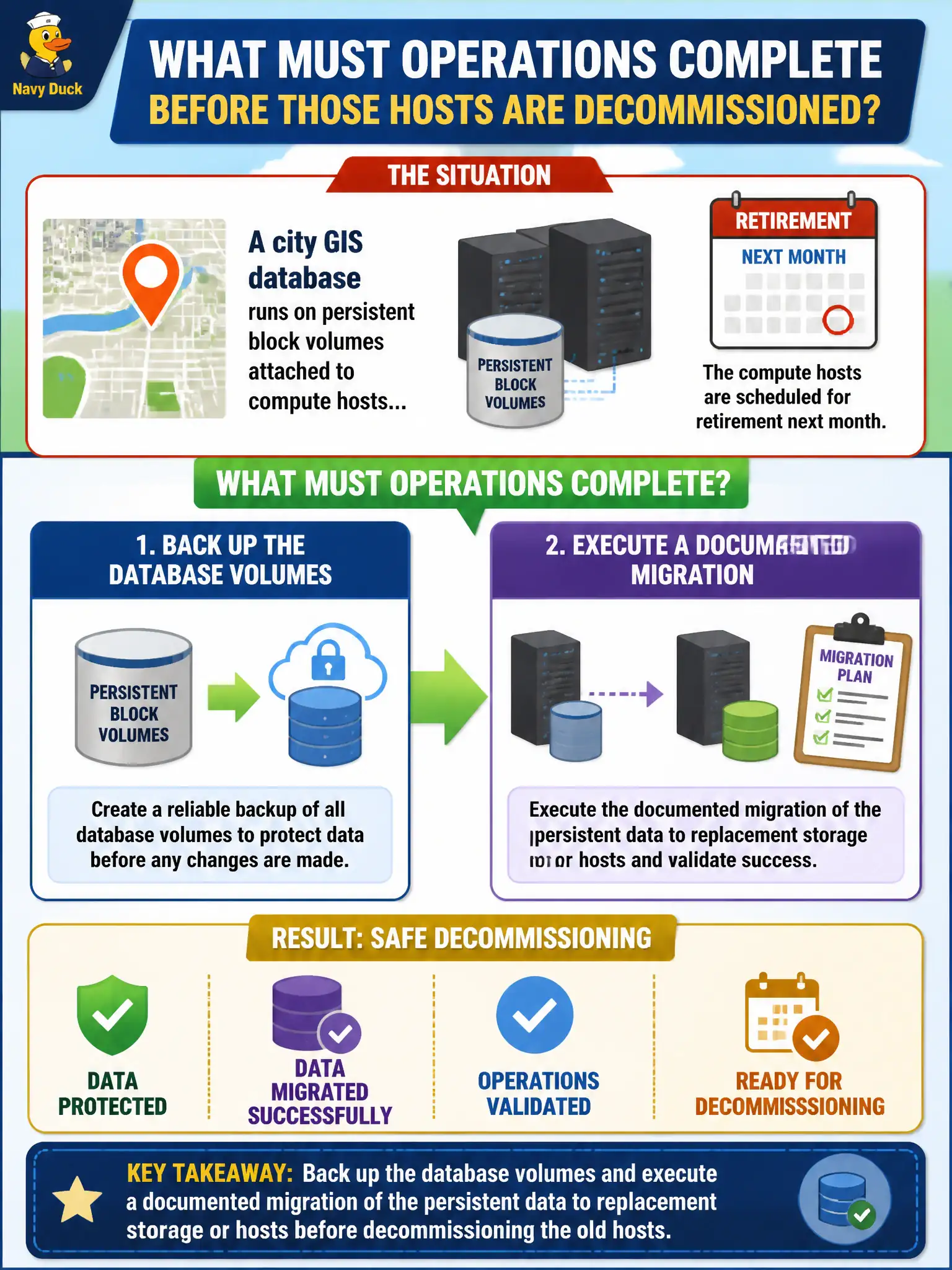
A city GIS database runs on persistent block volumes attached to compute hosts that are scheduled for retirement next month. What must operations complete before those hosts are decommissioned?
Select an answer to reveal the explanation.
Short Explanation
Persistent database disks outlive the boxes they hang on—like moving filing cabinets before you demolish the office. Back them up and migrate the data first; retiring the host without a data plan is how cities lose the map.
Full Explanation
Persistent block volumes that hold a city GIS database do not automatically follow compute hosts to retirement; data must be backed up and migrated with a documented plan before those hosts are decommissioned. Completing backup plus migration of the persistent volumes to replacement storage or hosts preserves parcel, utility, and mapping data residents and agencies rely on, and prevents silent data loss during hardware lifecycle events.
Deleting the volumes immediately so retired hosts leave no storage charges destroys the GIS dataset. Leaving volumes attached and powering off only the CPU under the belief that persistent data "follows the hypervisor automatically" misunderstands volume independence and still leaves data stranded on retiring infrastructure. Replacing only host NICs and skipping any data plan because volumes are "ephemeral by default" confuses ephemeral disks with attached persistent block storage.
Exam caveat: persistent volumes are lifecycle objects separate from the VM; decommissioning compute without a data migration plan is a classic failure mode. Snapshots/backups should exist before migration cutover.
Operational check: snapshot or back up GIS volumes, provision target storage/hosts, copy or reattach per runbook, validate GIS application reads/writes and layer counts, then decommission source hosts only after acceptance. Record volume IDs and checksum evidence in the municipal change ticket.