
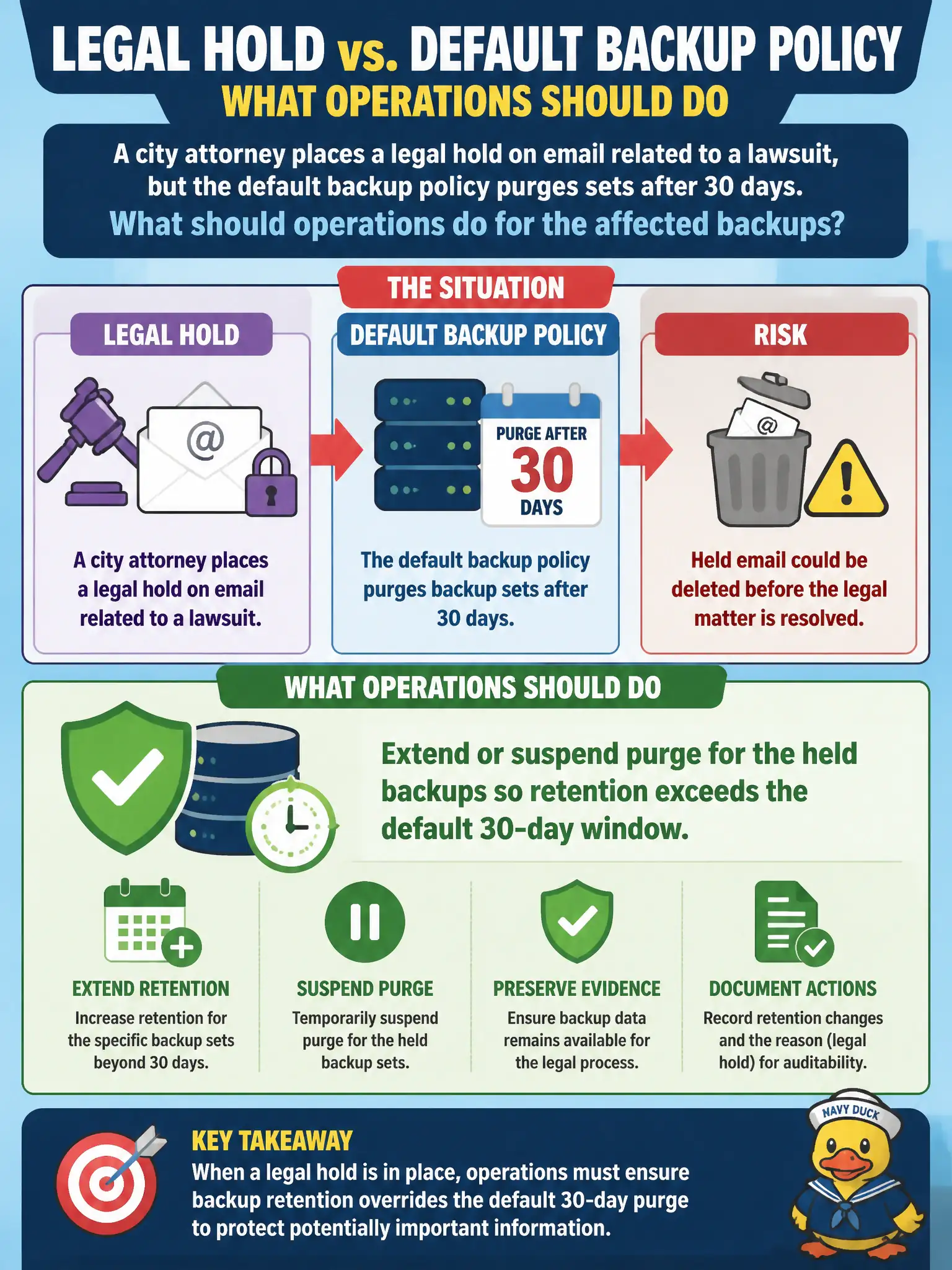
A city attorney places a legal hold on email related to a lawsuit, but the default backup policy purges sets after 30 days. What should operations do for the affected backups?
Select an answer to reveal the explanation.
Short Explanation
A legal hold is a do-not-shred sticker on those boxes. You keep the relevant backups past the usual 30-day trash day until counsel says otherwise.
Full Explanation
Retention policies must accommodate legal and compliance holds that preserve specific data beyond normal purge schedules. When a city attorney places a legal hold on lawsuit-related email, operations should extend or suspend purge for the affected backup sets so evidence is not destroyed by a default 30-day job. Honoring holds is a municipal legal duty; backup platforms are not exempt because they sit "behind" the mail system.
Accelerating the 30-day purge to make contested mail disappear sooner risks spoliation and sanctions. Ignoring the hold because backups are supposedly outside discovery is legally unsafe and operationally incorrect. Converting mailbox backups to publicly readable object storage for "transparency" can violate confidentiality, privacy, and protective orders.
Exam caveat: legal hold overrides normal retention timers for in-scope content until counsel releases the hold. Holds are selective—do not confuse them with permanently changing the global default retention for every mailbox.
Operational check: identify backup sets and mail data in scope with counsel, apply a hold or retention lock that blocks purge, verify the next scheduled cleanup skips those sets, and document custodians, ticket IDs, and release criteria in the records-management log. Re-test purge behavior after the hold lifts so normal 30-day policy resumes only for eligible data.