
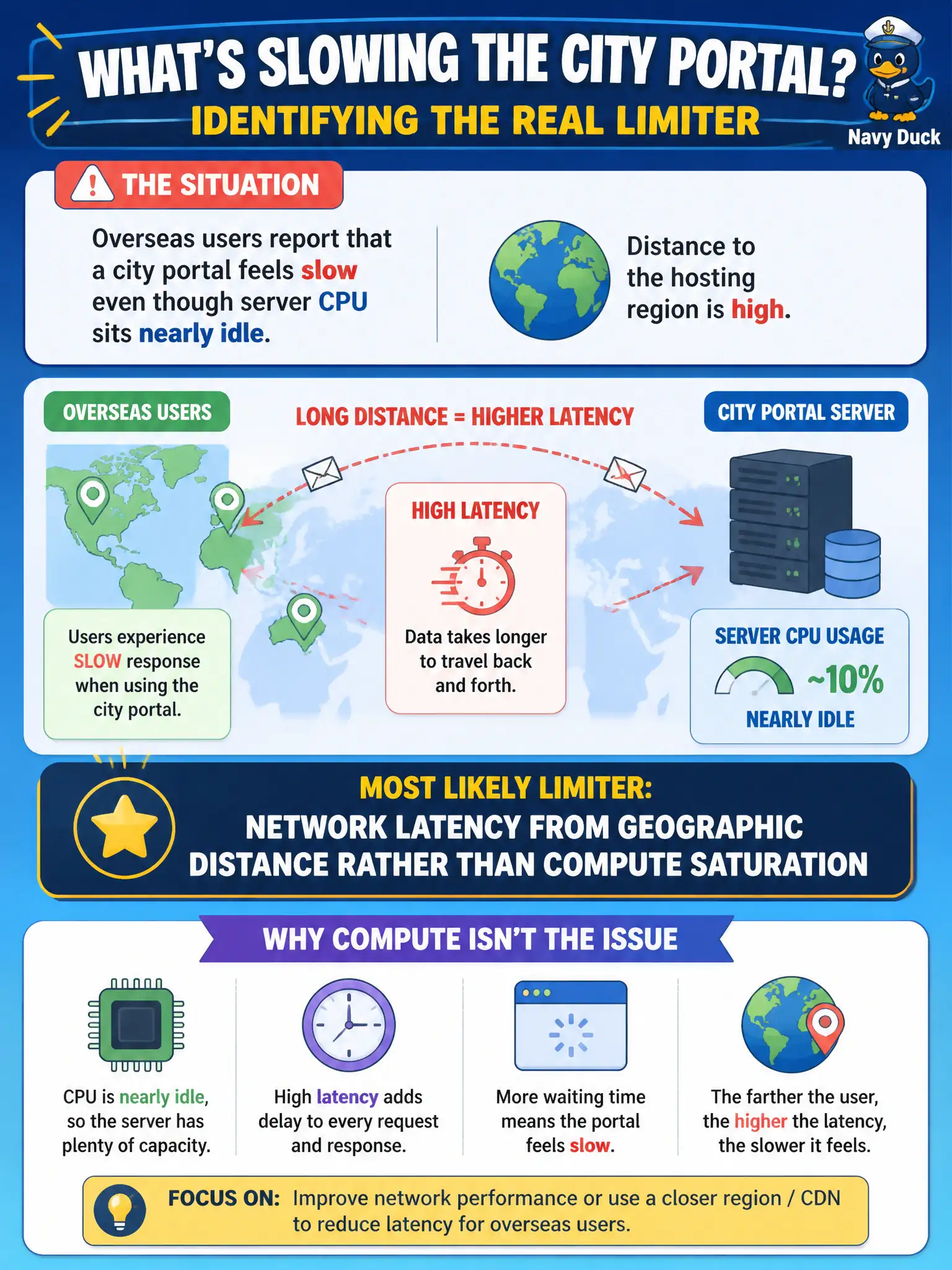
Overseas users report that a city portal feels slow even though server CPU sits nearly idle. Distance to the hosting region is high. What is the most likely limiter?
Select an answer to reveal the explanation.
Short Explanation
If the servers are yawning with idle CPU but users across the ocean still wait, the delay is the long road, not the engine. That is network latency from distance. Spinning up more CPU will not shorten the trip across the globe — placement, edge, or CDN strategies might.
Full Explanation
When a city portal feels slow to overseas users while server CPU sits nearly idle, the limiting factor is often network latency from geographic distance rather than compute saturation. Round-trip time, DNS, TLS handshakes, and chatty request patterns dominate perceived performance long before CPUs spike in such cases. Local disk fragmentation on an unused backup tape library is unrelated to interactive portal latency for remote browsers. Guest antivirus definitions that only affect offline workstations do not explain overseas browser delay when servers remain idle. Insufficient GPU quota on a batch rendering farm not used by the portal is irrelevant to that HTTP request path. Exam caveat: always correlate user geography and latency metrics before scaling CPU—Cloud+ performance questions frequently contrast network delay with resource exhaustion to catch reflexive “buy a bigger VM” answers. Operational check: measure latency from representative overseas networks or synthetic probes, consider multi-region hosting or a CDN for static assets, reduce chatty API round trips, enable HTTP caching where safe, and confirm CPU, memory, and database time are not the actual bottleneck before purchasing larger instances.