
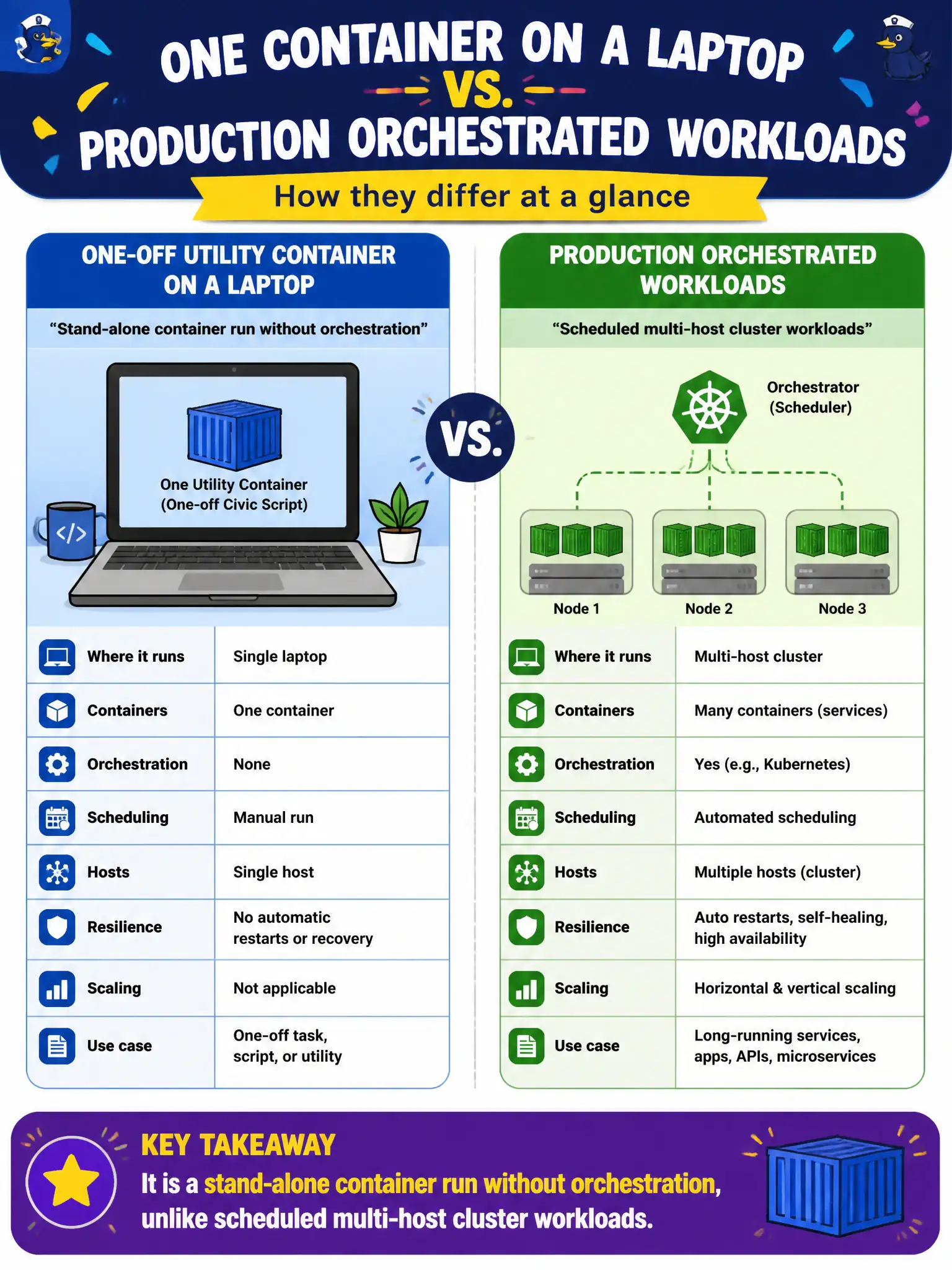
A developer runs one utility container on a laptop with no cluster scheduler for a one-off civic script. How does this differ from production orchestrated workloads?
Select an answer to reveal the explanation.
Short Explanation
One container on a laptop is like running a single food truck—no citywide dispatch board needed. Production fleets want an orchestrator for placement, restarts, and scale. Same packaging idea, very different control plane.
Full Explanation
A stand-alone container runs an image on a host—here a developer laptop—without a cluster scheduler deciding placement, restarts, or multi-node scaling. That differs from production orchestrated workloads where a control plane schedules replicas across a node pool, watches health, and replaces failed tasks. Running one utility container for a one-off civic script is therefore an unorchestrated, stand-alone run. A laptop container does not always require a full Kubernetes control plane before it can start; local runtimes start single containers directly. Stand-alone containers absolutely can use images and do not must rebuild from source on every run. Orchestrators do not forbid single containers, nor must production use only bare-metal processes—orchestration manages containers at scale, including single-replica services when appropriate. Exam caveat: containers and orchestration are related but not identical—Cloud+ distinguishes running a container from scheduling it with an orchestrator. Operational check: keep laptop experiments isolated from production credentials, promote the same image into an orchestrated environment for citizen-facing use, and document when a script is allowed to remain a one-off stand-alone job versus requiring supervised production deployment.