
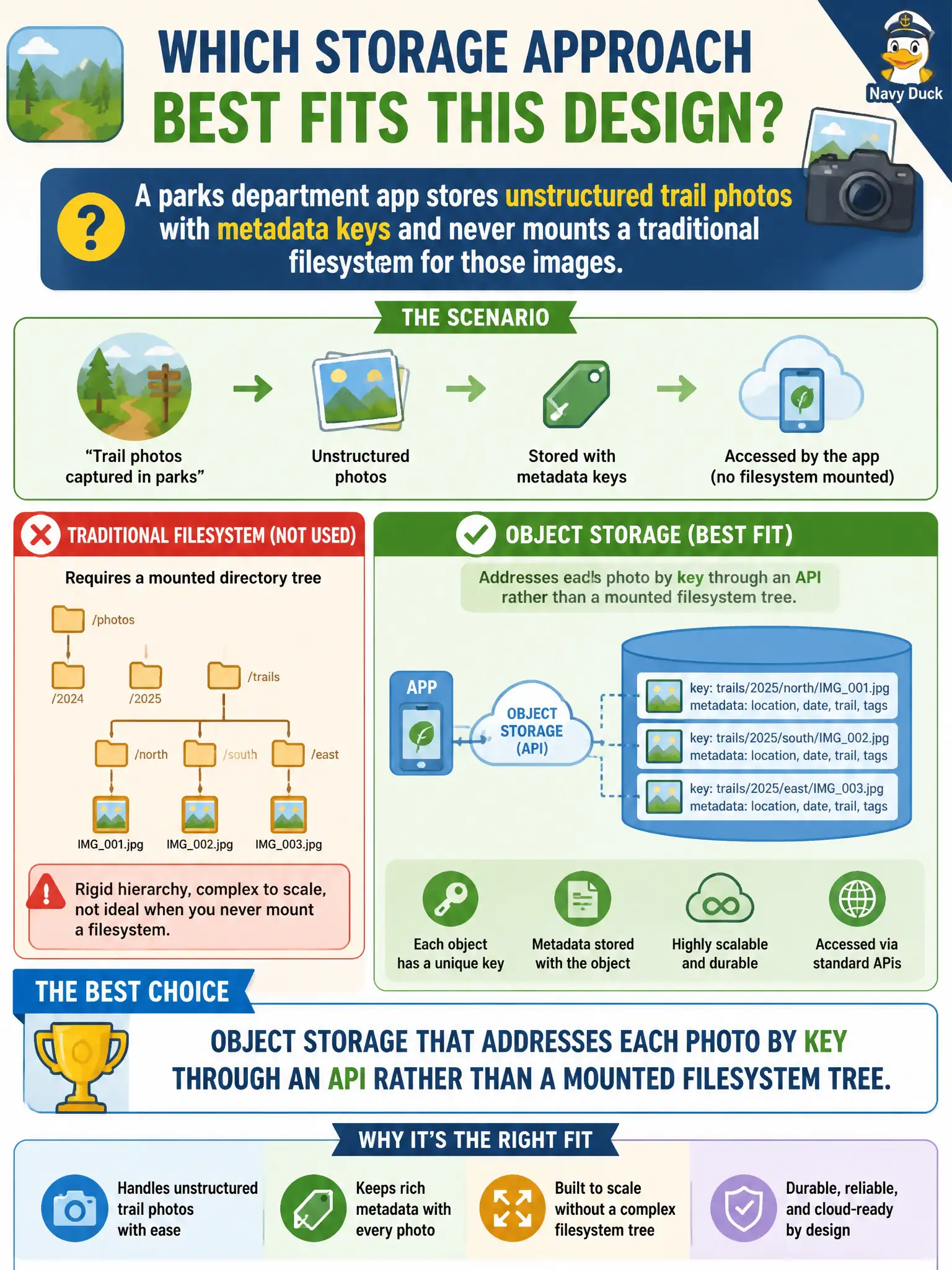
A parks department app stores unstructured trail photos with metadata keys and never mounts a traditional filesystem for those images. Which storage approach best fits this design?
Select an answer to reveal the explanation.
Short Explanation
Unstructured photos with keys are classic object-storage territory—think lockers labeled with barcodes, not a folder tree on a share. The app talks HTTP/API, not mount points. That is exactly when object storage shines for civic media.
Full Explanation
Object storage addresses each unstructured item by a key through an HTTP API without requiring a traditional mounted filesystem tree, which fits applications that store trail photos plus metadata and never mount a POSIX share for those images. Parks apps designed around put/get/list semantics therefore belong on object storage. Block volumes attached as boot disks treat storage as raw guest devices and partitions, which is the wrong abstraction for a large unstructured photo catalog accessed by API. A clustered file share that forces nested directories for every upload adds filesystem semantics the application explicitly does not use. Local ephemeral container scratch disks disappear on restart and cannot be the durable store for citizen-facing trail media. Exam caveat: choose object when the stem emphasizes API keys, unstructured objects, and no filesystem mount; choose file when hierarchical locks and shares matter; choose block for disks and databases. Operational check: store photos in a versioned encrypted bucket, index metadata in a database or object tags, grant the app least-privilege API credentials, enable lifecycle rules for old media, and verify restores without depending on container local disks.