
A school district SOC analyst searches CQL for events involving a specific service account named svc_app using a loose substring filter, but the results are flooded with unrelated accounts like svc_app_test and svc_apple. How should the analyst refine the query?
Select an answer to reveal the explanation.
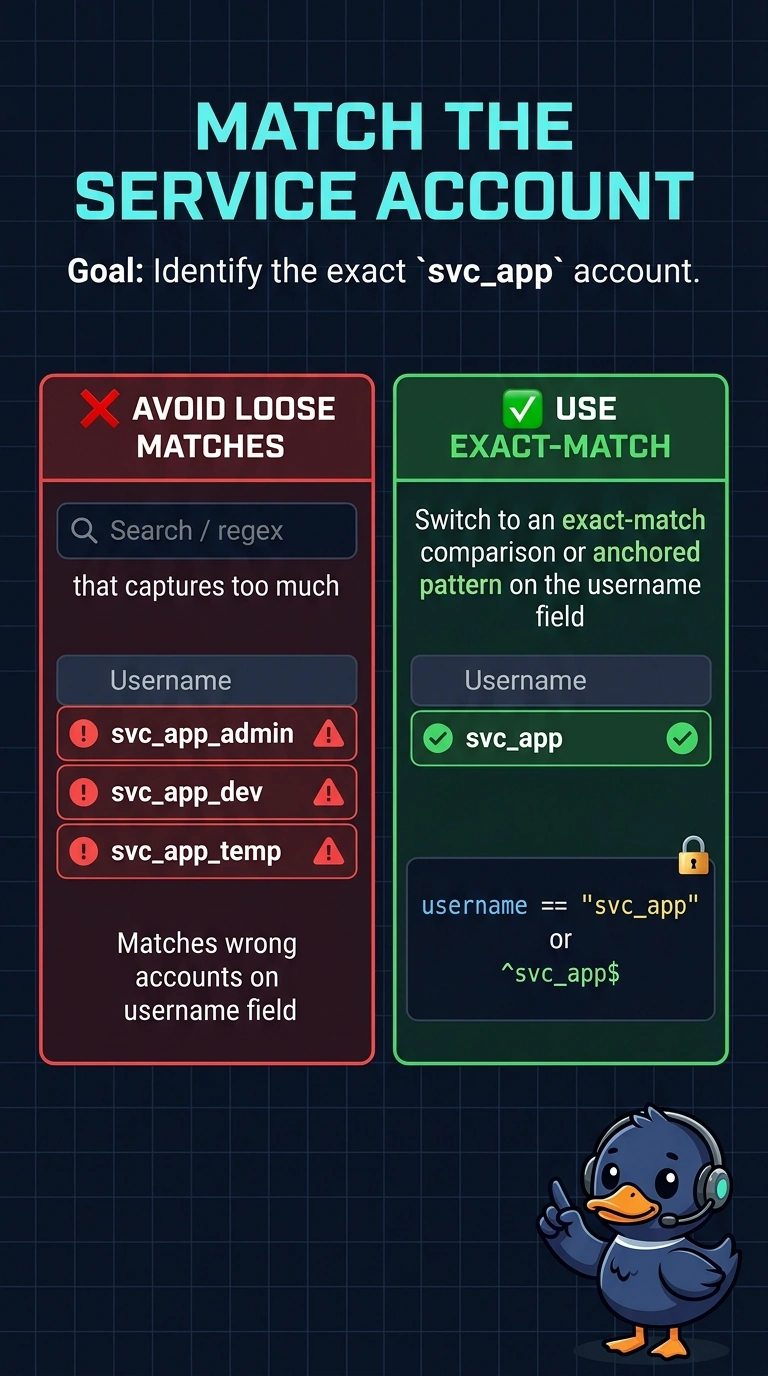
Short Explanation
A loose substring search is like calling out 'Alex' in a crowded room—everyone named Alexander and Alexis turns around too! The trap is letting partial matches pollute your results when an exact-match filter locks onto the target account.
Full Explanation
Switch to an exact-match comparison or anchored pattern on the username field eliminates unintended substring collisions by requiring the normalized username attribute to match svc_app precisely, excluding longer names that merely share the same prefix. Widen the query time window to thirty days so the true account appears more often increases total event volume and brings in even more unrelated svc_app_test and svc_apple records. Remove the username filter entirely and sort all raw events alphabetically by host abandons targeted filtering and forces manual review across irrelevant hosts. Convert the query into a pie chart so the unrelated account names are hidden only masks the underlying query flaw visually without fixing the noisy dataset. As an exam caveat, substring and wildcard filters are useful for broad discovery, but exact comparisons or anchored expressions are required when isolating specific entities. As an operational check, review the distinct usernames returned by a quick groupBy after tightening the filter to confirm only the intended account remains.
Prefer to study offline? Printable PDF study book + test engine ($7.50, unofficial). These questions stay free here.