
A manufacturing SOC analyst wants to find all network traffic involving a known command-and-control IP address across firewall and endpoint telemetry in Falcon Next-Gen SIEM. Searching only the normalized destination IP field misses inbound connection attempts from that address. How should the analyst adjust the CQL query?
Select an answer to reveal the explanation.
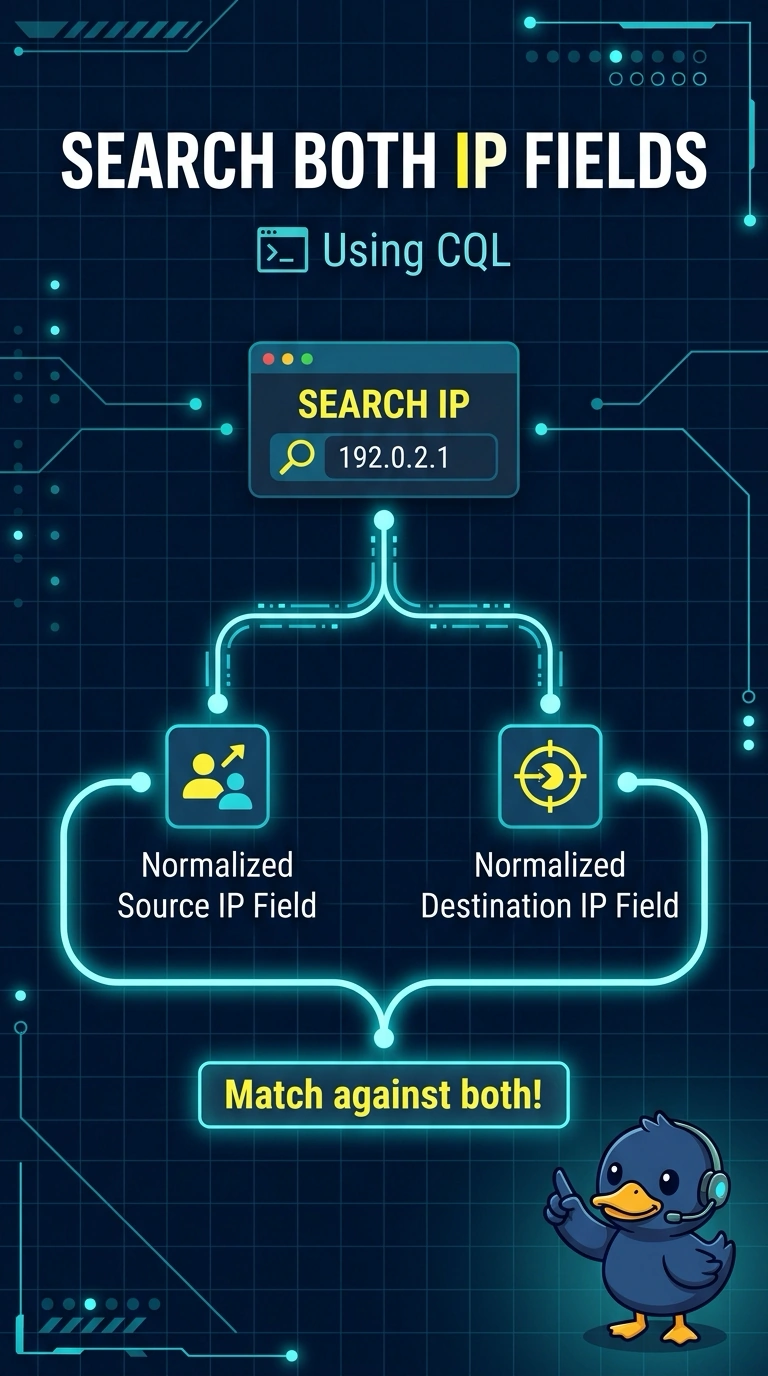
Short Explanation
Looking for a suspect IP in only the destination field is like watching the exit door while someone sneaks in the entrance! The trap is assuming all traffic involving an external address flows outbound. You get complete bidirectional visibility by checking both normalized source and destination IP fields.
Full Explanation
Network telemetry records external addresses in different directional fields depending on who initiated the session, so the analyst should Match the IP against both normalized source and destination IP fields to capture both outbound connections and inbound probes. Choosing to Restrict the CQL search time window to the most recent fifteen minutes narrows the time span and can miss even more relevant events rather than fixing the directional blind spot. Trying to Replace the IP filter with a hostname substring search across DNS logs fails when an attacker connects directly by IP address without performing a DNS lookup. Similarly, deciding to Group the existing destination IP results by protocol and action fields only summarizes the already incomplete outbound matches without bringing in inbound traffic. As a caveat, verify whether perimeter NAT or proxy logs alter which IP appears in the source or destination field before attributing host impact. As an operational check, inspect sample results from both directions to confirm both firewall and endpoint logs appear.
Prefer to study offline? Printable PDF study book + test engine ($7.50, unofficial). These questions stay free here.