
A hospital SOC team uses an executive CQL dashboard tracking failed logins across all clinical sites, and an analyst needs to inspect one specific workstation's trend without altering the shared dashboard logic for everyone else. What should the analyst use?
Select an answer to reveal the explanation.
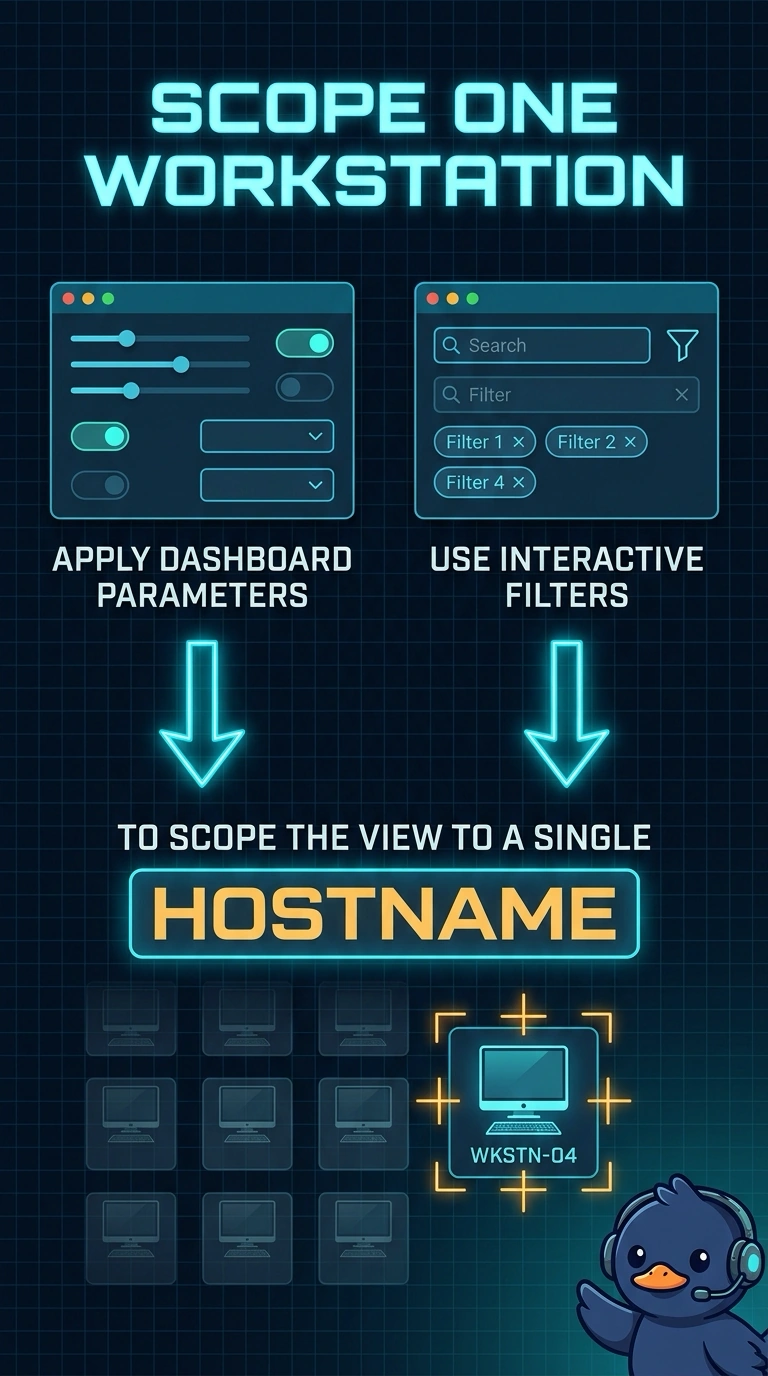
Short Explanation
When you want to zoom in on one machine on a shared dashboard, you should not have to break the view for the whole team. The trap is hard-coding a single hostname into the saved query instead of using parameters or interactive filters.
Full Explanation
Shared operational dashboards rely on parameterized or filterable CQL queries so multiple analysts can slice the same telemetry safely. Choosing to Apply dashboard parameters or interactive filters to scope the view to that hostname narrows the displayed results for your session without modifying the underlying saved query for other team members. Choosing to Delete the shared dashboard and build a private one for each host destroys team visibility and creates unmanageable dashboard sprawl. Choosing to Edit the underlying CQL query to hard-code that single workstation alters the shared view for every analyst and breaks organization-wide monitoring. Choosing to Export every raw log line to a spreadsheet and filter out all other hosts wastes time, loses live SIEM interactivity, and risks moving sensitive authentication records outside controlled tools. Caveat: verify that the dashboard's parameter or filter actually maps to the normalized hostname field used by all panels you are viewing. Operational check: confirm the workstation's filtered event count matches a targeted CQL search for that same hostname and time window.
Prefer to study offline? Printable PDF study book + test engine ($7.50, unofficial). These questions stay free here.