
A regional bank SOC analyst investigates a spike in blocked outbound web requests, but their CQL query searches across every ingested repository—including endpoint process logs, email gateways, and badge-access records—causing slow performance and noisy results. What should the analyst do to focus the CQL search?
Select an answer to reveal the explanation.
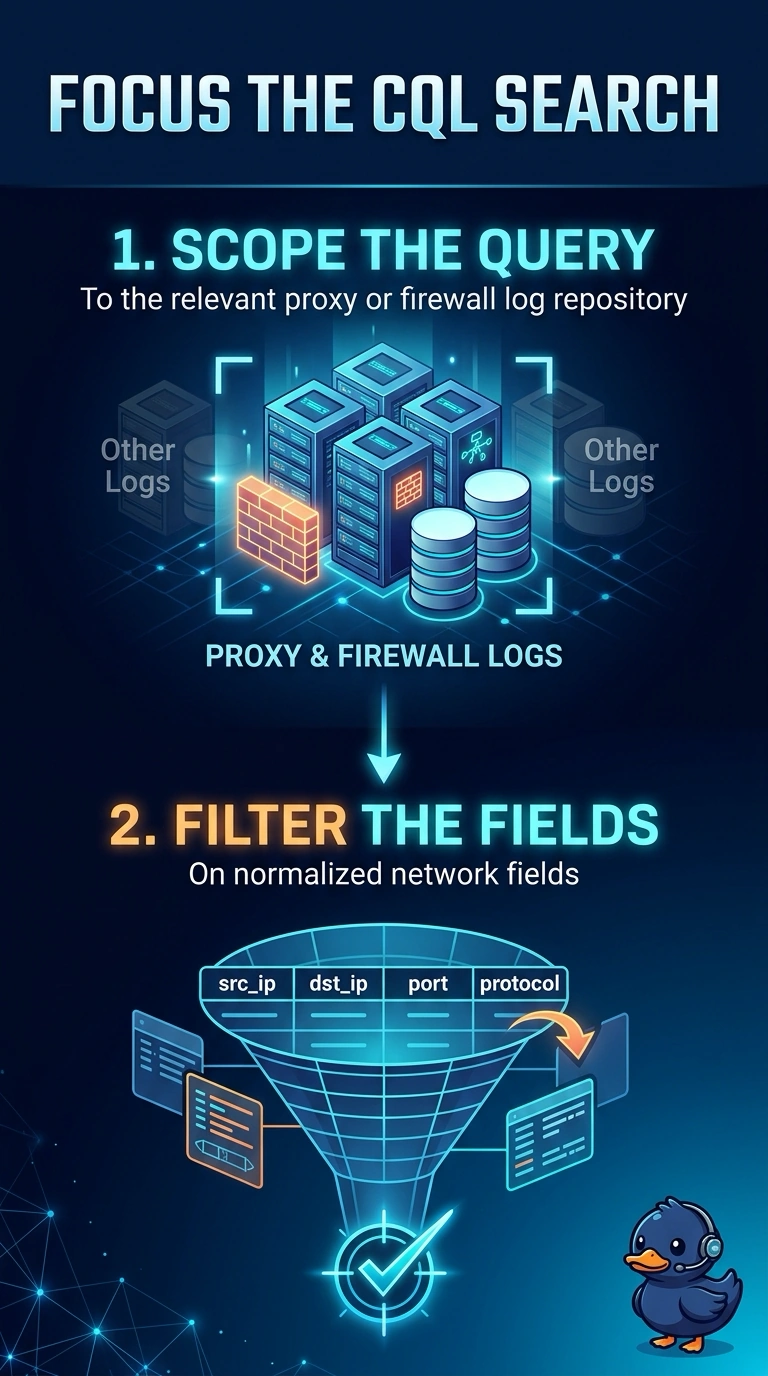
Short Explanation
When you search every repository for a web-proxy spike, it is like looking for a misplaced receipt by emptying every filing cabinet in the building. You will spend time wading through unrelated telemetry, so focus on scope rather than blaming the SIEM for a query that searches too broadly.
Full Explanation
Scoping the CQL search to the relevant proxy or firewall log repository and filtering on normalized network fields targets the telemetry that records outbound web blocks. CrowdStrike Parsing Standard (CPS) attributes provide structured fields that support fast, accurate filtering across network sources. Expanding the relative time window to thirty days captures more traffic but broadens the search and adds events without isolating the relevant web activity, so it does not address the scope problem. Disabling CPS normalization leaves only raw text lines and removes the structured fields needed for reliable network queries. Exporting every matching event across all repositories into a local spreadsheet moves large volumes of unrelated endpoint, email, and badge-access records outside the SIEM instead of narrowing the search. Caveat: if your organization forwards web telemetry through multiple appliances, include each relevant proxy or firewall repository in the scope to avoid blind spots. Practical check: inspect sample events from the scoped repository and confirm that normalized destination IP, action, and URL fields are populated before building aggregations.
Prefer to study offline? Printable PDF study book + test engine ($7.50, unofficial). These questions stay free here.