
A healthcare SOC analyst writes a CQL query to filter firewall events by destination port and response code, but the comparison returns unexpected results across two log sources. What should the analyst do first to troubleshoot the query?
Select an answer to reveal the explanation.
Short Explanation
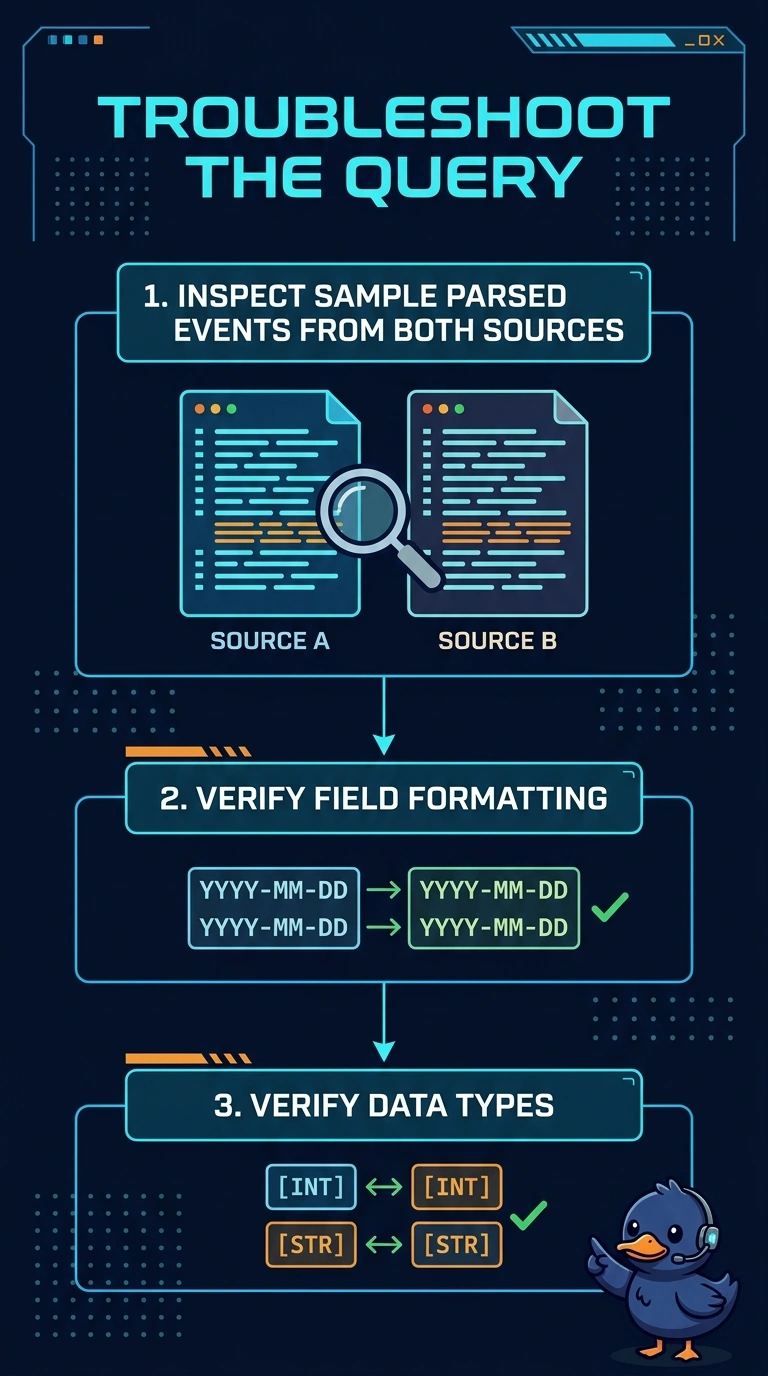
Think of it like checking labels before you compare prices — you need to see what you are really comparing. Before you rewrite your logic, inspect sample events to verify the actual operator and format, because prefixes, units, missing fields or malformed values can break your CQL results.
Full Explanation
The fastest way to diagnose unexpected comparison behavior is to Inspect sample parsed events from both sources to verify field formatting and data types. CQL supports numeric coercion in applicable comparisons; verify the actual operator and format. Prefixes, units, missing fields or malformed numeric values can break comparisons, while a plain numeric string need not. Choosing to Switch the query to a broader rolling time window so more historical records are included only pulls in more mismatched data without fixing the underlying comparison bug. Choosing to Replace the CQL filter with a Falcon Fusion SOAR workflow to inspect the firewall rules misuses automation intended for orchestration and response rather than fixing a query syntax or schema mismatch. Choosing to Create a new correlation rule using the same unverified comparison logic for live alerting promotes broken query logic into production detections, causing missed alerts or false positives. As a caveat, a field may appear populated in most events yet remain missing or differently typed in a specific firewall action subtype. As an operational check, view several raw and parsed records from each source side by side in CQL to confirm exact field names, values, and types before finalizing your filter.
Prefer to study offline? Printable PDF study book + test engine ($7.50, unofficial). These questions stay free here.