
A financial services SOC analyst searches CQL for a username across Windows endpoint logs and Linux SSH logs, but the query misses uppercase entries from one source. How should the analyst adjust the search?
Select an answer to reveal the explanation.
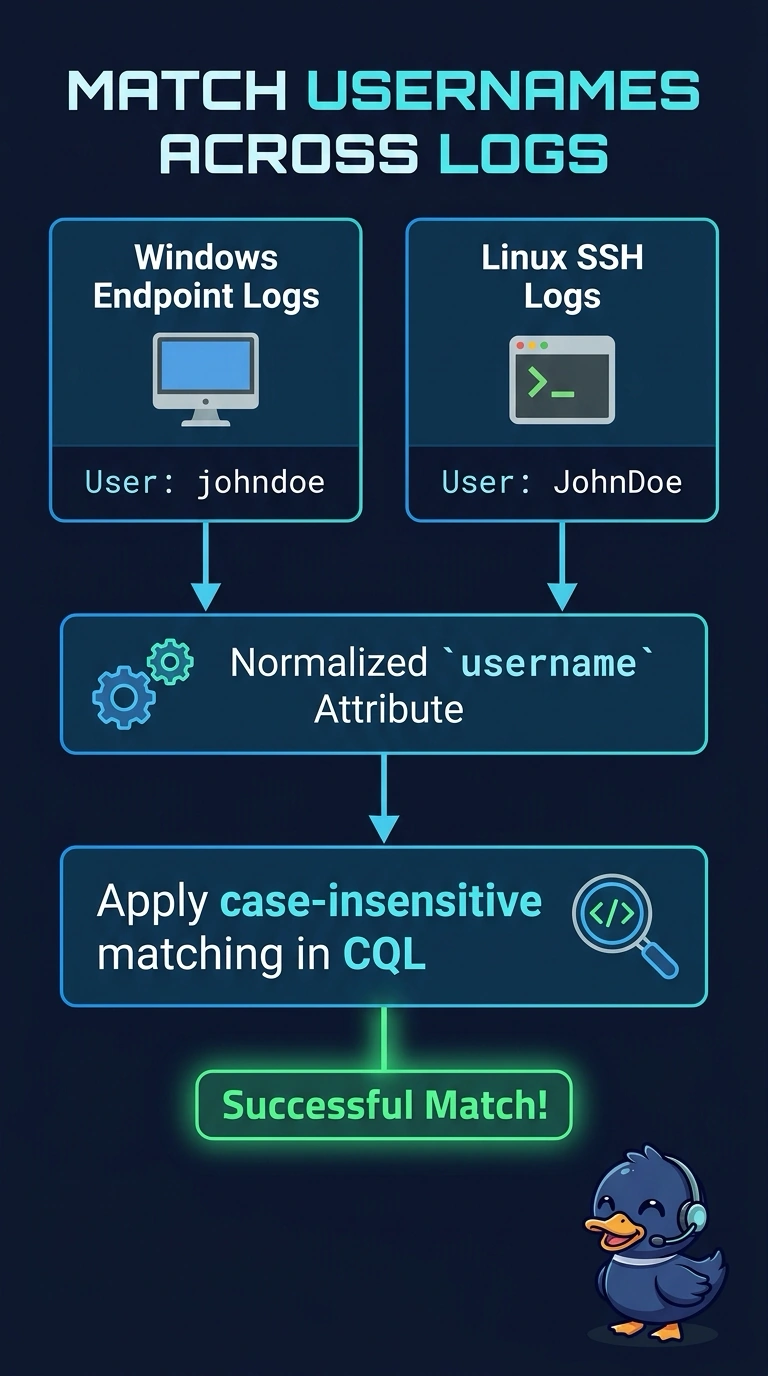
Short Explanation
Searching for a name with strict capitalization across different operating systems is like checking a guest list where half the badges are printed in all caps—you will miss people right in front of you. The trap is widening the time range or abandoning structured fields instead of fixing case sensitivity.
Full Explanation
Different operating systems and log sources frequently record usernames in inconsistent casing, which causes exact case-sensitive filters to silently drop valid matches. You should Apply case-insensitive field matching on the normalized username attribute in CQL so both uppercase and lowercase variants are returned accurately without losing field structure. Choosing to Switch to a broader wildcard search across the entire raw message text field degrades query performance and introduces false matches from unrelated log strings that happen to contain the same letters. Choosing to Expand the query time window to thirty days to capture older login records only searches further back in time and will still miss uppercase entries within the original timeframe. Choosing to Disable the parser for the Linux SSH log source so both formats match raw text breaks structured schema normalization and disrupts downstream dashboards and correlation rules. As a caveat, confirm that the normalized field itself is populated for both log sources before relying on the result. For an operational check, run a quick aggregation on the username field to confirm both casing variants now appear in your output.
Prefer to study offline? Printable PDF study book + test engine ($7.50, unofficial). These questions stay free here.