
A software company SOC team needs to monitor daily trends in failed SSO logins and blocked outbound connections across regional offices on every shift. Which Next-Gen SIEM capability best supports this recurring workflow?
Select an answer to reveal the explanation.
Short Explanation
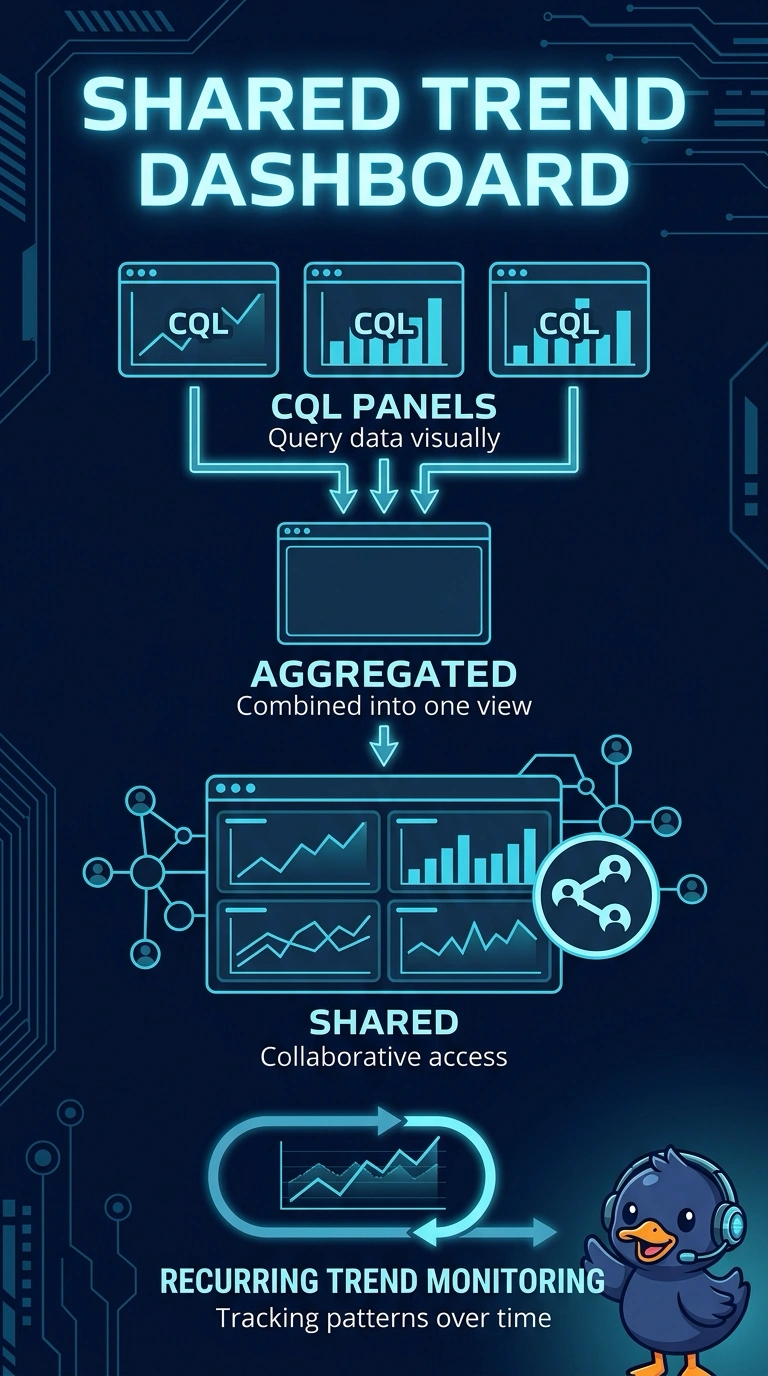
If your team checks the same vital signs every shift, you should put them on a monitor instead of taking a manual pulse from scratch. A shared dashboard gives everyone consistent trend visibility, whereas the trap is retyping ad-hoc searches or misusing SOAR containment for reporting.
Full Explanation
For recurring shift-to-shift visibility into authentication and network trends, A shared dashboard displaying aggregated CQL panels for recurring trend monitoring gives every analyst a consistent, visual view of baselines and spikes without rebuilding queries. Dashboards turn CQL aggregations into repeatable operational views across teams. Relying on A manual ad-hoc raw event search retyped by each analyst at shift start introduces inconsistent filters, wastes time, and hides multi-day patterns in raw lines. Triggering A Falcon Fusion SOAR containment workflow that isolates hosts automatically is designed for automated response actions, not passive trend monitoring. Writing A one-time case management note listing yesterday's login failure count captures a static snapshot for one investigation rather than live, recurring metrics. Caveat: dashboards summarize aggregated views, so an unusual spike on a panel still requires pivoting into underlying events to verify root cause. Operational check: confirm the dashboard's time range and log-source coverage match all regional offices before treating flat trend lines as normal activity.
Prefer to study offline? Printable PDF study book + test engine ($7.50, unofficial). These questions stay free here.