
A financial services SOC analyst investigates a compromised employee account that accessed a third-party cloud SaaS portal. CQL searches of the SaaS audit log show login events but zero file-download records. What should the analyst verify before concluding no files were exported?
Select an answer to reveal the explanation.
Short Explanation
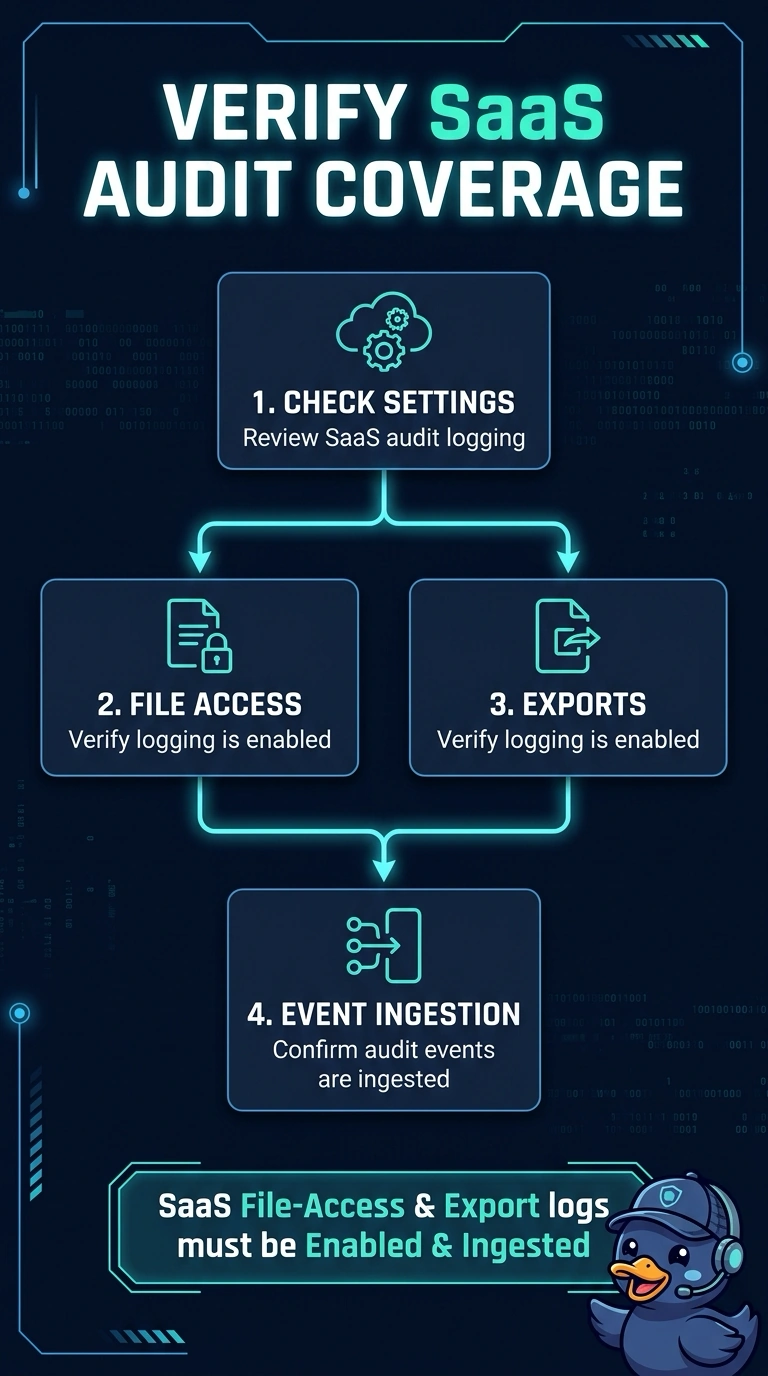
You’re right to treat an empty search carefully: it is not evidence of absence if the relevant logging was never enabled. Before concluding no files were exported, confirm that the SaaS platform’s file-access and export audit events are enabled and ingested; otherwise, you may be looking at a visibility gap rather than safe data.
Full Explanation
Many cloud SaaS platforms record authentication events by default but require specific licensing, configuration, or API permissions to capture granular file-read and export actions. Confirm that the SaaS platform’s file-access and export audit logging is enabled and ingested so you do not mistake a telemetry blind spot for clean attacker behavior. Whether the employee’s corporate laptop had an active endpoint sensor during the login does not establish whether a cloud-to-cloud session generated file activity; that session may have occurred outside the corporate endpoint. Whether the attacker used a third-party passthrough alert to hide download records confuses an alert-ingestion mechanism with suppression of the underlying SaaS logs. Whether the SIEM correlation rule’s ATT&CK mapping includes cloud data-exfiltration techniques concerns rule metadata, not whether the underlying audit records exist in the repository. As an exam caveat, also check web proxy or CASB logs if the user accessed the SaaS portal from a managed network. For a practical check, query the SaaS log source for known benign file-download test events or review the connector’s event-type coverage.
Prefer to study offline? Printable PDF study book + test engine ($7.50, unofficial). These questions stay free here.