
A software team SOC analyst sees an alert for a known malicious domain in outbound web proxy logs from a developer workstation, with the proxy action recorded as blocked. What should the analyst verify next before treating the workstation as compromised?
Select an answer to reveal the explanation.
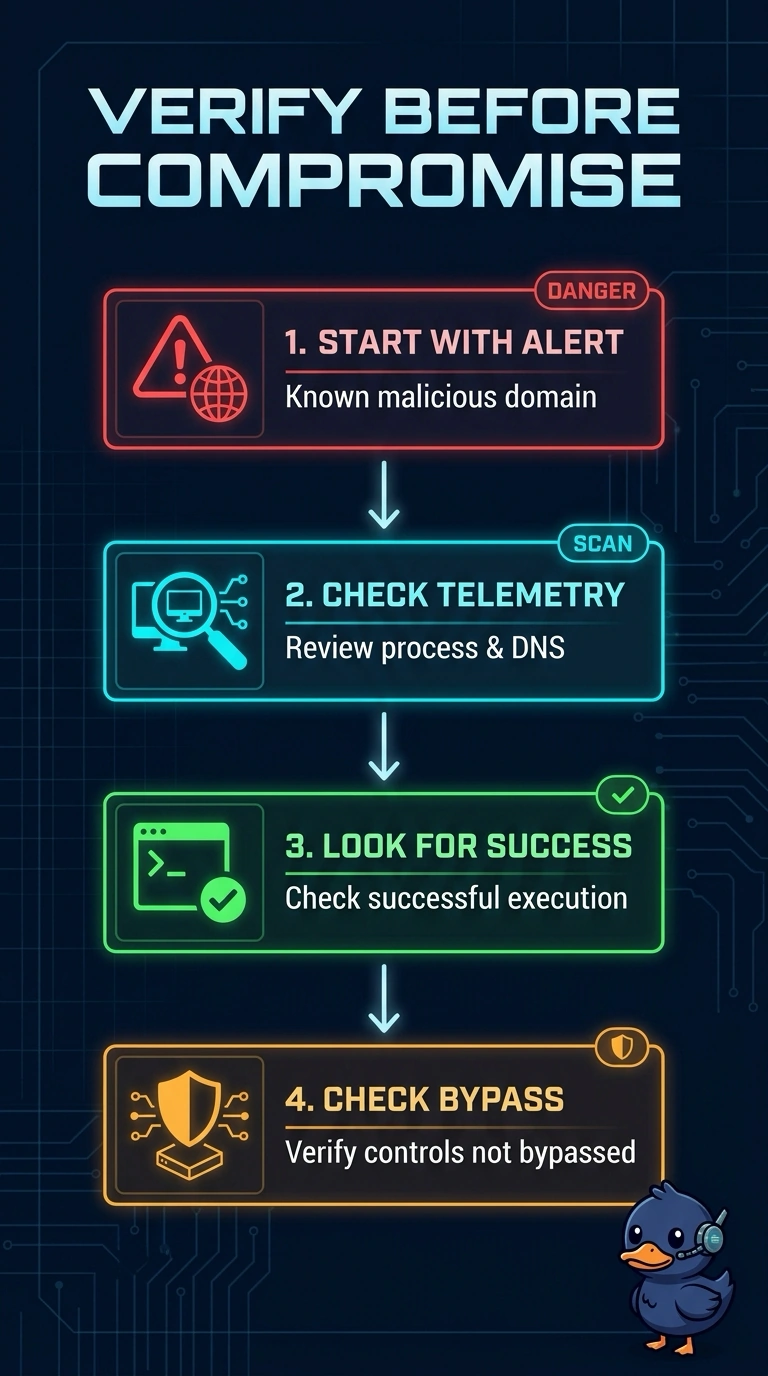
Short Explanation
A blocked proxy alert means the gate held, not that nobody tried to climb the fence on your side of the wall. The trap is either panicking with mass reimaging or closing the ticket without checking what started the request. Check endpoint process and DNS telemetry to confirm whether malware ran locally or bypassed the block.
Full Explanation
A blocked web proxy event indicates the network control stopped that specific connection, but it does not explain what initiated the lookup or whether earlier or alternate channels succeeded. Choosing to Check endpoint process and DNS telemetry for successful execution or bypass verifies which process triggered the request and whether the host reached the malicious domain through another path. Choosing to Immediately reimage every developer workstation in the engineering department causes severe operational disruption before compromise on even one host is confirmed. Choosing to Change the proxy log action field from blocked to allowed in CPS alters telemetry records without investigating the incident and undermines data integrity. Choosing to Close the case without checking whether a local script triggered the request leaves potential malware execution or persistence unexamined on the developer workstation. Caveat: proxy logs may also reflect background browser prefetching or security scanner traffic rather than active infection. As an operational check, pivot on the workstation hostname and timestamp in CQL to inspect process launches and DNS queries immediately preceding the blocked proxy event.
Prefer to study offline? Printable PDF study book + test engine ($7.50, unofficial). These questions stay free here.