
During a ransomware triage at a regional hospital, a SOC analyst triggers an existing Falcon Fusion SOAR workflow to isolate a workstation, but the case still shows open alerts from that host ten minutes later. What should the analyst do first?
Select an answer to reveal the explanation.
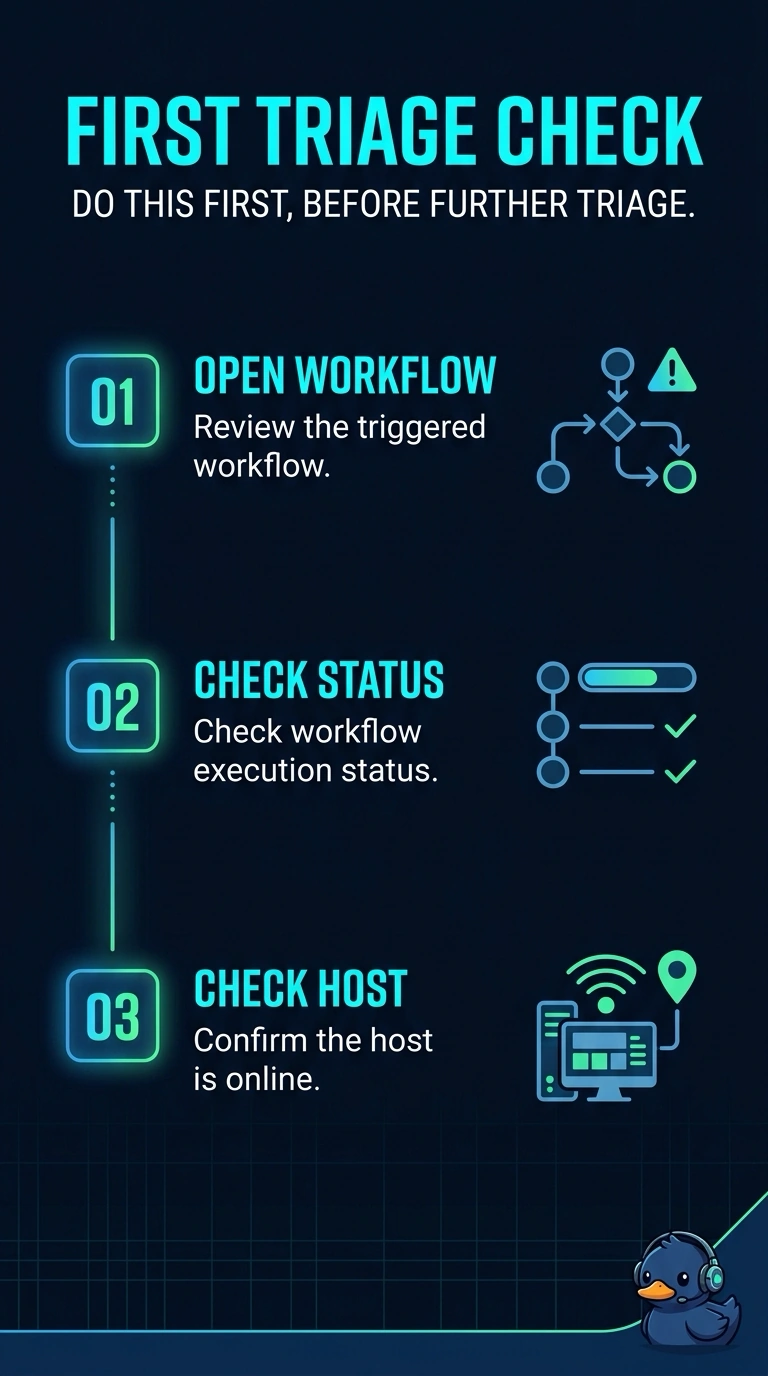
Short Explanation
Think of sending a lock command to a smart door whose Wi-Fi is unplugged—you have to verify the command actually landed before assuming the room is secure. The trap is treating a triggered workflow as guaranteed containment without checking execution status or host connectivity.
Full Explanation
Triggering an automated response does not guarantee immediate completion, especially if the endpoint lost network connectivity before receiving the command or if an action encountered an error. You should Check the SOAR workflow execution status and confirm whether the host is online so you know whether containment actually took effect or remains queued. Choosing to Disable the correlation rule that generated the alerts to stop queue noise blinds detection across the environment without resolving the underlying host risk. Attempting to Re-run the isolation workflow repeatedly until all pending alerts clear automatically wastes time and ignores that existing open alerts do not auto-close just because a host is isolated. Trying to Delete the workstation record from the asset inventory to block further telemetry destroys asset visibility and tracking while leaving the potentially compromised endpoint active on the network. As a caveat, even a successful isolation action may still allow a short burst of cached or pre-isolation telemetry to arrive in the case queue. For an operational check, inspect the SOAR run history for action-level errors and verify the host's current containment state and last-seen timestamp.
Prefer to study offline? Printable PDF study book + test engine ($7.50, unofficial). These questions stay free here.