
A healthcare network's Falcon Next-Gen SIEM fires a correlation-rule alert indicating that a regional clinic's firewall stopped sending logs for 30 minutes. Before escalating the alert as deliberate attacker log tampering, what should the analyst check?
Select an answer to reveal the explanation.
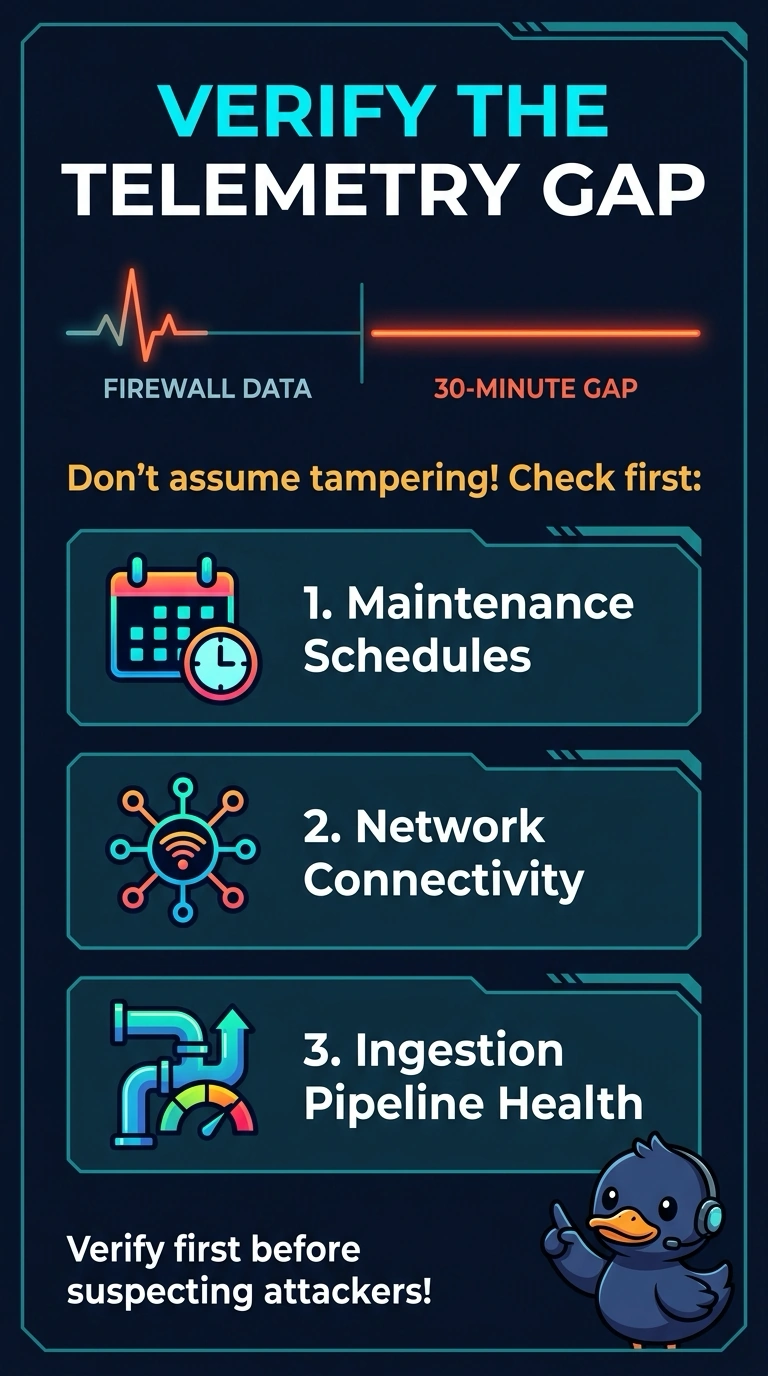
Short Explanation
When a firewall suddenly goes quiet, a dropped cable or planned reboot can look like tampering in the log stream. Check routine outages—including maintenance, connectivity, and ingestion health—before escalating; isolating every workstation or permanently disabling the rule can disrupt patient care or blind future monitoring.
Full Explanation
A missing-telemetry detection signals an absence of expected events, not direct proof of malicious interference, so check maintenance schedules, network connectivity, and ingestion pipeline health for the firewall before attributing the gap to attacker tampering. Verifying whether a power outage, ISP blip, collector restart, or scheduled firmware update occurred helps distinguish benign infrastructure issues from genuine defense evasion. Permanently disabling the correlation rule because telemetry-gap detections cannot distinguish outages from attacks removes an essential safeguard that alerts your team when visibility goes dark. Immediately isolating every clinical workstation through an automated Falcon Fusion SOAR containment workflow risks severe operational disruption based on an unverified assumption. Reclassifying the alert as a third-party passthrough detection misrepresents its origin: a SIEM correlation rule generated it. Caveat: an attacker can still exploit a legitimate outage window, so confirm whether other clinic sensors stayed online. Practical check: query endpoint and identity logs from the same clinic during the 30-minute window to verify whether local activity continued normally.
Prefer to study offline? Printable PDF study book + test engine ($7.50, unofficial). These questions stay free here.