
A manufacturing platform team notices that Falcon sensor DaemonSet pods on high-density Kubernetes worker nodes repeatedly restart with out-of-memory termination events, leaving workloads temporarily unmonitored. Events and metrics confirm container memory-limit OOM kills, not node-wide memory pressure; this supported sensor mode/deployment uses configured container resource limits. What should the team adjust first?
Select an answer to reveal the explanation.
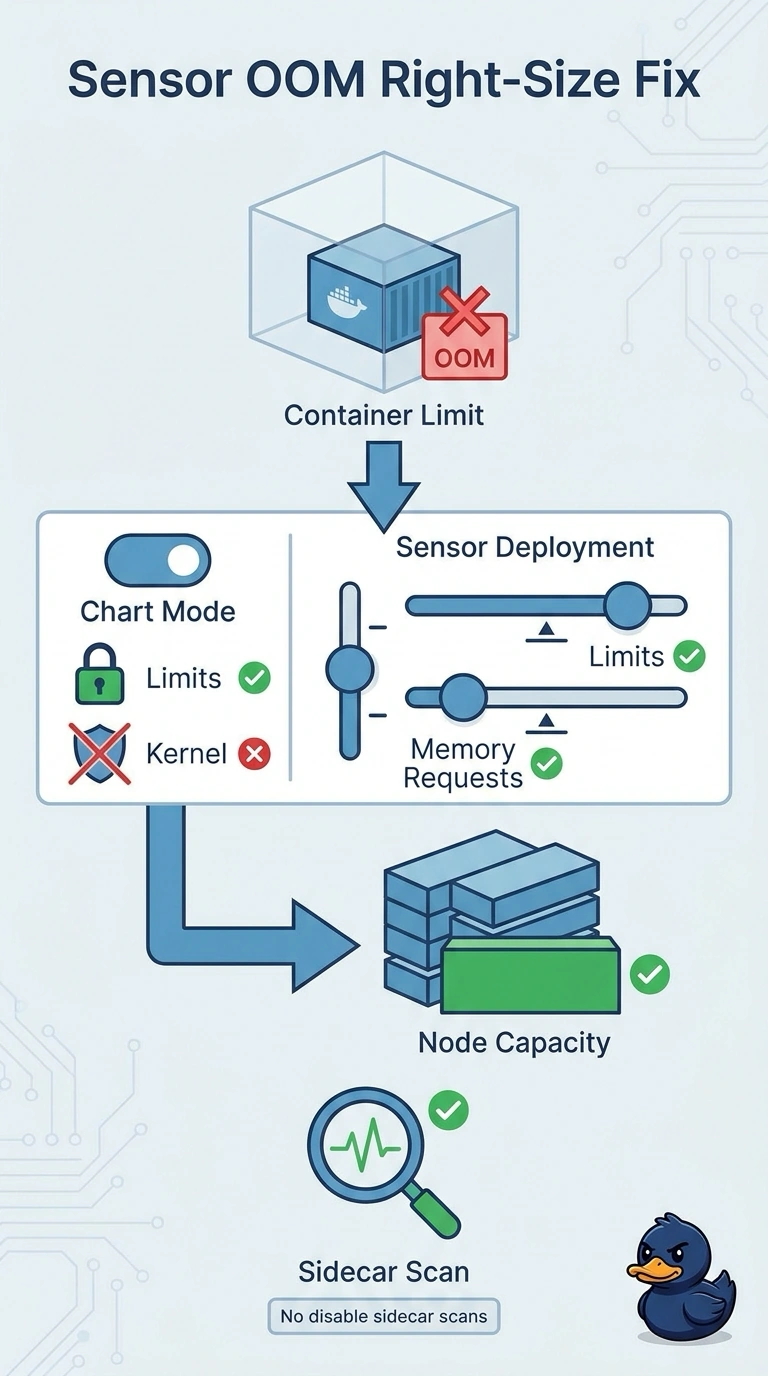
Short Explanation
Think of your node sensor like a traffic cop at a packed intersection — you need to give them a booth that fits the crowd. You confirmed a container-limit OOM, not node pressure, so you right-size the supported requests/limits with enough node capacity. Don't fall for disabling protection or sidecars instead of fixing the supported configuration.
Full Explanation
When a Kubernetes node hosts many concurrent containers, the node-level sensor processes more process, file, and network events, making "Right-size the supported sensor deployment's memory requests/limits with adequate node capacity." the appropriate first adjustment. Right-sizing requests/limits prevents container memory-limit enforcement causing OOM kills during workload spikes and restores continuous runtime visibility. Follow current chart guidance: limits are not recommended in kernel mode. A higher limit can address a verified container limit, but does not guarantee no OOMs or fix a node-capacity problem; use the supported mode-specific configuration and investigate persistent abnormal usage. "Disable runtime behavioral monitoring on nodes hosting more than ten application pods" is incorrect because it creates a blind spot on the busiest nodes. "Move the Falcon sensor from a DaemonSet into an application sidecar container per pod" fails because DaemonSets monitor all pods from the node without per-container duplication. "Remove the node-level sensor and rely solely on weekly registry image assessments" is wrong because registry scans cannot detect live execution, drift, or network attacks. Verify adequate node allocatable memory before raising limits.
Prefer to study offline? Printable PDF study book + test engine ($7.50, unofficial). These questions stay free here.