
During a retail SOC shift, Falcon Cloud Security triggers a runtime detection for an interactive shell spawned inside a production checkout container. Which investigative step best helps the analyst determine whether this activity is authorized maintenance or a compromise?
Select an answer to reveal the explanation.
Short Explanation
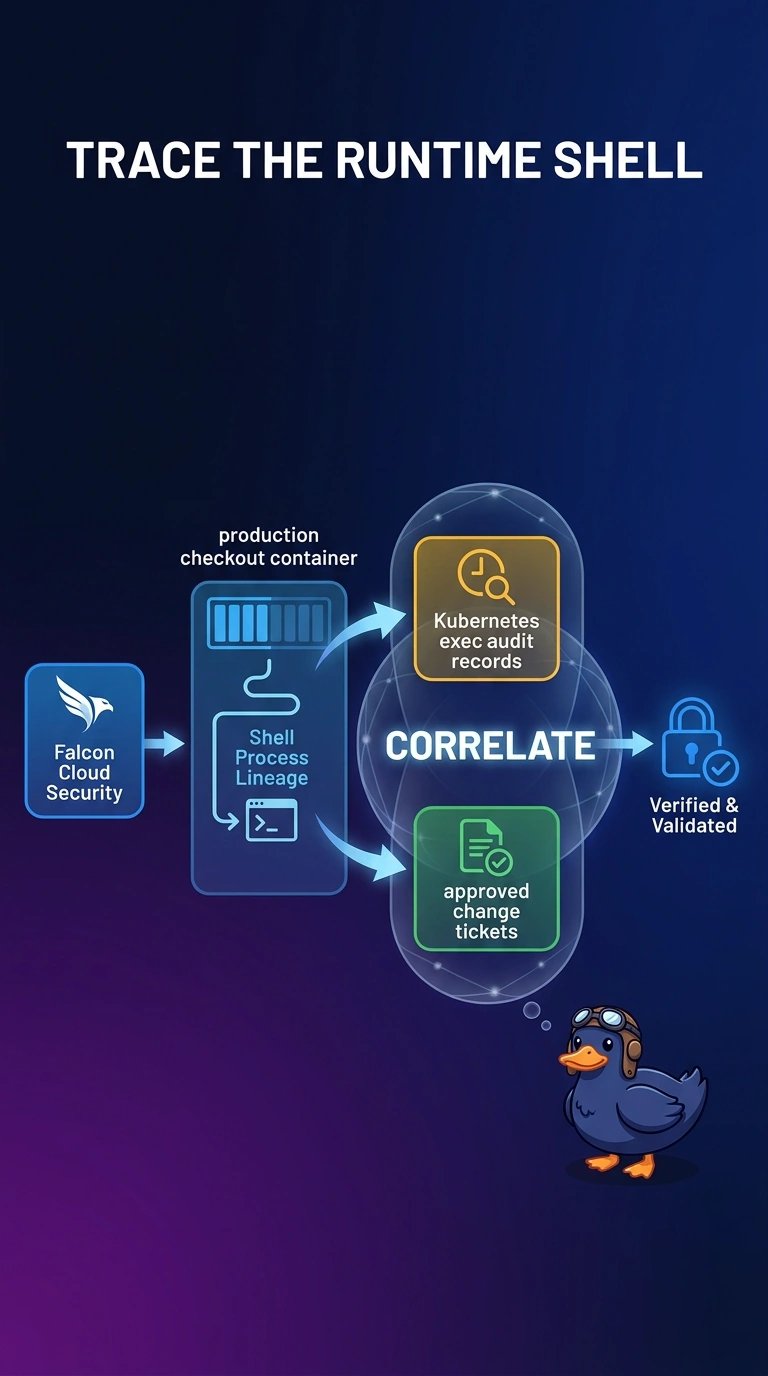
An interactive shell in production can be an engineer putting out a fire or an attacker setting one. Don't fall into the trap of trusting a clean image scan or wiping the pod blindly; correlate your runtime process lineage with cluster audit records to see who started it.
Full Explanation
When an interactive shell appears in a running container, you should Correlate the shell process lineage with Kubernetes exec audit records and approved change tickets. Comparing the runtime parent-child process tree against Kubernetes API audit logs reveals whether an authenticated engineer ran an approved exec session or whether the application process itself spawned the shell after an exploit. Assume the shell is benign if the container image passed pre-runtime vulnerability scanning earlier that week is incorrect because clean images can still suffer application-level exploits or unauthorized access. Delete the pod immediately before capturing process lineage or network connection telemetry from the node is wrong because destroying the pod before triage erases volatile context and hides whether lateral movement occurred. Disable all runtime protection policies on the checkout cluster to prevent future shell-execution alerts is dangerous because it removes critical runtime visibility across production workloads. Keep in mind that even authorized ad-hoc debugging in production can introduce drift if engineers install tools. As an operational check, inspect the detection's parent process, command-line arguments, and outbound network connections alongside your cluster audit logs.
Prefer to study offline? Printable PDF study book + test engine ($7.50, unofficial). These questions stay free here.