
A school district engineer installs the Falcon sensor on a newly provisioned cloud virtual machine for runtime workload protection, but the host never appears as active in Falcon Cloud Security. What should the engineer verify first?
Select an answer to reveal the explanation.
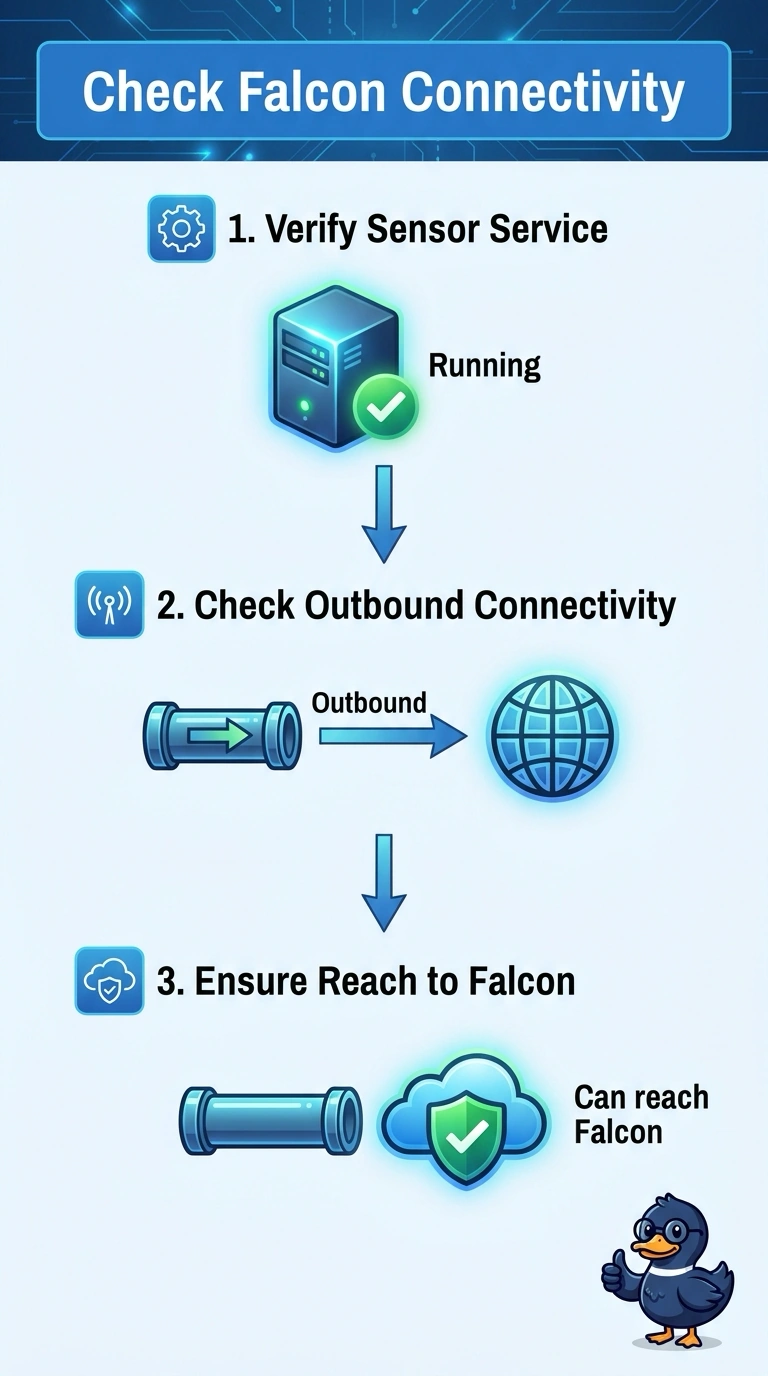
Short Explanation
If a newly installed guard never checks in at the front desk, your first move is to confirm they are awake and have a working phone line. The trap is chasing container registry or Kubernetes settings for a standalone virtual machine. Check that the sensor service is actually running and can reach Falcon outbound.
Full Explanation
The engineer should verify first That the sensor service is running and has outbound connectivity to Falcon. For a host-based Falcon sensor to register and stream runtime telemetry, the agent process must be active on the virtual machine and security groups, network ACLs, or proxies must permit outbound communication to the Falcon cloud endpoints. Choosing to verify That the container registry credentials used by the build pipeline are valid applies to pre-runtime container image scanning and has no bearing on a virtual machine sensor checking in. Choosing to verify That the cloud posture scan exclusion list includes the virtual machine subnet fails because Posture scan/filter configuration is unrelated to a host sensor's registration and outbound telemetry path. Choosing to verify That Kubernetes admission control is switched from alert mode to blocking mode affects Kubernetes pod scheduling decisions and does not influence standalone virtual machine sensor registration. As a caveat, even when network rules allow traffic, an incomplete installation or missing customer identifier can also prevent registration. For an operational check, inspect the sensor service status on the virtual machine and test outbound HTTPS reachability to the required Falcon cloud endpoint.
Prefer to study offline? Printable PDF study book + test engine ($7.50, unofficial). These questions stay free here.