
A retail platform team deploys the Falcon sensor DaemonSet to a Kubernetes cluster, and sensor pods run normally on general-purpose nodes but remain in a Pending state on dedicated compliance-isolated worker nodes. The pods have no assigned node and Events reports FailedScheduling due to an untolerated taint. What should the engineer check first?
Select an answer to reveal the explanation.
Short Explanation
When you see the sensor run on general-purpose nodes but stay Pending on compliance-isolated nodes, you should check the scheduling gate first. Registry credentials and IAM permissions do not explain a pod that has not been placed on a node.
Full Explanation
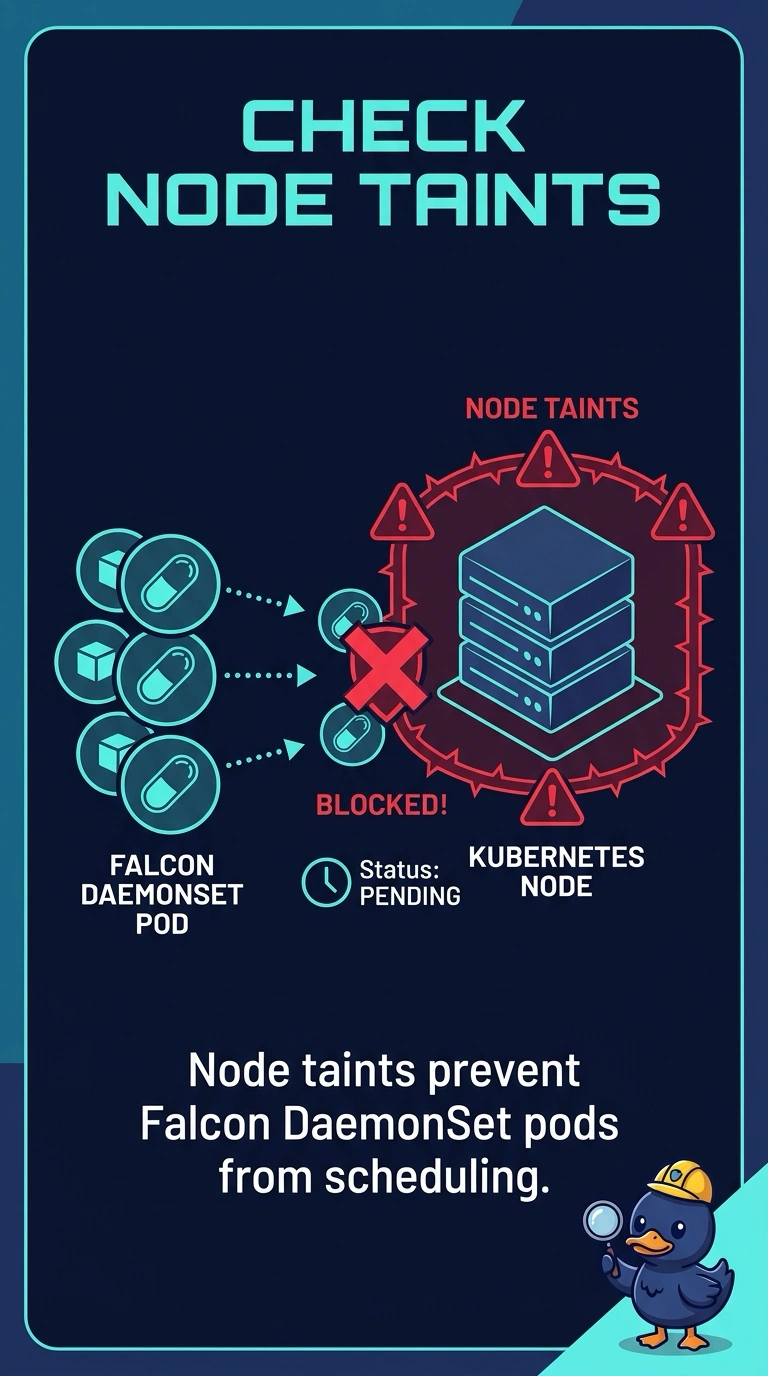
Checking whether node taints prevent the DaemonSet pods from scheduling is the right first step because Kubernetes leaves a pod Pending when the scheduler cannot place it on a target node. Dedicated compliance-isolated worker nodes commonly carry taints that repel DaemonSet pods unless the DaemonSet specification includes matching tolerations. Expired container registry credentials would cause an image-pull error after scheduling, rather than explain why a pod remains Pending before placement. A failed pre-runtime image assessment concerns vulnerability scanning of the sensor image in a registry or pipeline; it does not address node-level scheduling. An onboarding IAM role without read permissions affects cloud account posture inventory, which operates independently of Kubernetes node scheduling. Pending includes both unscheduled pods and scheduled pods still pulling/starting containers; ImagePullBackOff can remain in phase Pending. The explicit scheduling event identifies the taint problem here. For a practical check, describe the Pending sensor pod and inspect the isolated worker nodes’ taints, then verify that the DaemonSet has matching tolerations.
Prefer to study offline? Printable PDF study book + test engine ($7.50, unofficial). These questions stay free here.