
A manufacturing cloud security team is configuring a Fusion SOAR workflow to automatically remediate non-compliant public storage bucket settings. How should the team scope the permissions used by the remediation action?
Select an answer to reveal the explanation.
Short Explanation
Giving an automated workflow full admin keys is like handing a delivery driver the master key to your entire factory! The trap is taking a broad-permission shortcut when you should scope the remediation role strictly to the storage action required.
Full Explanation
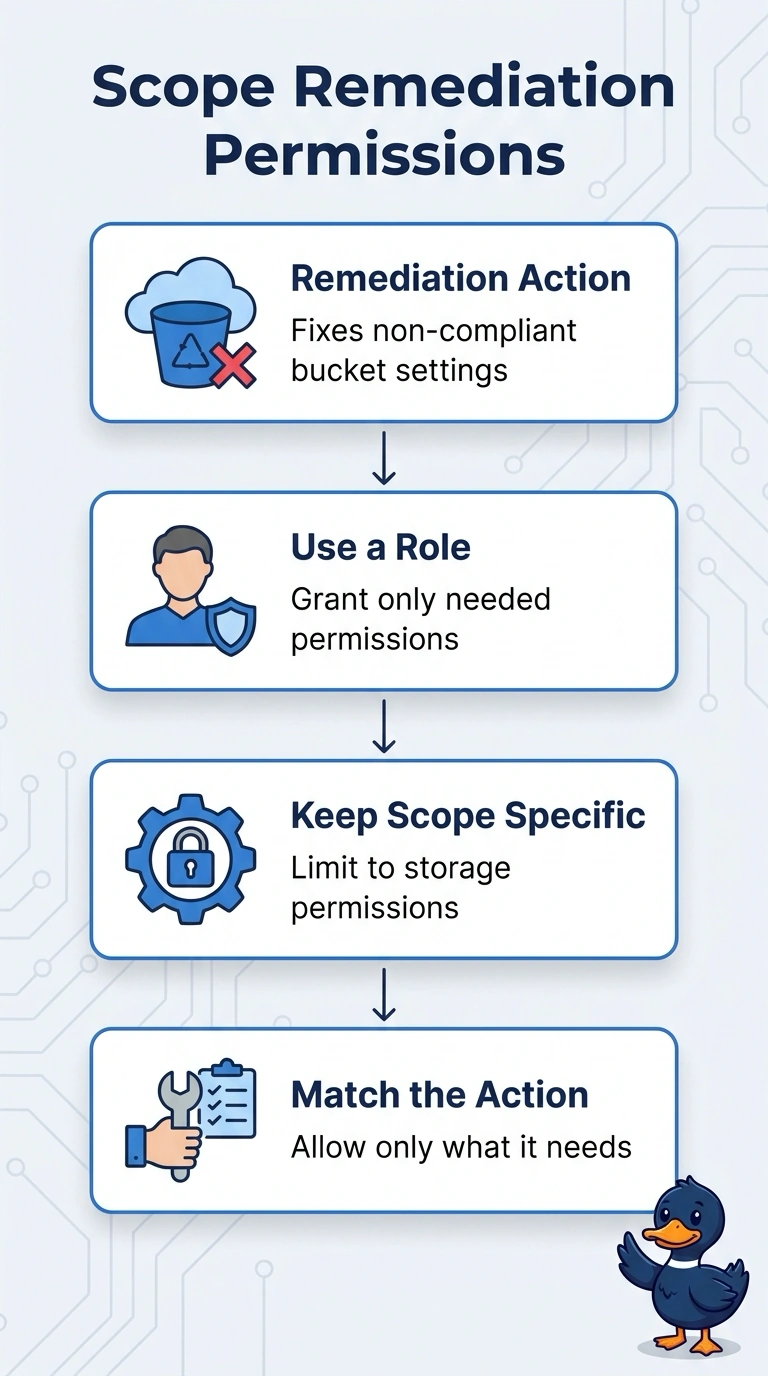
Limit the remediation role to the specific storage permissions needed for that action enforces least privilege for Fusion SOAR automated remediation. Restricting the role to only the required storage access-control APIs ensures that a misconfigured workflow or compromised trigger cannot alter unrelated compute, networking, or identity resources. Grant full organization-wide administrator privileges to the remediation role for all services violates least privilege and dramatically increases blast radius if the workflow runs unexpectedly. Reuse a developer's personal administrative credentials inside the workflow configuration ties automation to an individual account, creating audit-trail ambiguity and breakage whenever that person changes roles. Disable cloud audit logging so automated remediation changes do not generate extra events undermines forensic visibility and compliance tracking when automated changes occur. Caveat: even with least-privilege permissions, test automated storage remediation in a non-production cloud group first so it does not disrupt legitimate public web assets. Operational check: inspect the IAM policy attached to the remediation role and review Fusion SOAR execution logs after a controlled test.
Prefer to study offline? Printable PDF study book + test engine ($7.50, unofficial). These questions stay free here.