
A hospital compliance officer receives an automated monthly scheduled report from Falcon Cloud Security that arrives on time but lists zero findings, even though the SOC dashboard shows active medium-severity posture alerts. What should the compliance officer check first?
Select an answer to reveal the explanation.
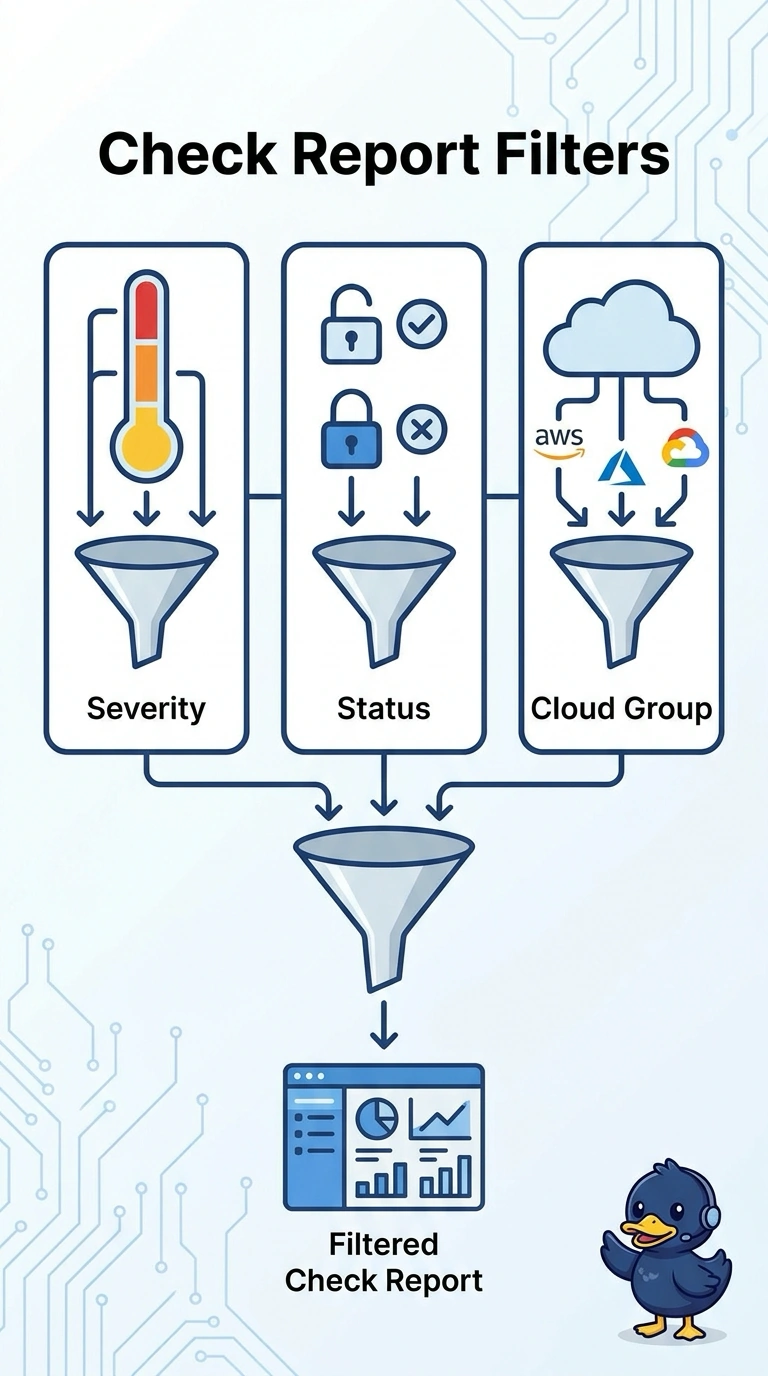
Short Explanation
Think of a scheduled report like a custom search query saved on a timer: if it delivers a blank page on schedule, your filter criteria are probably too narrow. The trap is blaming account connectivity or email delivery when the report itself actually arrived.
Full Explanation
Reviewing The severity, status, and cloud group filters configured on the report is the right first step because scheduled reports evaluate only the findings that match their saved criteria at generation time. If the report is scoped to critical-only findings, resolved items, or an empty cloud group, it will legitimately deliver an empty summary even while active medium-severity alerts appear on the SOC dashboard. Checking Whether the cloud account onboarding IAM role was deleted is unlikely to be the primary cause when active posture alerts are still populating in the console, though stale accounts should be monitored separately. Checking Whether the Kubernetes admission controller is running in blocking mode addresses cluster pod scheduling enforcement, not posture report filtering. Checking The recipient email domain allowlist on the hospital mail gateway is unnecessary because the report email already arrived on time. Keep in mind as a caveat that report scope changes apply to future scheduled runs rather than retroactively altering previously emailed files. As an operational check, open the scheduled report definition, compare its severity and cloud group filters against the active dashboard view, and run a manual test preview to confirm matching findings appear.
Prefer to study offline? Printable PDF study book + test engine ($7.50, unofficial). These questions stay free here.