
A distributed enterprise is onboarding hundreds of existing cloud accounts into Falcon Cloud Security and wants to avoid flooding SOC chat channels with thousands of historical posture alerts on day one. What is the safest way to manage Fusion SOAR notifications during initial onboarding?
Select an answer to reveal the explanation.
Short Explanation
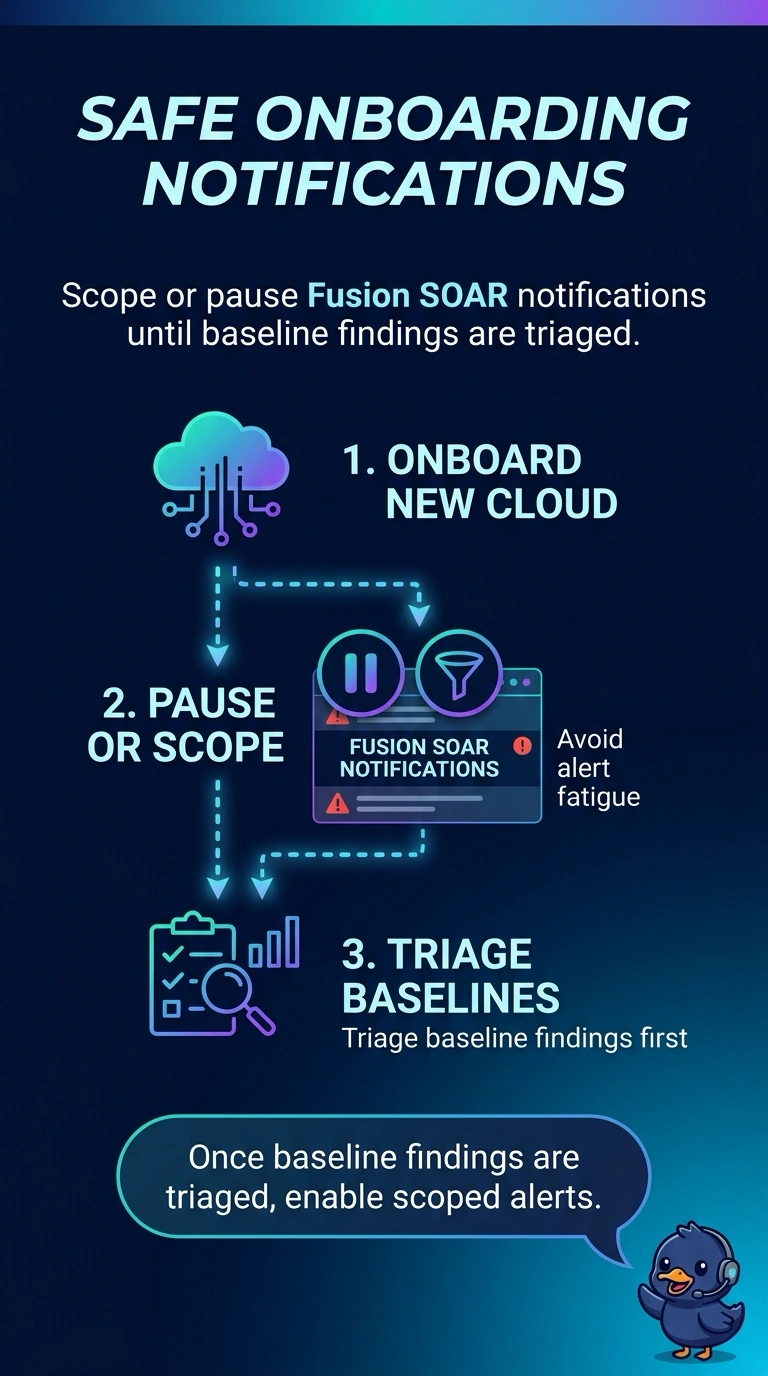
Turning on full notifications during a massive onboarding is like hooking a firehose up to your living room sink. Don't blind your posture scans or delete policies just to quiet the noise—keep visibility active and hold or scope your Fusion SOAR alerts until the baseline is triaged.
Full Explanation
Scope or pause Fusion SOAR notifications until baseline findings are triaged is the safest approach because it preserves full cloud posture visibility and asset inventory in Falcon Cloud Security while preventing historical misconfigurations from overwhelming SOC responders on day one. Permanently disable all cloud posture policies across the entire cloud organization fails because it eliminates posture evaluation altogether, leaving teams blind to critical exposures even after onboarding completes. Configure scan exclusions to omit all production accounts from posture inventory is also wrong because excluding production accounts removes the most important assets from security monitoring rather than simply managing alert delivery. Unregister the cloud accounts after the first scan finishes to clear old alerts is incorrect because unregistering severs ongoing visibility and defeats the purpose of continuous cloud security monitoring. As a caveat, while notifications are paused or scoped to critical severities, security engineers must still actively review the posture dashboard for urgent exposures. As an operational check, re-enable or broaden the Fusion SOAR notification workflow triggers once the initial baseline backlog is triaged and assigned.
Prefer to study offline? Printable PDF study book + test engine ($7.50, unofficial). These questions stay free here.