
A hospital DevSecOps team integrates a newly deployed private container registry with Falcon Cloud Security using valid pull credentials and broad repository permissions, yet registry scans fail with connection timeouts. What should the team verify next?
Select an answer to reveal the explanation.
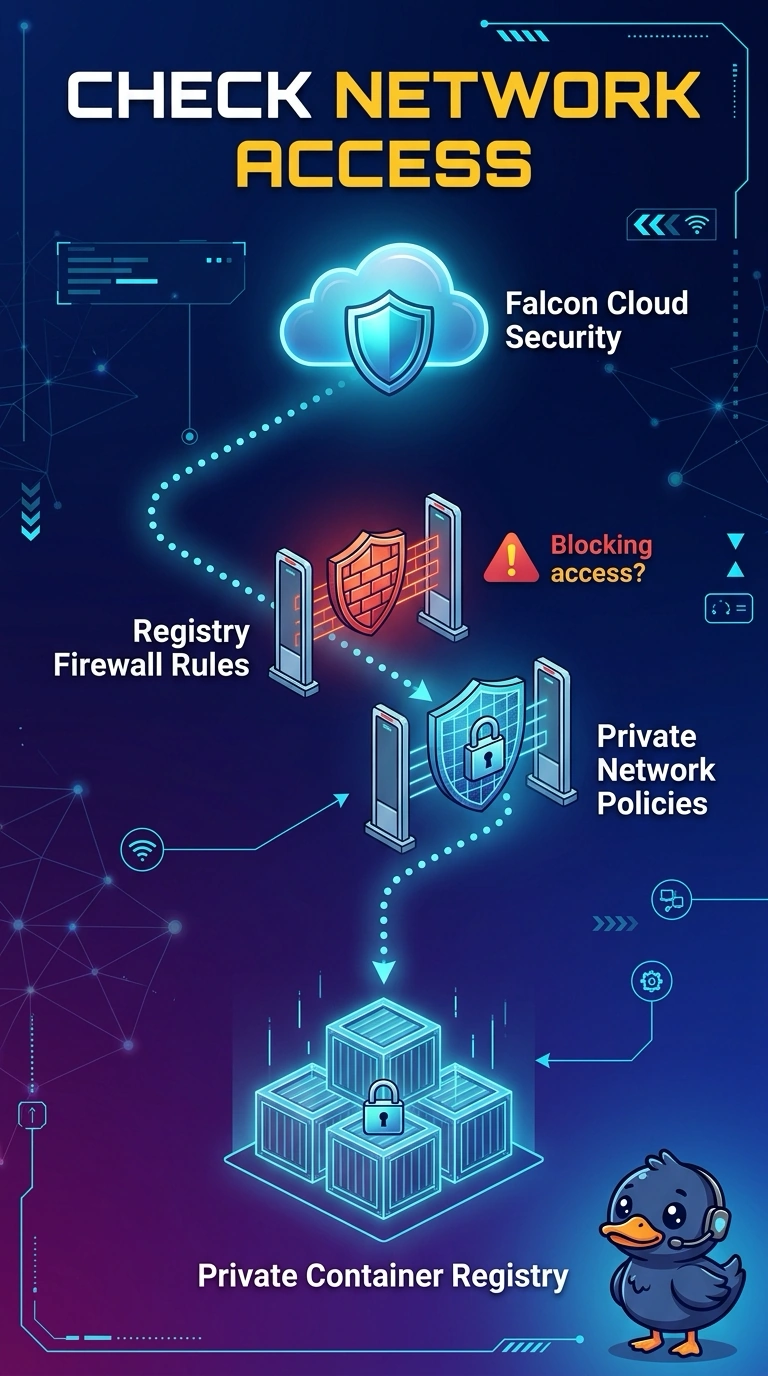
Short Explanation
You’re right to focus on reachability: valid credentials can’t help if a firewall or private network policy prevents Falcon Cloud Security from reaching the registry. Timeouts point to a network block, not worker-node disk space for container logs, image tags versus immutable digests, or detect-only runtime policies. Check the registry firewall rules and private network policies next.
Full Explanation
Registry firewall rules or private network policies that block Falcon Cloud Security access directly explain the connection timeout. A private registry behind restrictive firewalls, IP allowlists, or private-only VPC endpoints can reject connections from external scanners even when pull credentials are valid and repository permissions are broad. Worker-node disk space for running container logs is not the cause: node capacity affects live pod execution, not pre-runtime registry integration connectivity. Using immutable image digests instead of tags affects image pinning and reproducibility, but does not cause TCP connection timeouts. Runtime protection policies set to detect-only govern post-deployment workload behavior and do not affect whether a registry scan can connect. One caveat is that a registry required to remain strictly private, with no inbound internet access, may need image assessment inside the CI/CD pipeline or an approved private connectivity path. As a practical check, review registry firewall logs and allowlists, then re-test the registry connection in Falcon Cloud Security.
Prefer to study offline? Printable PDF study book + test engine ($7.50, unofficial). These questions stay free here.