
During pre-runtime image assessment, a retail DevSecOps team finds a critical vulnerability in an operating system package inside a newly built payment-service image. What is the recommended way to remediate this finding before production deployment?
Select an answer to reveal the explanation.
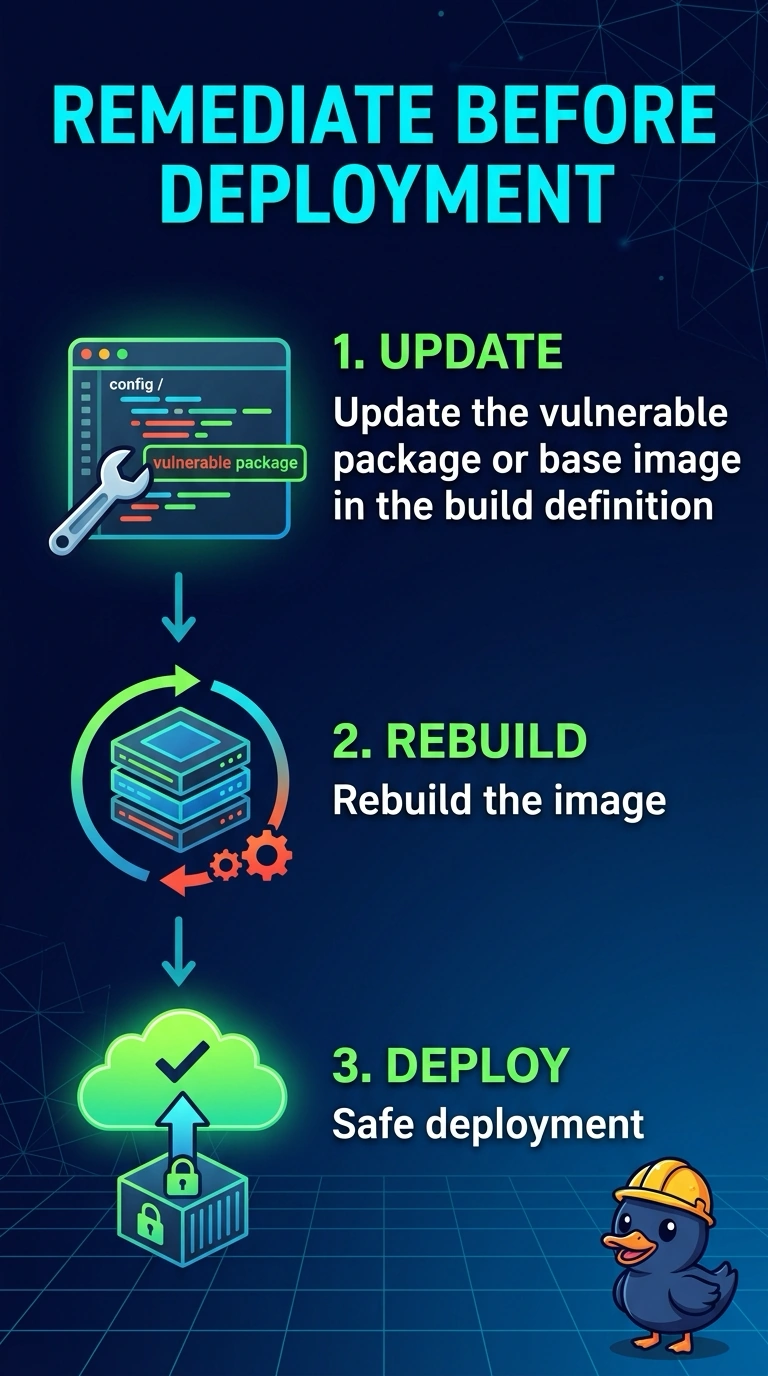
Short Explanation
Patching a container after it starts is like painting over rust on a car frame—the next restart brings the flaw right back. You fix pre-runtime image findings at the source in the build pipeline, not by mutating live pods or silencing your scanners.
Full Explanation
Immutable container workflows require fixing vulnerabilities before deployment, which is why Update the vulnerable package or base image in the build definition and rebuild the image is the correct approach. Updating the Dockerfile or package manifest and generating a fresh image digest ensures every newly scheduled replica inherits the fix and passes subsequent pre-runtime checks. Deploy the container first and manually patch the package inside the running pod fails because container changes are ephemeral, introduce configuration drift, and disappear when a pod restarts or scales. Disable the image assessment policy rule for that package across all repositories is wrong because suppressing a valid critical finding leaves production workloads exposed without addressing the underlying software risk. Add a cloud account scan exclusion for the Kubernetes cluster running the image fails because cloud posture scan exclusions apply to cloud control-plane resources rather than fixing vulnerable packages inside container images. As an exam caveat, remember that pre-runtime findings are resolved in source code or base layers, never by editing running containers. For an operational check, trigger a fresh pipeline build after updating the base image and confirm the new image digest reports clean in image assessment.
Prefer to study offline? Printable PDF study book + test engine ($7.50, unofficial). These questions stay free here.