
A retail cloud engineer registers a new cloud project in Falcon Cloud Security, and the connection shows active, but managed database and storage resources never appear in the asset inventory. Which registration issue should the engineer check first?
Select an answer to reveal the explanation.
Short Explanation
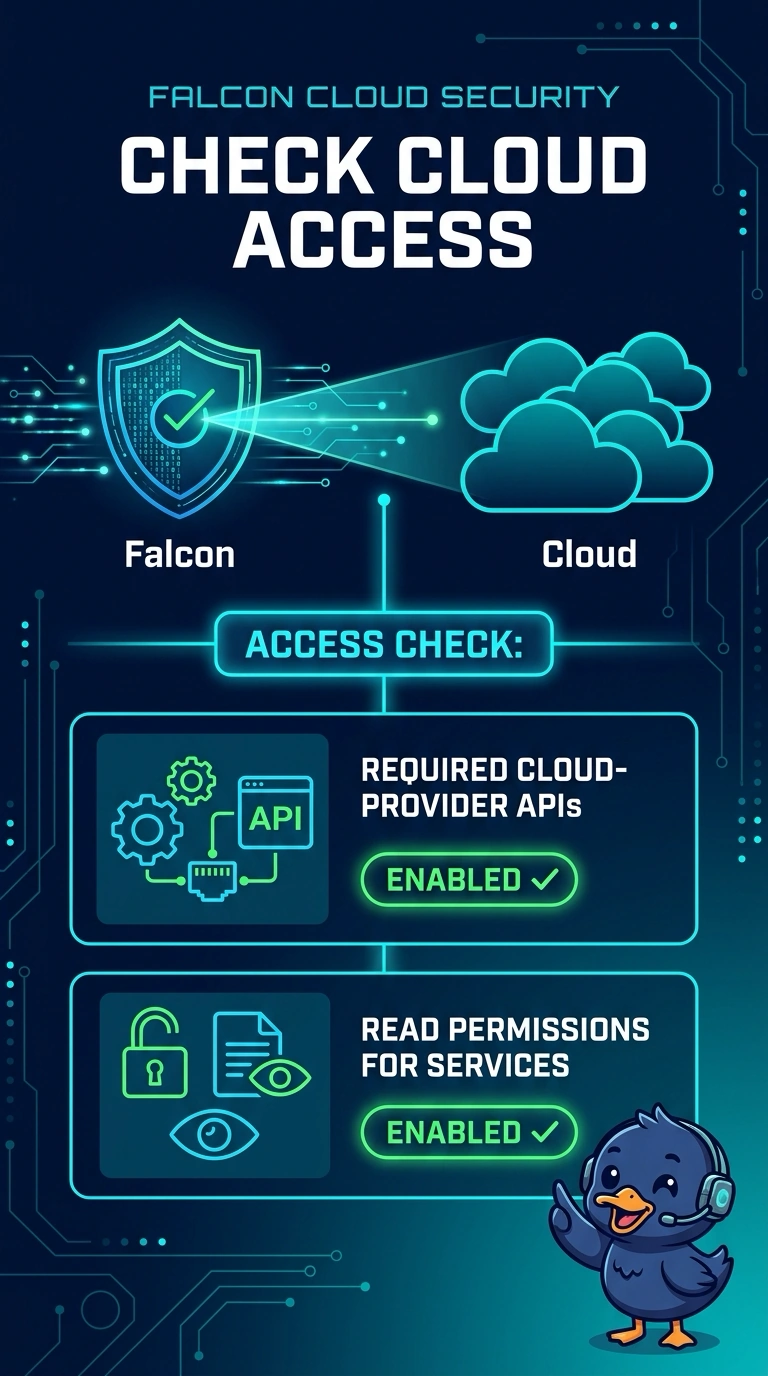
An active connection with missing databases is like having a phone line connected to a room where the lights are still switched off! The trap is blaming container or runtime settings when your registration simply lacks enabled service APIs or read permissions.
Full Explanation
Whether required cloud-provider APIs and read permissions for those services are enabled is the first thing to verify when a registered cloud project shows active but omits specific resource types. Falcon Cloud Security relies on cloud-provider read APIs and onboarding role permissions to inventory managed databases and storage; if an API is disabled or a permission is missing, those assets remain invisible. Whether the cloud account was assigned to a sandbox cloud group with strict runtime blocking does not explain missing posture inventory, because cloud groups scope policy rules rather than blocking asset discovery, and runtime blocking applies to sensors. Whether the container registry integration has pull credentials for private base images affects pre-runtime image assessment rather than cloud-provider database and storage inventory. Whether the local Kubernetes DaemonSet pods have tolerations for tainted worker nodes relates to cluster runtime sensor scheduling rather than agentless cloud account registration. Caveat: after enabling missing APIs or updating onboarding permissions, allow a full posture discovery cycle before assuming the issue persists. Operational check: review the cloud account registration status details and verify read permissions for database and storage services in the target project.
Prefer to study offline? Printable PDF study book + test engine ($7.50, unofficial). These questions stay free here.