
A retail cloud administrator wants to suppress expected findings from a noisy set of temporary migration buckets without losing visibility into other storage resources in the same production account. The documented scoped capability affects assessment findings versus inventory and does not prove the resources are unscanned. Which registration configuration should the administrator apply?
Select an answer to reveal the explanation.
Short Explanation
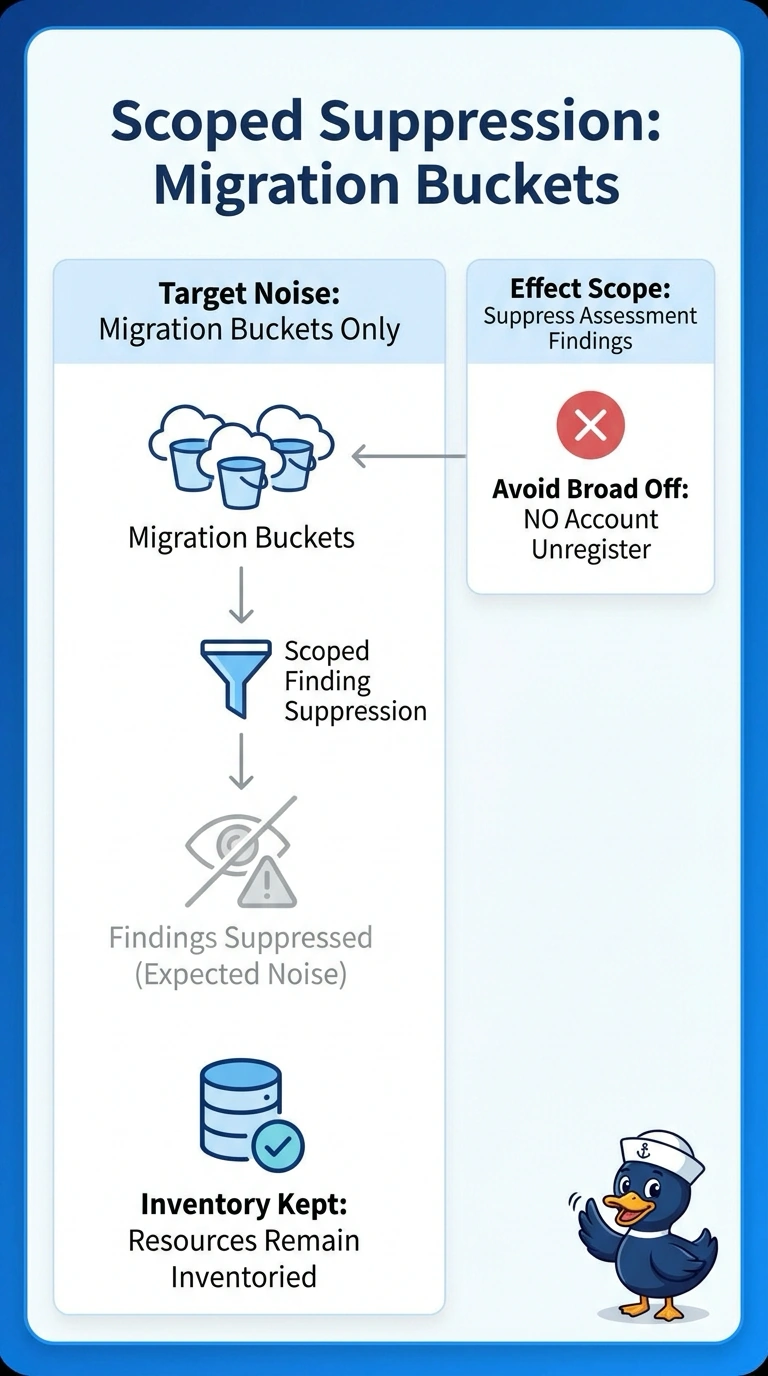
You don't need to unplug everything just to quiet a few noisy buckets. Your best move is a scoped finding suppression for those migration buckets, which quiets expected findings while you keep inventory and other production visibility intact.
Full Explanation
To reduce noise from temporary migration buckets while preserving visibility over other production storage, the administrator should Apply a scoped finding suppression for the migration buckets to suppress expected findings. The documented scoped finding suppression affects assessment findings versus inventory: expected findings are suppressed for the designated buckets while the resources remain in inventory, and it is not proof the resources are unscanned. Choosing to Unregister the entire production cloud account until the data migration project is completed removes visibility into all compute, identity, and storage misconfigurations across production for a localized issue. Opting to Remove all read permissions from the cloud onboarding role for the duration of the migration breaks inventory collection and causes registration health failures across the whole account. Deciding to Disable Cloud Security Posture Management globally across every cloud group in the tenant removes organization-wide posture monitoring to address temporary migration noise. As a caveat, temporary suppressions can linger if not tracked, so document an end date and verify non-migration buckets continue reporting normally.
Prefer to study offline? Printable PDF study book + test engine ($7.50, unofficial). These questions stay free here.