
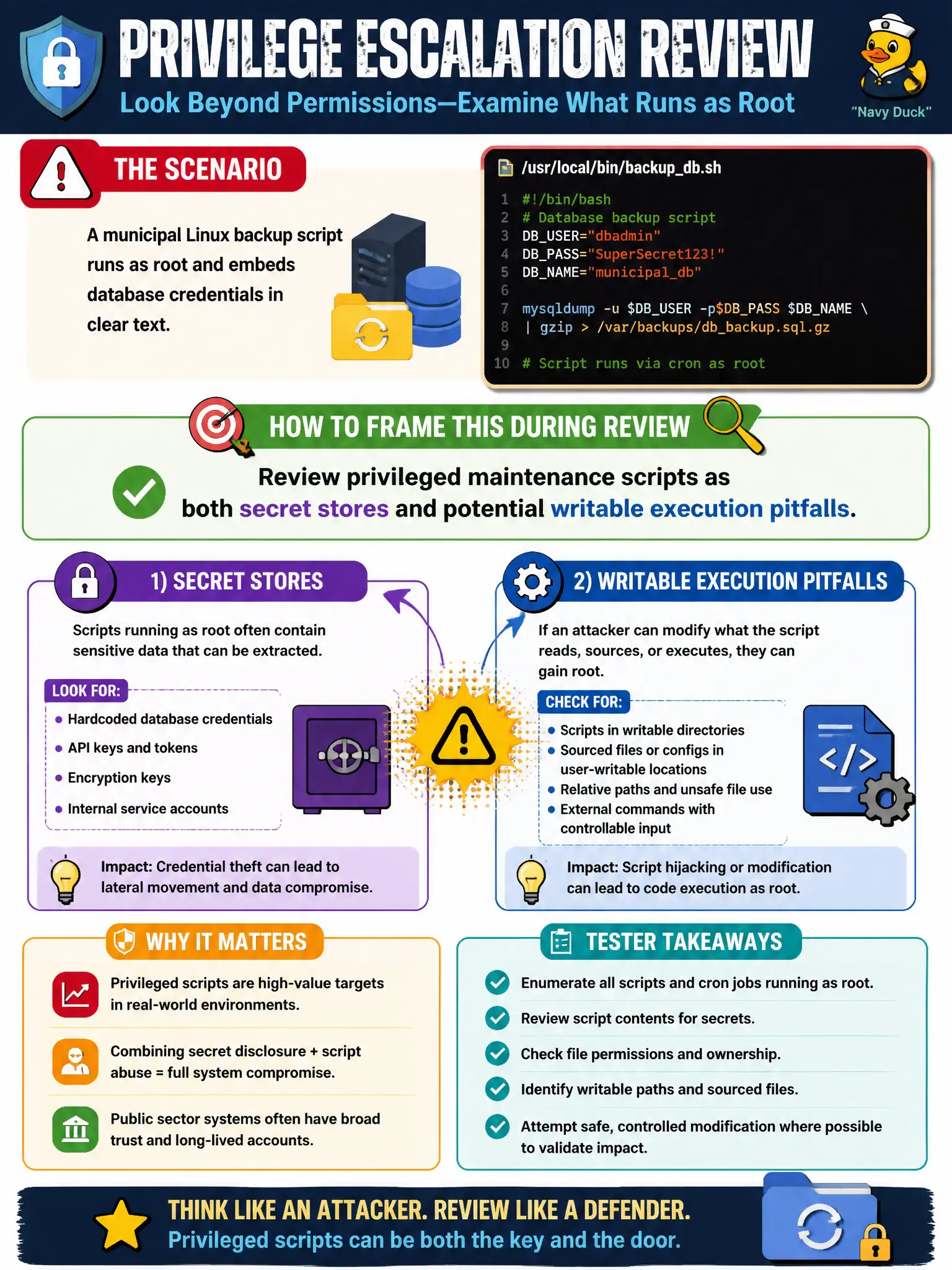
A municipal Linux backup script runs as root and embeds database credentials in clear text. How should the tester frame this during privilege-escalation review?
Select an answer to reveal the explanation.
Short Explanation
Root backup jobs are like a master key on a lanyard—and sometimes the password to the safe is written on the keychain tag. Reading those scripts often yields secrets and shows how a writable path could become an elevator.
Full Explanation
A municipal Linux backup script that runs as root and embeds database credentials in clear text should be framed both as a secret store and as a potential writable-execution pitfall if script permissions are weak. Privileged maintenance scripts are dual-risk artifacts during privilege-escalation review.
Ignoring scripts because only kernel CVEs matter is incomplete methodology. Embedded secrets remain relevant even when the script is not world-writable—readable secrets still enable database access. Deleting all backups to prevent credential theft destroys recoverability and is poor advice.
Exam caveat: prefer secret managers and file ACLs; ensure backup integrity without cleartext long-lived DB passwords in scripts.
Operational check: locate privileged backup scripts, note embedded credentials and permissions, demonstrate unauthorized secret read within RoE, and recommend vaulting credentials for city backup jobs. In municipal operations, record the rationale in the engagement notes so future assessors know which control was chosen and which failure modes the rejected options would create for city services. Re-validate after the next maintenance window that the same finding class still applies under the estate's current patch and configuration baseline.