
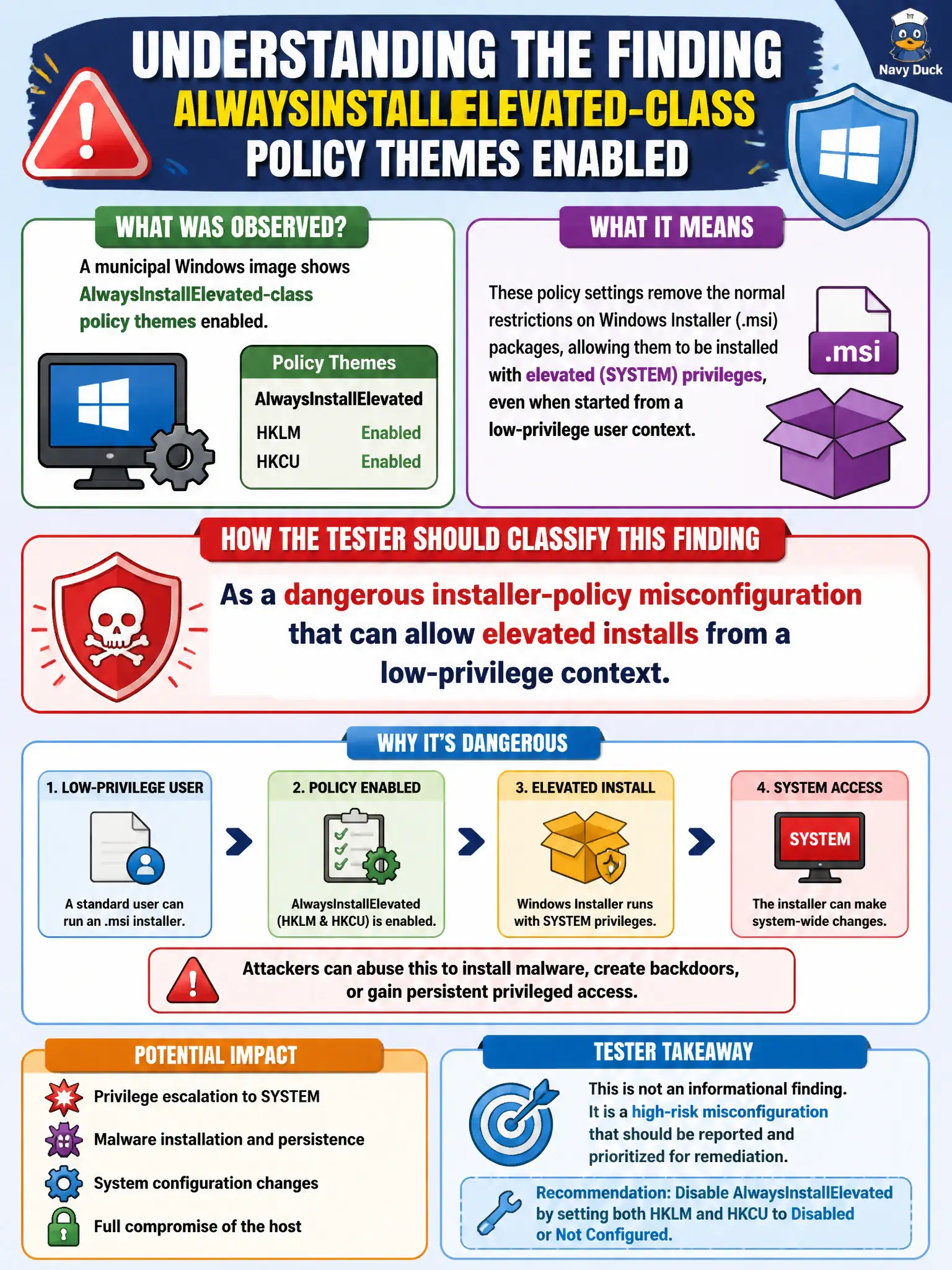
A municipal Windows image shows AlwaysInstallElevated-class policy themes enabled. How should the tester classify that finding?
Select an answer to reveal the explanation.
Short Explanation
AlwaysInstallElevated is like letting every intern install software with the manager's badge. When that policy class is on, low-priv users can land elevated installer runs—a classic Windows misconfig. Call it dangerous policy, not BitLocker trivia.
Full Explanation
AlwaysInstallElevated-class policy themes on a municipal Windows image are a dangerous installer-policy misconfiguration: low-privilege users may install MSI packages with elevated rights, yielding a direct privilege-escalation class when the policy is enabled as described.
It is not a mandatory BitLocker recovery setting. It does not confirm Windows Update is disabled enterprise-wide. It is not a Linux apt configuration that can be dismissed on Windows hosts.
Exam caveat: verify both user and computer policy halves where the classic pairing matters, and confirm on the assessed image rather than assuming GPO name alone.
Operational check: check the relevant installer elevation policy indicators on the civic workstation, capture evidence, and recommend disabling AlwaysInstallElevated-class settings in favor of controlled software deployment. In municipal operations, record the rationale in the engagement notes so future assessors know which control was chosen and which failure modes the rejected options would create for city services. Re-validate after the next maintenance window that the same finding class still applies under the estate's current patch and configuration baseline.