
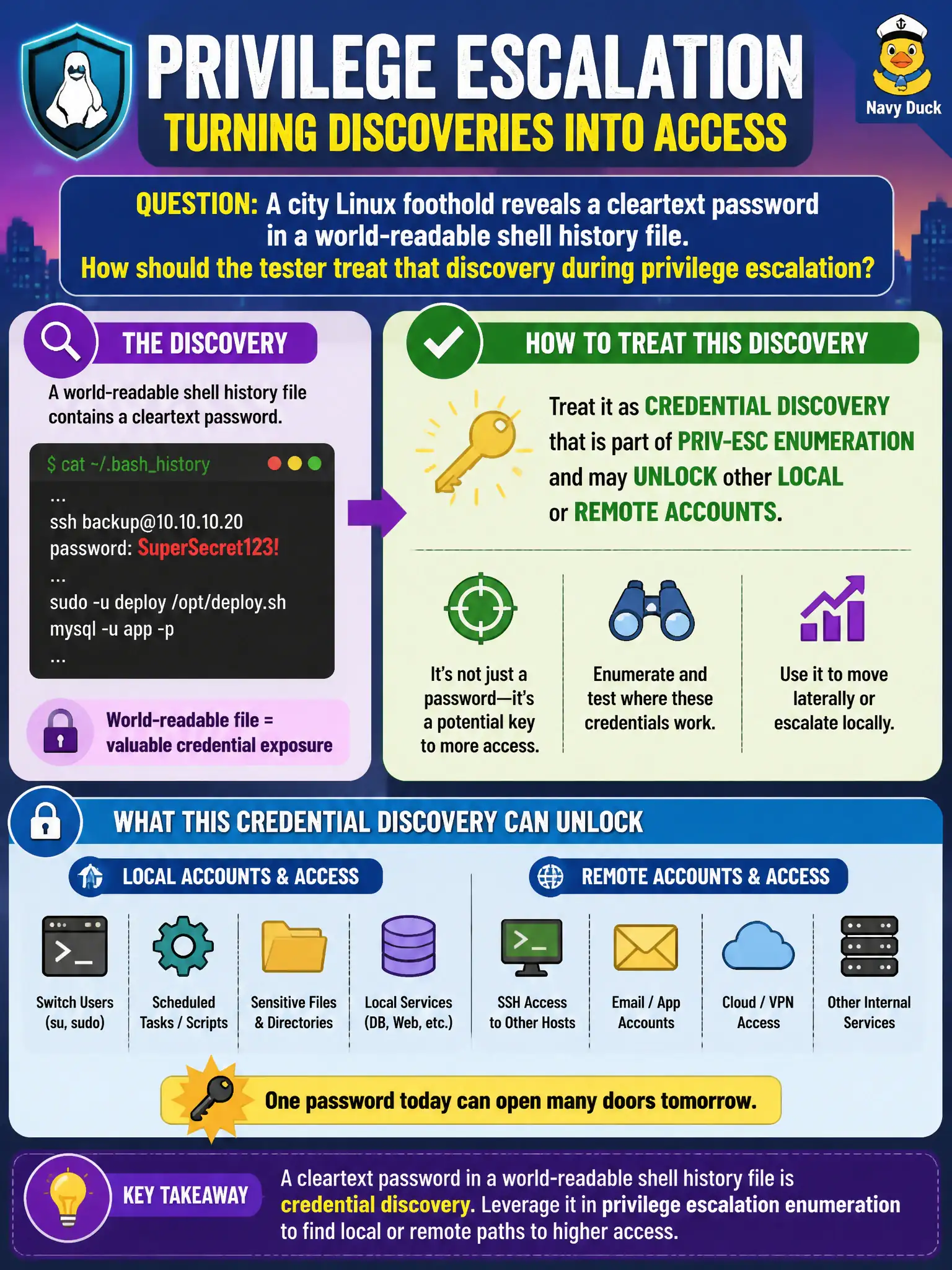
A city Linux foothold reveals a cleartext password in a world-readable shell history file. How should the tester treat that discovery during privilege escalation?
Select an answer to reveal the explanation.
Short Explanation
Shell history is the sticky-note drawer of Linux—people stash passwords there without meaning to. Finding one in a world-readable history is real credential loot for hopping accounts, not junk. Use it carefully inside scope; it does not green-light mass AD resets.
Full Explanation
A cleartext password in a world-readable shell history file on a city Linux foothold is credential discovery within privilege-escalation enumeration: recovered secrets may unlock sudo, other local accounts, or remote civic services. Treat history, transcripts, and dotfiles as first-class secret sources.
History files frequently contain reusable secrets and are not irrelevant clutter. Finding a password is not authorization to reset every Active Directory password without client notice. It does not by itself prove full-disk encryption is disabled or dictate that FDE bypass is the next mandatory step.
Exam caveat: handle recovered credentials per RoE—secure storage, minimization, and timely client notification.
Operational check: search authorized locations for history and credential patterns, validate reuse carefully within scope, and rotate exposed secrets with the city after evidence capture. Note which civic systems the password might unlock in the attack path narrative. In municipal operations, record the rationale in the engagement notes so future assessors know which control was chosen and which failure modes the rejected options would create for city services. Re-validate after the next maintenance window that the same finding class still applies under the estate's current patch and configuration baseline.